

144Hz monitor vs 27-inch monitor: Which Should SA Gamers Buy in 2026?
Head-to-head comparison of 144Hz monitor vs 27-inch monitor: Which Should for SA gamers. Performance benchmarks, Rand pricing & which delivers better value.
Read moreDeciding on an SSD vs HDD for your gaming laptop is crucial for performance. This guide breaks down speed, load times, and costs to help you choose the best drive for lag-free gaming. 🚀 Uncover tips to maximize your laptop's potential and crush the competition. Get ready to upgrade your experience! 🎮
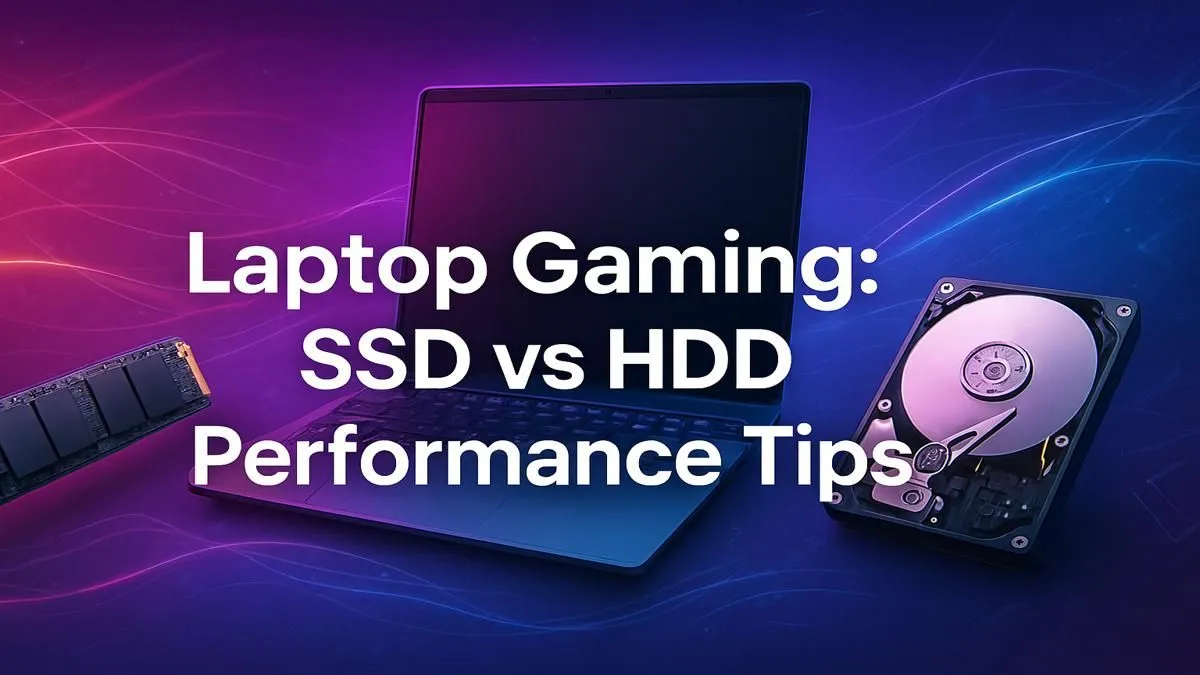
Staring at another loading screen in Warzone while your mates are already dropping in? We've all been there. That agonising wait often comes down to one crucial component choice in your machine. The classic SSD vs HDD for gaming laptop debate isn't just tech talk; it's the difference between getting into the action and getting left behind. So, which storage solution truly gives you the performance edge you need to compete? Let's settle it.
At its core, the difference between a Hard Disk Drive (HDD) and a Solid-State Drive (SSD) is mechanical versus digital. Think of an HDD like a tiny record player. It has a spinning platter and a physical read/write arm that moves to find your data. It’s reliable technology that offers huge storage capacity for a low price, which is why you’ll still find many traditional hard drives in budget systems and used for bulk data storage.
An SSD, on the other hand, has no moving parts. It uses flash memory—similar to a USB stick or your phone's storage—to access data almost instantly. This fundamental difference is what gives it a massive speed advantage.
So, how does this speed difference translate to your actual gaming experience? The answer is… massively. When you're deciding between an SSD or HDD for gaming, the benefits of solid-state storage become impossible to ignore.
This is the most immediate and noticeable boost. A gaming laptop with an SSD can boot up Windows in seconds, not minutes. The same applies to loading games. That long wait to get into a map in Baldur's Gate 3 or to load your character in Cyberpunk 2077 is drastically reduced. This is because the drive can read the game's assets and files at lightning speed. Upgrading is one of the single best ways to make an old laptop feel brand new, and our range of SSDs offers options for every budget.
A faster drive doesn't just affect loading screens. In large open-world games, the system is constantly pulling new textures and assets from your storage as you explore. An HDD can struggle to keep up, leading to annoying stuttering or textures that pop in late. An SSD delivers that data smoothly, resulting in a more fluid and immersive experience.
Before you buy a new SSD, pop open your laptop's manual or look up its model online. Check if you have a spare M.2 slot for a speedy NVMe drive or if you'll be replacing a 2.5-inch drive. Knowing your available slots saves you a massive headache and ensures you buy the right part first time!
When you start shopping, you'll see two main types of SSDs: SATA and NVMe. Understanding the difference is key to maximising your gaming laptop storage performance.
For your primary drive—the one that holds your operating system and your favourite games—the SSD vs HDD for gaming laptop contest has a clear winner. An SSD is no longer a luxury; it's an essential component for any serious gamer in South Africa. The performance boost to loading times and overall system responsiveness is simply too significant to pass up.
While a large HDD might still have a place in a desktop PC for storing media files, a laptop's limited space makes an SSD the smarter, faster choice. With prices becoming more affordable than ever, there's never been a better time to make the switch. Check out some of the best SSD deals in South Africa to find a drive that fits your needs and budget.
Ready to Unleash True Speed? The SSD vs HDD debate for a gaming laptop has a clear winner. For faster load times and a smoother experience, an SSD is the ultimate upgrade. Explore our unbeatable SSD deals and find the perfect drive to conquer your load screens.
Absolutely. An SSD dramatically reduces game load times and texture pop-in compared to an HDD. While an HDD offers more storage for less money, the speed boost from an SSD is a game-changer.
A 1TB SSD is a great starting point for most gamers. It provides enough space for your operating system, key applications, and several large modern games without constant management.
Yes, many gaming laptops support an SSD and HDD combo. This popular setup uses the fast SSD for your OS and favourite games, and the larger HDD for mass storage of other files.
An SSD primarily improves load times, not frame rates (FPS). However, it can reduce stuttering and in-game hitches caused by slow data access, leading to a smoother overall experience.
The main disadvantage is cost per gigabyte. HDDs offer significantly more storage capacity for a lower price, making them a budget-friendly option for storing large game libraries.
The difficulty varies by laptop model. Generally, it's a straightforward process involving opening the laptop, swapping the drive, and cloning or reinstalling the OS.
Head-to-head comparison of 144Hz monitor vs 27-inch monitor: Which Should for SA gamers. Performance benchmarks, Rand pricing & which delivers better value.
Read more
Head-to-head comparison of ultrawide monitor vs gaming monitor: Which Should for SA gamers. Performance benchmarks, Rand pricing & which delivers better value.
Read more
Head-to-head comparison of Rand vs Dollar: How Exchange Rate Affects Monitor for SA gamers. Performance benchmarks, Rand pricing & which delivers better value.
Read more
Is the 27-inch monitor Worth Buying in South Africa Detailed answer with SA data, expert analysis & practical recommendations for local buyers.
Read more
Head-to-head comparison of 1000R vs 1500R vs 1800R Curve Explained: Which for SA gamers. Performance benchmarks, Rand pricing & which delivers better value.
Read more
Head-to-head comparison of Curved Monitor vs Flat Monitor: Which Should for SA gamers. Performance benchmarks, Rand pricing & which delivers better value.
Read more
Every spec on PCIe 5.0 explained in plain English. What matters for gaming and creator work in 2026, what's marketing fluff, and how each number translates to real-world performance.

A head-to-head look at WiFi 7: real-world performance, ZAR pricing and which option delivers better value for SA builders. The clear answer — no fluff.

Everything you need to set up and tune PCIe 5.0 properly: the prep work, the settings that actually matter, and the mistakes to skip. Written for SA builders in 2026.

Everything you need to set up and tune X870E Motherboard properly: the prep work, the settings that actually matter, and the mistakes to skip. Written for SA builders in 2026.

Wondering what a 512GB SSD capacity really holds? This guide breaks down how many games, photos, and documents fit on 512GB, with real-world ranges 📦💾

Every spec on vrm explained in plain English. What matters for gaming and creator work in 2026, what's marketing fluff, and how each number translates to real-world performance.

Every spec on motherboard explained in plain English. What matters for gaming and creator work in 2026, what's marketing fluff, and how each number translates to real-world performance.

Premium vs Midrange Motherboards in South Africa: real-world performance, SA pricing, power draw and which one delivers better value for your build for SA buyers. The clear answer — without the fluff.
Wondering what a 512GB SSD capacity really holds? This guide breaks down how many games, photos, and documents fit on 512GB, with real-world ranges 📦💾
Every spec on PCIe 5.0 explained in plain English. What matters for gaming and creator work in 2026, what's marketing fluff, and how each number translates to real-world performance.
A head-to-head look at WiFi 7: real-world performance, ZAR pricing and which option delivers better value for SA builders. The clear answer — no fluff.

Every spec on USB4 explained in plain English. What matters for gaming and creator work in 2026, what's marketing fluff, and how each number translates to real-world performance.