So, you’re ready to share your epic gameplay with the world? Awesome. You've got the skills, the personality, and you're ready to hit that "Go Live" button. But then, the big technical question hits: how do you stream without turning your game into a slideshow? This brings every aspiring South African streamer to the great debate: Streaming PC vs Capture Card. Is a second PC overkill, or is a simple card all you need? Let's decode the tech and find the perfect setup for you.
Understanding the Capture Card Route
First, let's clear up what a capture card actually does. Think of it as a middleman. It captures the video output from your gaming machine (whether it's your PC or a console like a PS5) and sends it to your computer to be processed by software like OBS or Streamlabs.
It’s a fantastic solution for console streamers, as it’s the only way to get your console gameplay onto a PC for a professional-looking stream with overlays and alerts.
For PC gamers, a capture card can offload the "capturing" part of the process from your graphics card, freeing up a tiny bit of performance. However, your single PC’s processor (CPU) or graphics card (GPU) still has to do the heavy lifting of encoding the video—compressing it and sending it to Twitch or YouTube. If your PC is already struggling to run the game, a capture card won't magically fix your stream's performance issues. It helps, but it isn't a silver bullet. A powerful single machine, like some of the excellent gaming PCs under R20k, often has enough power to handle both tasks without needing a card at all.
So, when is a capture card the right choice?
- You primarily stream from a console (PS5, Xbox, Switch).
- You have a high-end gaming PC and just want to ensure the smoothest possible input for your stream.
- You're on a tight budget and can't invest in a second PC just yet.
The Two-PC Setup: A Dedicated Streaming PC 🚀
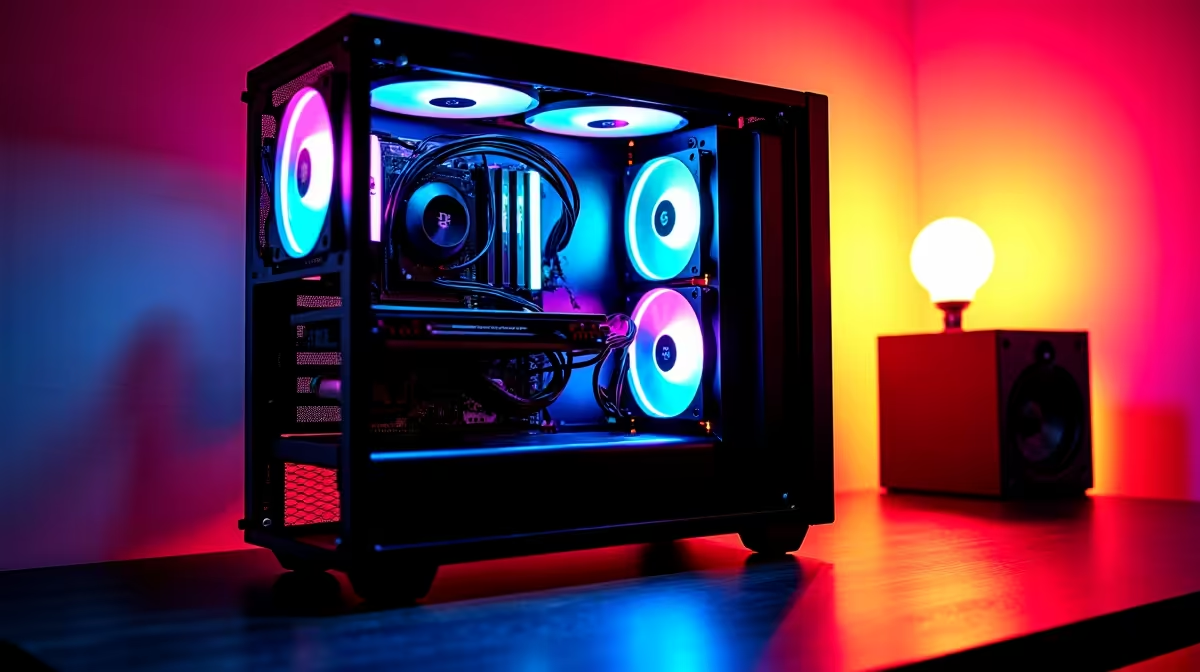
This is the pinnacle of streaming setups. A dedicated streaming PC is a second computer whose only job is to run your streaming software, encode the video, and manage your scenes, alerts, and audio. Your main gaming PC does what it does best: run your game at the highest possible frame rate with zero compromise.
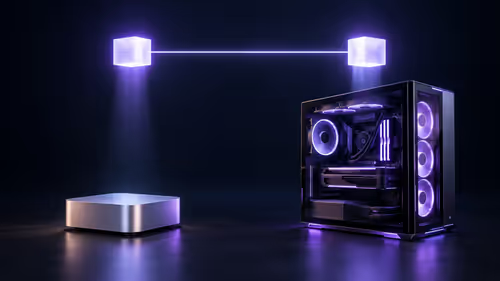
The two PCs are connected via a capture card, which sits inside the streaming PC. Your gaming PC's video output goes into the capture card, and the streaming PC handles everything else.
The result? Flawless performance. Your game is buttery smooth, and your stream is crystal clear, because neither machine is trying to do two demanding jobs at once. You can use high-quality x264 CPU encoding on your streaming PC for the best possible visuals without ever dropping a frame in-game. Whether you build a budget-friendly rig around a solid AMD Ryzen processor or a powerful machine with a multitasking Intel Core CPU, the performance gains are undeniable for serious creators.
Who needs a dedicated streaming PC?
- Competitive gamers who cannot afford even a 1% performance drop.
- Content creators who want the absolute best stream quality possible.
- Streamers who run complex scenes, transitions, and effects that would bog down a single PC.
The Modern Sweet Spot: Powerful Single-PC Streaming ✨
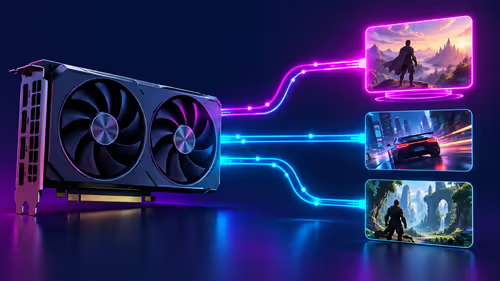
For years, the streaming PC vs capture card discussion was very black and white. But technology has evolved. Modern graphics cards, particularly NVIDIA's RTX series, have dedicated media encoders (called NVENC) built right into the hardware. These encoders are now so efficient that they can encode a high-quality stream with a minimal performance impact on your game... often less than 5%.
This means a single, powerful PC can now deliver a fantastic streaming experience that was once only possible with two machines. It's the perfect middle ground, offering more power and reliability than a mid-range PC with a capture card, but without the cost and complexity of a dual-PC setup. For a hassle-free, high-performance experience right out of the box, exploring some pre-built PC deals is often the smartest move for aspiring streamers in South Africa.
OBS Pro Tip for Single-PC Streaming 🔧
OBS Studio, go to Settings > Output. Change the 'Output Mode' to 'Advanced'. Under the 'Streaming' tab, set your 'Encoder' to 'NVIDIA NVENC H.264 (new)' or the AMD equivalent. Start with a bitrate of 6000 Kbps for Twitch, and use the 'P5: Slow (Good Quality)' preset. This gives you a great balance of quality and performance!
Ultimately, the best choice depends on your budget and your goals. A capture card is a great starting point for console streamers, while a dual-PC setup is the pro-level dream. But for most South African gamers looking for the best bang for their buck, a single, well-specced gaming PC is the undisputed champion today.
Ready to Go Live with Flawless Quality?
The streaming PC vs capture card debate often leads to one truth: a powerful core PC is your biggest asset. Whether you need a beast for single-PC streaming or a dedicated encoding rig, your journey starts here. Explore our incredible range of Gaming PCs and build the perfect streaming setup today.