


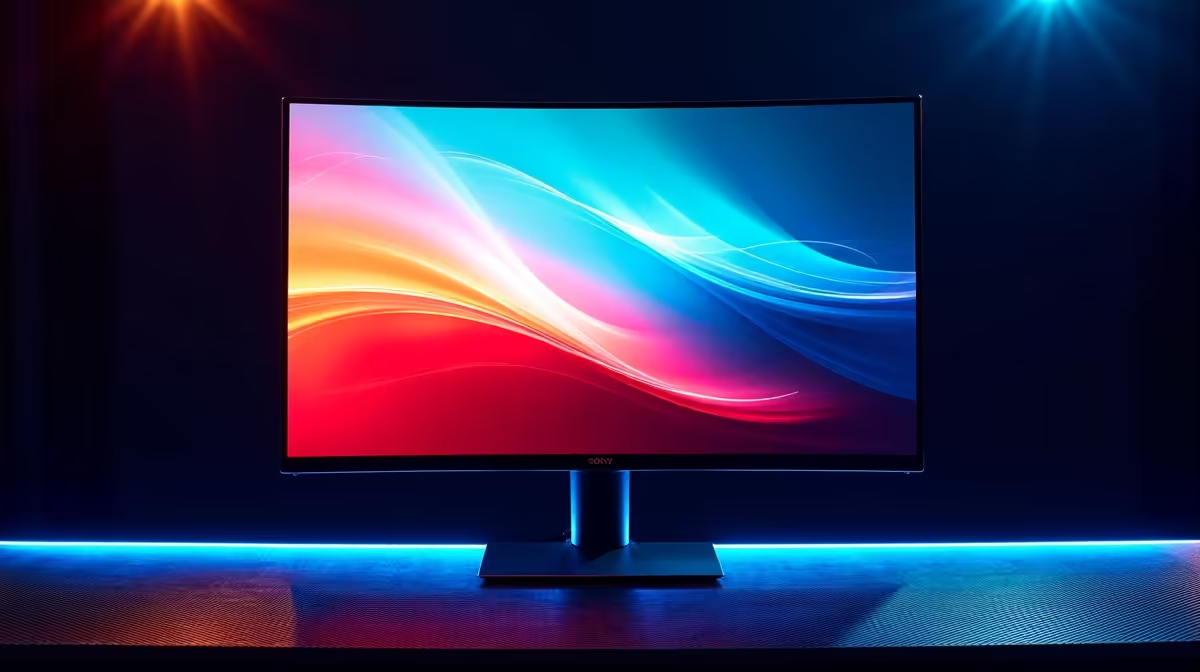
Building a gaming PC in South Africa on a tight budget is a real balancing act. You’ve squeezed every rand to get a decent GPU, but what happens when your frame rate dips in a chaotic firefight? Stuttering and screen tearing can ruin the moment. The secret to buttery-smooth gameplay isn't always a pricier graphics card... it's choosing a VRR range gaming monitor that works smarter, not harder. Here’s why this one spec is so important.
Understanding VRR and Why the 'Range' is King
First, what even is VRR? Variable Refresh Rate (VRR) is a technology—like AMD's FreeSync or NVIDIA's G-Sync—that allows your monitor to dynamically match its refresh rate to the frames per second (FPS) your graphics card is producing. When your GPU outputs 73 FPS, your monitor refreshes 73 times per second. When it drops to 58 FPS, the monitor follows.
The result? No more ugly horizontal "tears" across the screen.
But here's the catch many buyers miss: every monitor has a specific range where VRR works, for example, 48Hz to 144Hz. The wider this range, the better, especially for budget builds. You can browse a wide variety of PC monitors to see these specs in action.
A Wide VRR Range: The Budget Build's Secret Weapon 🚀
Let's be real. Your mid-range rig probably won't consistently push 100+ FPS in demanding new titles at high settings. It will fluctuate. This is where a monitor's VRR range becomes crucial.
Imagine you're playing Helldivers 2, and a massive explosion drops your frame rate to 45 FPS.
- Monitor A (Poor VRR Range: 60-144Hz): The moment your FPS drops below 60, VRR switches off. Suddenly, you're hit with jarring stutter and tearing, right when you need smooth visuals the most.
- Monitor B (Good VRR Range: 40-144Hz): Your FPS drops to 45, but you're still comfortably within the VRR window. The monitor adjusts, and your gameplay remains smooth and responsive. You might not even notice the performance dip.
A VRR range gaming monitor with a low bottom-end (like 40Hz or 48Hz) acts as a safety net, making a R7,000 graphics card feel much more capable. It smooths over the inevitable performance dips, giving you a premium experience without the premium price tag. You can often find a screen with an excellent VRR range in our selection of the best PC monitor deals. When shopping, keep an eye on this spec across all our gaming monitors to maximise your budget.
How to Check a Monitor's True VRR Range
Finding this information can sometimes be tricky, but it's worth the effort. Look for the "FreeSync Range" or "G-Sync Range" on the product's official specifications page or in detailed third-party reviews.
Many modern displays, including immersive curved monitors, support VRR. Even high-resolution 4K monitors benefit hugely, as maintaining a stable 60+ FPS at that resolution is demanding for any GPU. A good VRR range ensures that even at 4K, any dips below 60 FPS remain smooth.
Quick Tip: Activate VRR! 🔧
"Owning a VRR monitor is only half the battle! You need to enable it. For NVIDIA cards, open the NVIDIA Control Panel, go to 'Set up G-SYNC', and enable it for your display. For AMD cards, open the Radeon Software, navigate to the 'Gaming' > 'Display' tab, and toggle AMD FreeSync on. Don't leave performance on the table!"
Beyond the Range: Finishing Touches for Your Setup ✨
While a monitor's VRR range is a critical factor for budget builds, don't forget the other elements that complete your experience. Panel type (like IPS for better colour), response time, and resolution all play a part.
Even your physical setup matters. Ensuring you have the right cables, a sturdy monitor arm, or other monitor accessories can make a world of difference. And if you need a second screen for streaming or work, many modern portable monitors now also include VRR features.
Ultimately, by prioritising a VRR range gaming monitor, you're making the smartest possible investment to guarantee a smoother, more enjoyable gaming experience on your budget PC.
Ready to Banish Stutter for Good? A great VRR range is the most impactful upgrade for a budget or mid-range PC. Stop letting screen tear ruin your immersion. Explore our massive range of gaming monitors and find the perfect screen for flawlessly smooth gameplay.









