

RTX 5070 Cyberpunk 2077 at 1440p: FPS Benchmark & Optimal Settings
RTX 5070 Cyberpunk 2077 at 1440p: FPS Benchmark. Real-world benchmark data, FPS numbers & performance analysis. What SA gamers can actually expect.
Read moreWireless gaming mouse battery life gives South African esports players uninterrupted play and zero-charge convenience, boosting practice time, reducing downtime, and simplifying setups ⚡🎮
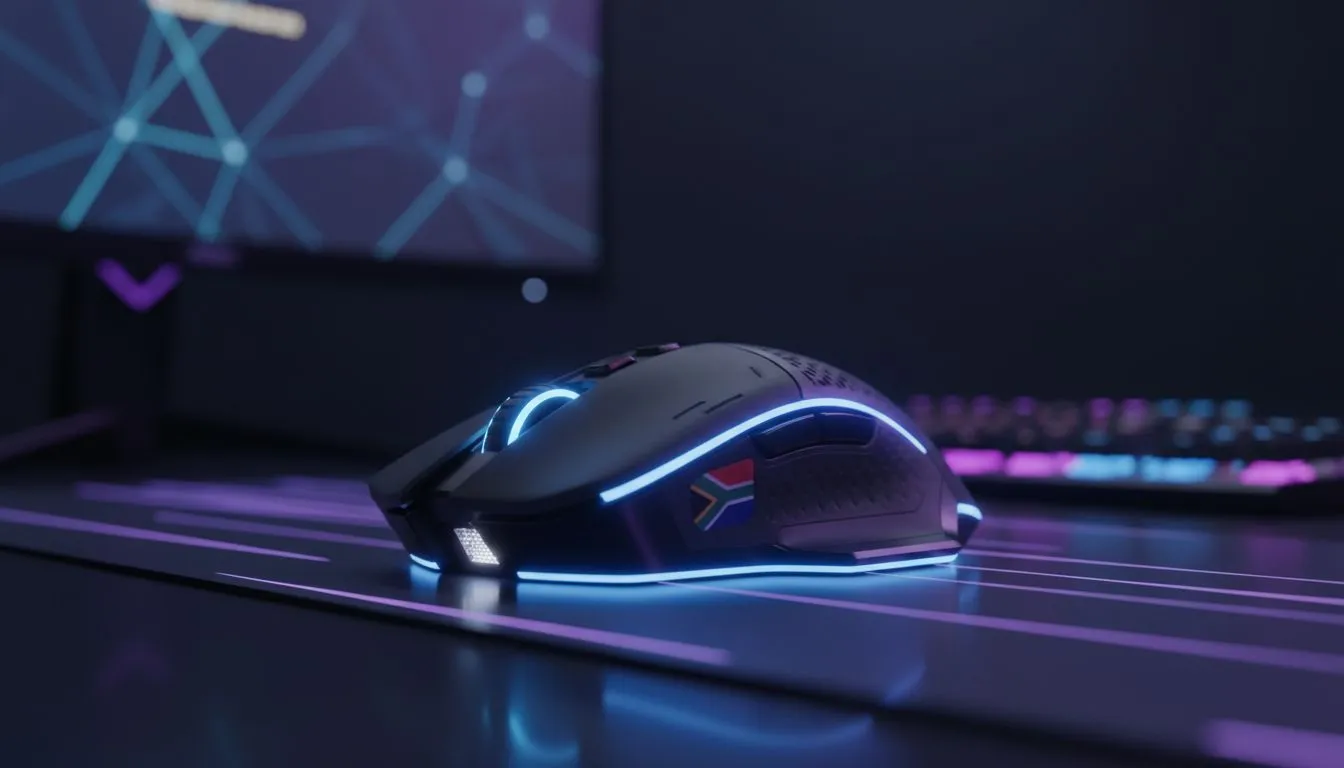
If your wireless mouse dies mid-round, you know the sting. South African esports teams and weekend LAN crews prize two things: consistent performance and fewer interruptions. This guide shows how smart choices — from settings to surface — extend wireless gaming mouse battery life and deliver real no-charge benefits for SA esports players. Read on for quick wins, gear links and build-ready setups. 🚀
Long battery life means fewer cables, cleaner desks and one less failure point when every millisecond counts. Beyond convenience, it reduces on-site kit checks and the stress of last-minute charging. For mousepad surfaces that optimise glide and control — factors that quietly affect sensor behaviour and, indirectly, power draw — check our primer on mousepads. Mouse pads 101 covers materials and finishes that players actually prefer.
Small firmware and OS tweaks can stretch runtime substantially. Lower polling rates when not competing, disable RGB lighting on peripherals, and use power-saving modes the manufacturer provides. If you run tournaments or long practice sessions, build a profile: "high performance" for matches, "battery saver" for drills. Flicking profiles mid-session is faster than grabbing a cable.
Keep a tiny USB hub and a charged spare battery or wireless receiver in your kit. If a mouse hits 5% mid-practice, swap to the spare gear and keep the match flow going.
Surface friction affects how much force you apply — more force can mean more micro-movements and minute sensor work. A consistent, low-friction pad stabilises aim and can indirectly conserve battery. If you prefer branded surfaces, explore Evetech's range of in-house mousepads here: Evetech Mousepad selection. Prefer a pro favourite like SteelSeries? See their pads at Evetech too: Steelseries gaming mouse pads.
Need budget or alternative options? Marvo options are solid for practice rigs: Marvo gaming mousepads. And if you dislike extra lights in your setup, there's a choice for that: Non-RGB mousepads.
On the flip side, RGB flair can help read the room or sync with other gear... but it draws power. If you want the look without frequent charging, explore RGB pads that offer both aesthetics and performance: RGB mousepads. Size matters too — bigger pads let you move freely without lifting your mouse. For frag-heavy players, XXL or extended surfaces are worth considering: XXL mousepads and Extended pads fit full keyboard-and-mouse setups.
Make charging part of your workflow. Schedule a top-up after evening practice or use docked downtime during breaks at events. Train crews to carry USB-C cables, power banks and a charged spare mouse. Avoid deep-discharge cycles where possible; many modern wireless mice have firmware-managed charging that benefits from regular smaller top-ups.
A micro-story: one Johannesburg semi-pro team switched to a single wireless model with excellent standby behaviour, added a spare dongle in their case and never lost a match to a drained mouse again. It’s the small, repeatable steps that win tournaments.
South African gamers want gear that performs and lasts. Focus on low-draw settings, consistent surface choice and a simple backup routine. Want to test surfaces and see how they feel in person? Our mousepad guides and categories above help you pick the pad that complements your mouse and playstyle. ✨
Ready to Find Your Perfect Match? The Mac vs Windows debate is complex, but for maximum power, choice, and value in South Africa, Windows is hard to beat. Explore our massive range of laptop specials and find the perfect machine to conquer your world.
Long battery life keeps players in matches without charging pauses, improving practice time, consistency, and focus during tournaments.
Yes — modern recharge-free and long-lasting gaming mouse designs maintain low latency and consistent tracking for competitive esports.
Look for efficient sensors, power-saving firmware, and wireless tech like low-energy RF or hyper-efficient Bluetooth to extend battery life.
Yes. Fewer replacements and less charging gear reduce long-term costs, especially when using no recharge gaming mouse models.
No. Many endurance wireless mouse for esports models use optimized firmware and high-end sensors to balance battery life and responsiveness.
Compare battery ratings, sensor specs, and user reviews; prioritize models labeled best wireless gaming mouse battery life and low-latency performance.
Use power-saving modes, update firmware, lower polling rates when idle, and use quality batteries to extend life between charges.
RTX 5070 Cyberpunk 2077 at 1440p: FPS Benchmark. Real-world benchmark data, FPS numbers & performance analysis. What SA gamers can actually expect.
Read more
RTX 3060 Crimson Desert at 1080p: FPS Benchmark. Real-world benchmark data, FPS numbers & performance analysis. What SA gamers can actually expect.
Read more
RTX 5060 Ti Starfield at 1080p: FPS Benchmark. Real-world benchmark data, FPS numbers & performance analysis. What SA gamers can actually expect.
Read more
Intel Arc B580 Assassins Creed Shadows at 1440p. Real-world benchmark data, FPS numbers & performance analysis. What SA gamers can actually expect.
Read more
RX 9070 Avowed at 4K: FPS Benchmark & Optimal. Real-world benchmark data, FPS numbers & performance analysis. What SA gamers can actually expect.
Read more
RX 9070 XT Linux Support: Benchmark & Real-World. Real-world benchmark data, FPS numbers & performance analysis. What SA gamers can actually expect.
Read more
Top Valorant Settings for RTX 5070: FPS Optimisation picks evaluated on performance, value & SA availability with current Rand pricing from Evetech.

RDNA 3.5 Graphics in Ryzen AI 400? Can You Game. Plain-English explanation of what it means, why it matters & how it affects your buying decisions in SA.

GPU Price Index : December Report. Current stock data & price tracking for SA buyers. See what is available and where prices are heading.

RX 9070 XT Elden Ring Nightreign at 4K: FPS. Real-world benchmark data, FPS numbers & performance analysis. What SA gamers can actually expect.

Core i5-14600K + B760 + RTX 5060 Build Under. Full parts list, Rand pricing & expected performance. Build confidently with SA-available components.

RX 7600 Apex Legends at 4K: FPS Benchmark. Real-world benchmark data, FPS numbers & performance analysis. What SA gamers can actually expect.

RX 7900 XTX GTA 6 at 4K: FPS Benchmark & Optimal. Real-world benchmark data, FPS numbers & performance analysis. What SA gamers can actually expect.

Head-to-head comparison of RTX 5070 vs RX 9070 XT: Gaming Performance for SA gamers. Performance benchmarks, Rand pricing & which delivers better value.

Top RTX 5070 Under R25,000 picks evaluated on performance, value & SA availability with current Rand pricing from Evetech.
Core i5-14600K + B760 + RTX 5060 Build Under. Full parts list, Rand pricing & expected performance. Build confidently with SA-available components.

Top Monitor for RX 9070: Resolution & Refresh Rate picks evaluated on performance, value & SA availability with current Rand pricing from Evetech.

Valorant Settings on RX 9060 XT: Performance. Real-world benchmark data, FPS numbers & performance analysis. What SA gamers can actually expect.