

Is Overclocking TKL keyboard Worth It in SA?
Is Overclocking TKL keyboard Worth It in SA Detailed answer with SA data, expert analysis & practical recommendations for local buyers.
Read moreWireless gaming mouse input lag can cost you wins — learn proven firmware, polling rate, USB receiver placement, and interference fixes to cut latency for competitive play 🎮⚡️
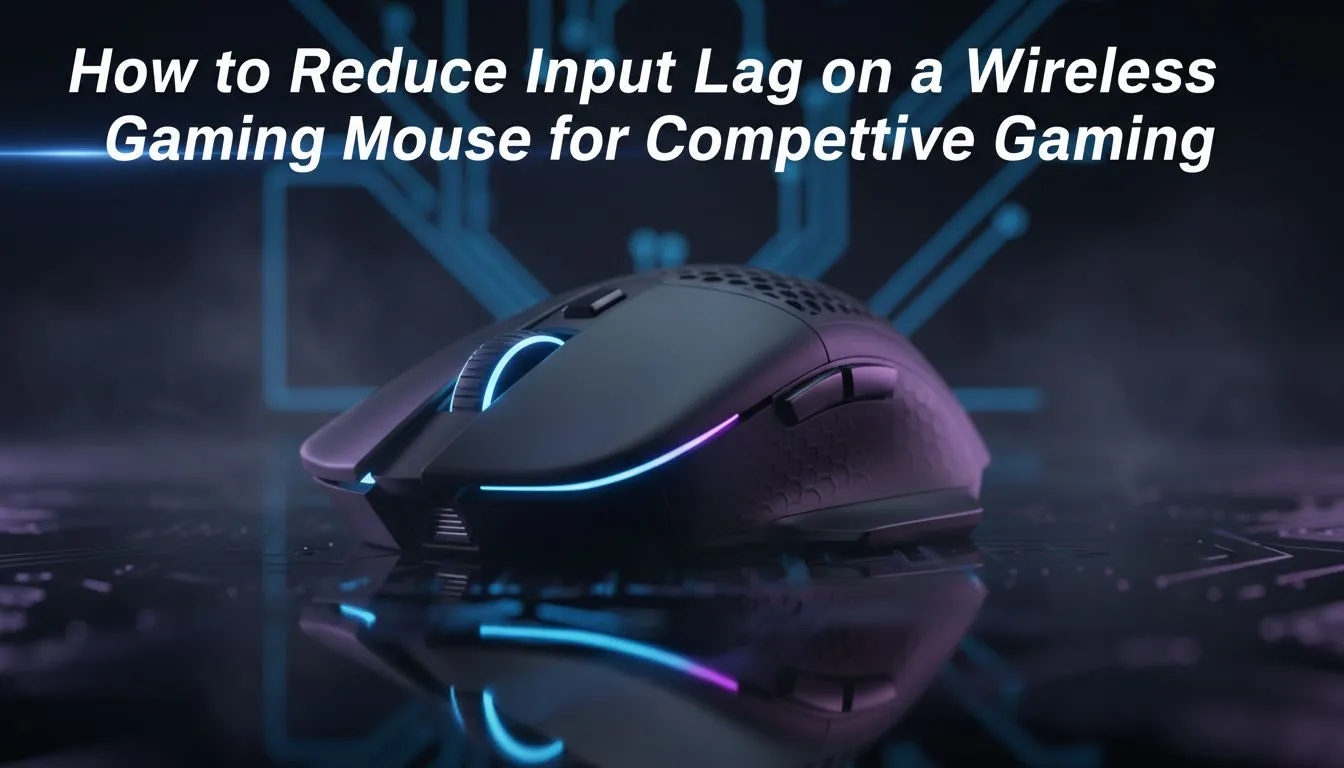
Lag at the clutch moment is soul‑crushing, especially on a South African server with friends watching. Wireless Gaming Mouse Input Lag: How to Reduce It explains practical, no‑nonsense fixes you can try tonight — no rebuilds required. Read on for simple checks, setup tweaks, and buying tips that actually cut latency and keep your aim sharp.
Input lag is the delay between a physical action and the cursor or in‑game response. It's not just about the mouse; polling rate, wireless radio, USB ports, and software all matter. If your mouse skips in strafes or your shots feel late, these steps usually fix it.
Check out our curated gaming mice if you want a fresh starting point: browse our gaming mouse catalogue.
If you’re shopping for a new wireless model, compare specs and user reviews. We list top current offers in our best gaming mouse deals.
Wired mice still offer rock‑steady latency with zero radio issues. If every millisecond matters and you play competitively, test a wired device before committing. You can explore wired options here: buy wired mouse. Conversely, if untethered freedom is a must, choose a gaming‑grade wireless model and follow the tips above; we also have a selection to buy wireless mouse.
For the lowest latency, use the mouse's native 2.4GHz dongle placed at the front of your PC or via a short USB extension. Turn off Bluetooth and keep other 2.4GHz devices clear while gaming.
Small changes often give outsized improvements. If you’ve tried these and still feel lag, capture a short clip and test on another PC to rule out software conflicts.
Ready to Find Your Perfect Match? The Mac vs Windows debate is complex, but for maximum power, choice, and value in South Africa, Windows is hard to beat. Explore our massive range of laptop specials and find the perfect machine to conquer your world.
Common causes include low polling rate, outdated firmware, USB receiver placement, wireless interference, and power saving settings that add latency.
Download the manufacturer's software, connect the mouse, and follow the firmware update steps. Firmware updates often fix latency and performance bugs.
Yes. Increasing the polling rate (e.g., 125Hz to 1000Hz) lowers latency. Use your mouse software to boost polling rate for competitive play.
For competitive gaming, 2.4GHz dongles typically offer lower latency than Bluetooth and reduce wireless mouse input lag from interference.
Yes. Place the USB receiver close to the mouse using a front USB port or an extension to reduce signal obstacles and lower mouse lag.
DPI affects sensitivity not latency. However, pairing proper DPI with polling rate and smoothing settings can improve perceived responsiveness.
Check for interference, use a different USB port, update firmware, replace batteries, and disable power-saving USB settings to stop stuttering.
Is Overclocking TKL keyboard Worth It in SA Detailed answer with SA data, expert analysis & practical recommendations for local buyers.
Read more
Geekbench Keyboard Benchmarks: Rankings. Real-world benchmark data, FPS numbers & performance analysis. What SA gamers can actually expect.
Read more
Head-to-head comparison of Keyboard Prices: Online vs Physical Stores for SA gamers. Performance benchmarks, Rand pricing & which delivers better value.
Read more
Head-to-head comparison of Apple Magic Keyboard vs Third-Party: Is It Worth for SA gamers. Performance benchmarks, Rand pricing & which delivers better value.
Read more
Snapdragon X2 NPU Explained: How 80 TOPS Changes. Plain-English explanation of what it means, why it matters & how it affects your buying decisions in SA.

HBM? High Bandwidth Memory Used in GPUs and AI. Plain-English explanation of what it means, why it matters & how it affects your buying decisions in SA.

How much should you spend on sim racing accessories in South Africa for a realistic setup? We break down budgets by quality tiers, so you buy smart gear and avoid overspending 🎮💸

G-Sync and FreeSync? Variable Refresh Rate. Plain-English explanation of what it means, why it matters & how it affects your buying decisions in SA.

AMD Laptop: Value. SA-focused analysis with local pricing data, real-world insights & actionable buying advice.

How MacBook Neo Handles 30+ Chrome Tabs with Only. SA-focused analysis with local pricing data, real-world insights & actionable buying advice.

Why Apple Put 8GB RAM in MacBook Neo: The A18 Pro. SA-focused analysis with local pricing data, real-world insights & actionable buying advice.

Upgrade your work laptop with a New Motherboard. Step-by-step instructions with SA-specific tips, common pitfalls to avoid & expert recommendations.

MacBook Pro 16-Inch M5 Max: Complete Specs,. Everything you need to know with SA pricing, step-by-step instructions & expert recommendations.

Travelling With a MacBook: Travellers. Everything you need to know with SA pricing, step-by-step instructions & expert recommendations.

Back-to-School Parent Guide: Laptops. Everything you need to know with SA pricing, step-by-step instructions & expert recommendations.

MacBook Air 13-Inch M5: Complete Specs, Features. Everything you need to know with SA pricing, step-by-step instructions & expert recommendations.