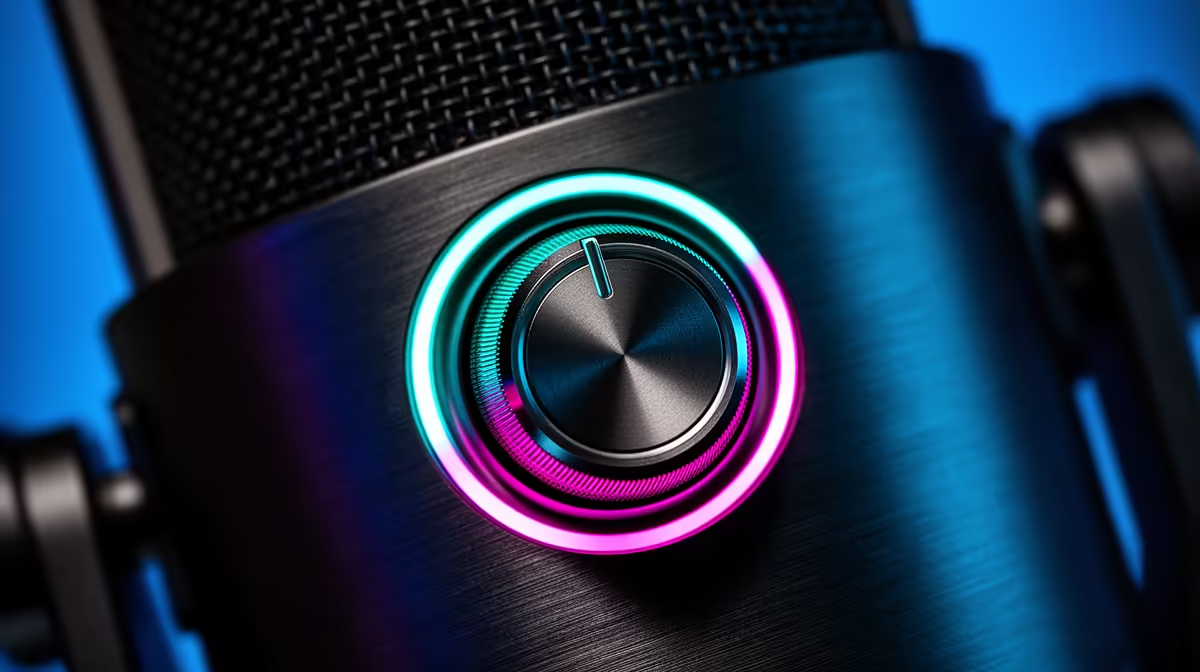
There is no mystery to the knob on the side of a dynamic gaming mic, but getting it wrong costs you either a distorted recording or a voice that disappears into the mix. The 0-100 gain control knob on a dynamic gaming microphone adjusts how much the onboard preamp boosts your voice before that signal travels down the USB cable. Zero means silence. One hundred means maximum sensitivity. Everything in between is a tradeoff between presence and noise, and the sweet spot is narrower than most new users expect.
Quick Answer
Set the gain so your loudest moments, shouting during a clutch play or a loud exclamation, peak at around minus 12dB in your recording software. That level keeps voice full and present while leaving enough headroom before the signal clips and distorts.
🎙️ What the Knob Actually Controls
The gain knob adjusts the preamplifier stage built into the mic. A dynamic capsule outputs a weak analogue signal, far quieter than what a condenser mic produces. The preamp inside the mic body boosts that signal before the analogue-to-digital converter samples it. The knob controls how much of that boost is applied.
At 0, the preamp applies no boost and the signal is nearly inaudible. At 100, it applies maximum amplification and the capsule becomes as sensitive as the design allows. The problem with leaving it at 100 is that amplification applies equally to your voice and to everything else in the room. Fan noise, keyboard clatter, and background chatter all get boosted along with your voice, and loud moments push the signal into clipping.
A dynamic mic needs more gain than a condenser to achieve the same output level, so most users find the correct setting sits in the 55 to 75 range on a 0-100 dial for a typical gaming voice at a 15cm talking distance. The exact number varies between mic models, which is why the minus 12dB target in your recording software is a more reliable reference than any specific dial position.
⚡ What Happens When Gain is Too High or Too Low
Setting the knob too high is the more damaging mistake. The signal peaks too hard, the analogue-to-digital converter runs out of headroom, and clipping occurs. Clipped audio has a harsh, distorted quality on the loud moments and the distortion is permanent and cannot be repaired in post-production.
Beyond clipping, high gain picks up more of the room. A dynamic mic with gain pushed to 90 or 100 starts behaving more like a sensitive condenser, catching keyboard noise, a PC fan, or outside noise through a window. The proximity advantage of a dynamic capsule at normal gain settings disappears when the preamp boost is pushed too hard.
Setting the knob too low introduces a different problem. The voice signal entering the converter is weak, which means the recording software must apply digital gain to bring the level up to a usable range. Digital gain applied after the conversion amplifies the quantisation noise already baked into the thin signal. The resulting recording sounds thin, noisy, and distant rather than clean.
🔧 Finding the Correct Setting for Your Setup
The process takes under two minutes. Open your recording software or streaming application, watch the level meter, and speak at your typical gaming volume for thirty seconds including any loud reactions. Observe where the peaks land.
The goal is peaks around minus 12dB, which leaves roughly 12 decibels of headroom before the signal reaches 0dB and clips. If peaks are sitting at minus 6dB or higher, reduce the knob. If peaks sit below minus 18dB, raise it slightly. Adjust in small increments and re-test.
Speak at your gaming voice, not your phone voice. Many streamers calibrate during a calm test and then push into distortion during an exciting match moment. Test at the volume you actually reach during high-intensity play.
🎯 The Advantage of a Physical Knob Over Software Controls
A physical knob on the mic body trims the input level immediately without alt-tabbing out of the game. For live streaming where sound issues arise at inconvenient moments, the physical control is faster and more reliable than any software adjustment.
Frequently Asked Questions
What does the 0-100 gain knob control on a dynamic gaming mic?
It adjusts the preamp inside the mic, setting how much amplification is applied to the capsule's signal before conversion to digital audio. The correct position for most gaming voices at a normal 15cm distance sits somewhere in the middle, calibrated by watching the level meter in your recording software.
Where should I set the gain dial?
Set it so your loudest moments peak at around minus 12dB in your recording software. Use the meter rather than guessing from the knob position, since models respond differently across the 0-100 range.
What happens if the gain is set too high?
The signal clips on loud moments, producing a harsh, permanent distortion that cannot be fixed in editing. High gain also raises the noise floor, pulling in more keyboard noise, fan hum, and room ambience than a dynamic capsule would normally capture at a correct setting.
What if the gain is set too low?
Your voice records quietly, and bringing the level up in software later amplifies the quantisation noise captured during the recording. The result sounds thin, grainy, and distant. Raise the knob gradually and re-check peaks.
Can I adjust the gain during a live stream with the physical knob?
Yes, and that is one of the main practical advantages of a hardware knob. Turning it trims the input level immediately without interrupting the session, making it faster and more reliable than navigating software controls mid-broadcast.
Ready to dial in your streaming voice properly?
Browse the dynamic gaming microphone range at Evetech and find a mic with onboard gain control that lets you set levels quickly and accurately during any session.