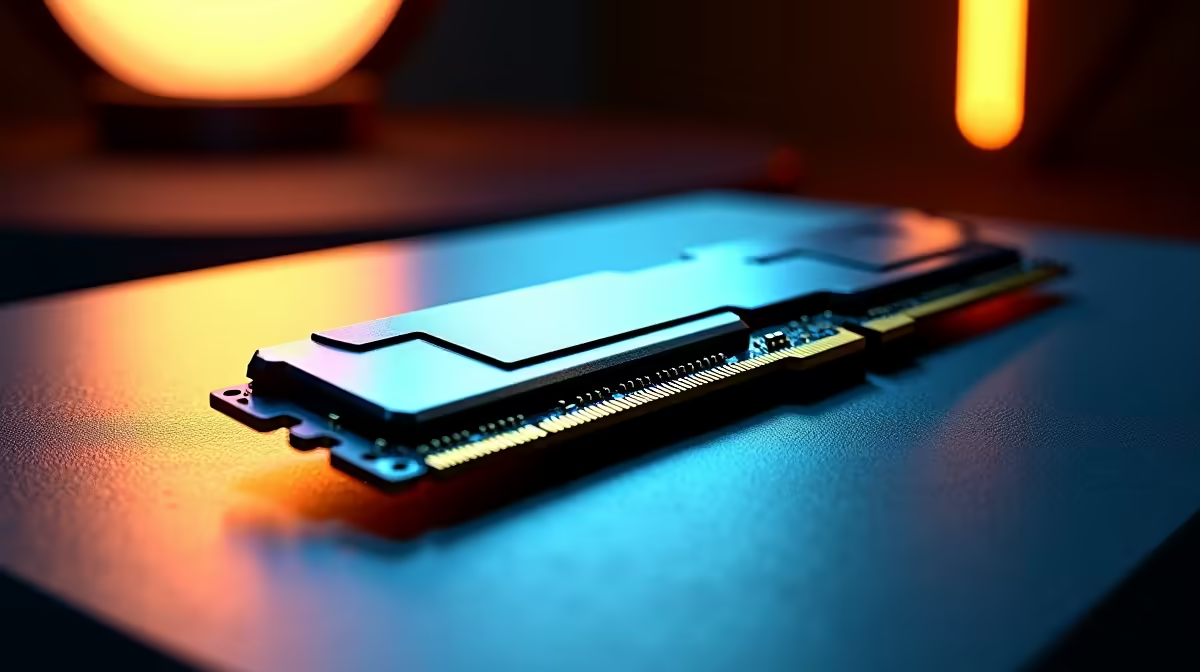
Kingston 16GB current-gen SODIMM at R741 suits a student learning to code on a compatible laptop, especially when the goal is smoother browser tabs, code editors, and class projects without overspending. A 16GB RAM kit is worth it when the machine is currently short on memory, but desktop learners should also look at 32GB options if they want more headroom for heavier tools.
Best memory choice for coding study
For a laptop upgrade, Kingston 16GB current-gen SODIMM at R741 is the cleanest recommendation because the listed spec is practical and affordable. It fits the kind of study setup where the same machine handles notes, a browser, a code editor, and beginner projects.
For a desktop build, TEAMGROUP VULCAN 32GB current-gen 6000 at R1,460 is the stronger long-term buy. The 32GB capacity gives more space for local dev tools, databases, containers, and multiple browser windows, while the 6000 speed keeps it modern without jumping into premium pricing.
Kingston FURY 32GB current-gen 6400 at R2,300 is better for a learner who is also gaming or creating content on the same PC. It keeps the 32GB capacity but raises the listed speed to 6400, which makes it a smarter match for a current-gen desktop that will be used beyond coursework.
Student Desk Reality In South Africa
A coding desk here is often one laptop, one monitor, and many open tabs, so the Kingston 16GB current-gen SODIMM at R741 makes sense when the notebook is the main study machine. If the student is building a tower instead, TEAMGROUP VULCAN 32GB current-gen 6000 at R1,460 is the better value target.
Ready to choose the right memory?
Choose TEAMGROUP VULCAN 32GB current-gen 6000 speed at R1,460 for the 16gb current-gen memory learning brief when its listed spec matters more than adding extra desk clutter.