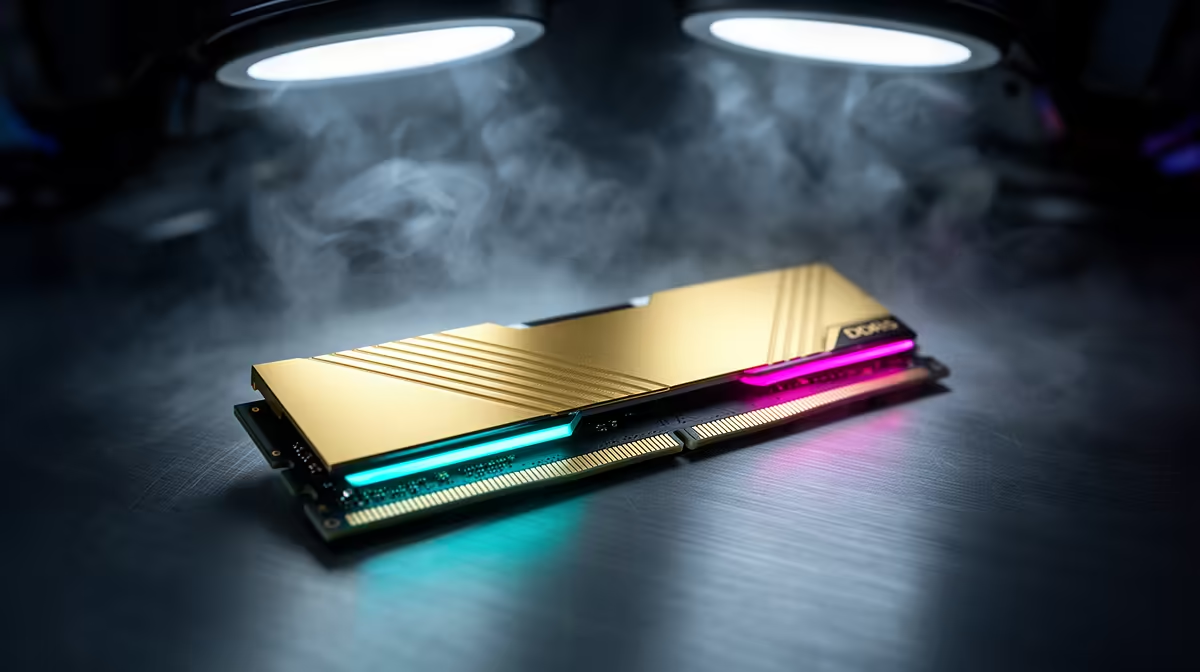
Sixteen gigabytes of RAM is enough for Call of Duty: Warzone when the rest of the PC is tidy, but it leaves limited room for a busy background. Activision's March 2026 PC requirements list 16GB for competitive or Ultra 4K play, while the recommended 60fps tier lists 12GB.
Quick Answer
Keep 16GB when Warzone runs without paging and you close memory-heavy background apps. Move to 32GB when you alt-tab, keep a browser and voice chat open, stream, or see committed memory pressing beyond the physical pool. The larger kit improves headroom, rather than the game's core GPU speed.
Compare current DDR5 memory kits with popular gaming-memory choices. Match the upgrade to the platform and install it as one set.
Official Requirements Are a Baseline
Activision lists 8GB as minimum, 12GB for its recommended 60fps high-settings tier, and 16GB for competitive or Ultra 4K. Those figures describe the game under defined conditions. They do not include every browser tab, capture scene or third-party utility you choose to run.
Warzone also needs substantial SSD space and receives updates. Storage free space and asset streaming can affect smoothness, so a stutter is not proof of a RAM shortage.
Watch Committed Memory
Play a full match with the apps you normally keep open. Check committed memory, available capacity and page-file activity. Alt-tab several times and look for long recoveries or a game that reloads assets.
Close the browser and overlays, then repeat. If the problem disappears, 32GB can preserve that multitasking behaviour. If GPU utilisation stays at its ceiling, a memory upgrade will not raise the frame rate.
Upgrade Without Creating Instability
Replace a small kit with 2x16GB rather than adding unrelated modules. Fit them in the slots named by the motherboard manual, boot at defaults and run a memory test. Enable XMP or EXPO after the baseline passes.
Laptop owners should check whether RAM is soldered, how many SODIMM slots exist and the supported capacity. Desktop DIMMs do not fit laptop slots.
Keep the Game Test Current
Requirements and game builds can change. Check Activision's current Warzone PC requirements after major platform updates, then judge your own match. Thirty-two gigabytes is useful because it gives the whole PC room, not because Warzone requires it today.
Keep system RAM separate from graphics memory. Activision's competitive or Ultra 4K tier also lists 12GB of video memory. Adding desktop RAM cannot fix a graphics card that runs short of VRAM at high textures. Lower texture quality and watch the GPU memory reading to diagnose that limit.
FAQ
Does Warzone require 32GB RAM?
No. Activision's March 2026 competitive or Ultra 4K specification lists 16GB. Extra capacity helps background apps.
Will 32GB raise Warzone FPS?
It can improve consistency when 16GB is full and paging. It changes little when CPU or GPU performance sets the limit.
Should I mix another 16GB kit into my PC?
One matched 2x16GB set is safer. Separate kits may use different chips and fail their rated profile together.
Measure a full Warzone match with your normal background apps, then move to 32GB only when the complete session presses beyond 16GB.