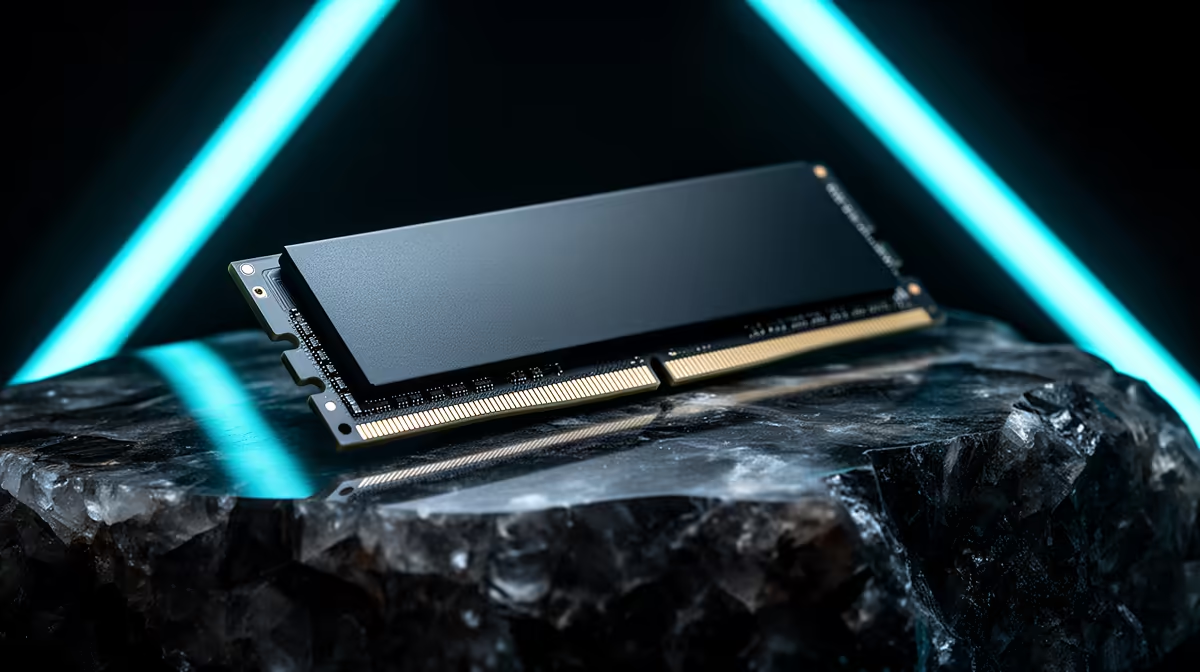
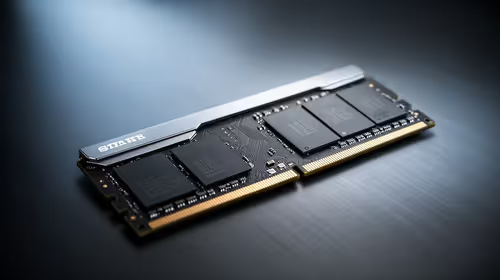
Kingston 16GB current-gen SODIMM at R741 suits a laptop creator who edits light clips, manages thumbnails, and keeps browser tabs open without turning the desk setup into a full rebuild. For a channel workflow, a 16GB RAM kit can be worth it if the machine is currently tight on memory, but 32GB is the smoother target once editing, uploads, scripts, and asset folders start running together.
Best RAM Move For Creator Work
TEAMGROUP VULCAN 32GB current-gen 6000 at R1,460 is the practical value pick for a desktop creator desk. The 32GB capacity gives editing software, image tools, and multiple browser tabs more breathing room, while the 6000 speed keeps it in the current-gen performance bracket without pushing the budget too far.
Kingston FURY 32GB current-gen 6400 at R2,300 is the stronger choice if the system is used for heavier timeline work, exports, and multitasking during upload sessions. The 32GB capacity matters more than chasing tiny gains, but the 6400 speed gives this kit a cleaner performance ceiling for a more serious workstation.
SA Creator Desk Reality
A small creator desk in South Africa often has one main PC handling recording notes, edit timelines, thumbnails, uploads, analytics, and admin in the same evening. Kingston FURY 32GB 5600 at R5,100 makes sense when stability and 32GB memory are the priority, while KLEVV CRAS V 32GB 7200 RGB at R6,400 is more of a premium build choice where the 7200 speed and RGB styling are part of the full setup.
Ready to choose the right memory?
For a tighter memory shortlist, TEAMGROUP VULCAN 32GB current-gen 6000 speed at R1,460 gives the 16gb upgrade running brief a clear its listed spec baseline.