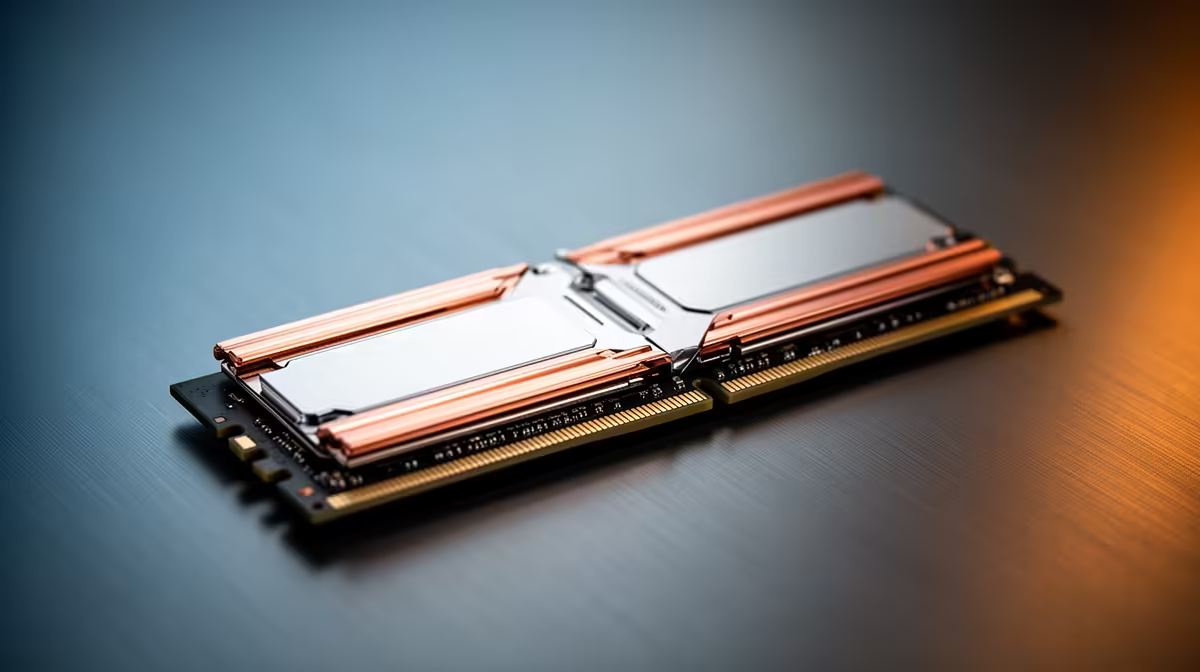
Kingston 16GB current-gen SODIMM at R741 suits laptop users who need a practical SketchUp modelling upgrade without replacing the whole machine. For many student and creator laptops, moving from a cramped memory setup to a 16GB RAM kit gives the modelling workspace more breathing room for larger files, browser references, and background apps.
Best first upgrade for modelling work
The Kingston 16GB current-gen SODIMM at R741 is the cleanest value pick when the laptop has an open memory slot or supports a simple module replacement. It is not the biggest capacity here, but for a mobile workstation used at a student desk or small studio table, 16GB is often the point where basic lag from multitasking becomes less painful.
For desktop users, the TEAMGROUP VULCAN 32GB current-gen 6000 at R1,460 is the stronger long-term move. The 32GB capacity gives heavier models and reference-heavy browser sessions more room, while the 6000 speed keeps it aligned with a modern current-gen build. It is the sensible pick if the machine is already used for design work every week.
Kingston FURY 32GB current-gen 6400 at R2,300 is worth considering when the desktop is also used for rendering prep, large scene navigation, and other creator tasks. It keeps the same 32GB capacity but steps up to 6400 speed, which makes more sense for a higher-end workstation than for a basic office upgrade.
Creator desk upgrade in South Africa
A creator desk with a laptop, external screen, mouse, and project notes can quickly turn memory into the bottleneck. If the machine supports it, Kingston 16GB current-gen SODIMM at R741 is a low-cost way to make that daily desk setup feel less constrained. For a desktop tower, TEAMGROUP VULCAN 32GB current-gen 6000 at R1,460 is the better capacity jump.
Ready to choose the right memory?
If the brief is the 16gb upgrade sketchup brief, TEAMGROUP VULCAN 32GB current-gen 6000 speed at R1,460 is the listed option to test against its listed spec.