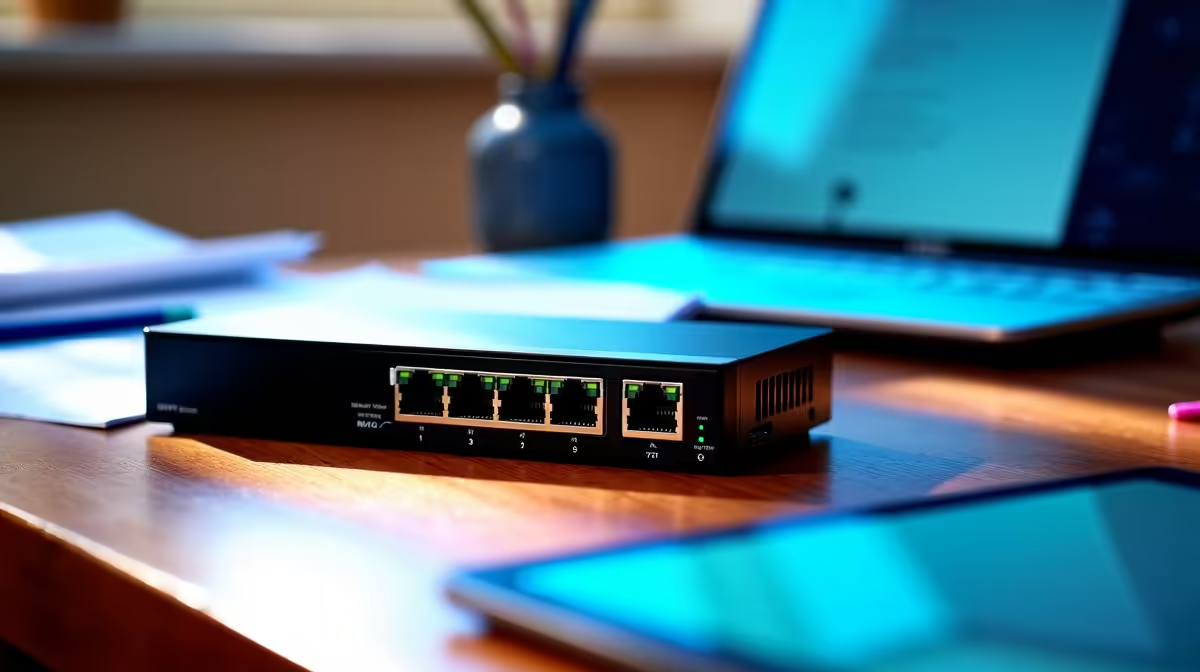
A 2.5GbE switch is usually unnecessary for a kids learning corner. Online lessons, educational videos and ordinary browsing use far less than a gigabit connection. Faster switching becomes worthwhile only when the home already has compatible 2.5GbE computers or storage moving large local files between rooms.
Test the learning tasks
Join a video lesson, play an approved educational stream and download a normal assignment at the intended desk. Watch latency, Wi-Fi signal and packet loss. If calls fail, the problem may be internet service or wireless coverage rather than switch speed. A direct Ethernet cable from an existing gigabit router can provide a stable connection cheaply.
No standalone 2.5GbE switch is confirmed in the inventory, so there is no responsible priced pick. The CUDY WR6500H Wi-Fi 7 2.5G router has a verified R1,394 price as a router-side faster-link reference. The CUDY WR1300 AC1200 router carries a verified R327 price for a basic home-network comparison. Confirm port roles and household coverage independently.
Build a safe shared corner
Use a child account, age-appropriate filtering and clear screen-time rules. Place network cables where they cannot be pulled or tripped over. Restart the router and verify that the learning device reconnects without adult troubleshooting. Keep assignments backed up and restrict administrator access.
Buy 2.5GbE only for a wider high-speed local network. A dependable gigabit or well-planned Wi-Fi connection is enough for the learning corner itself.
Connecting a learning corner? > Ask Evetech to compare routers and adapters for the household layout.