


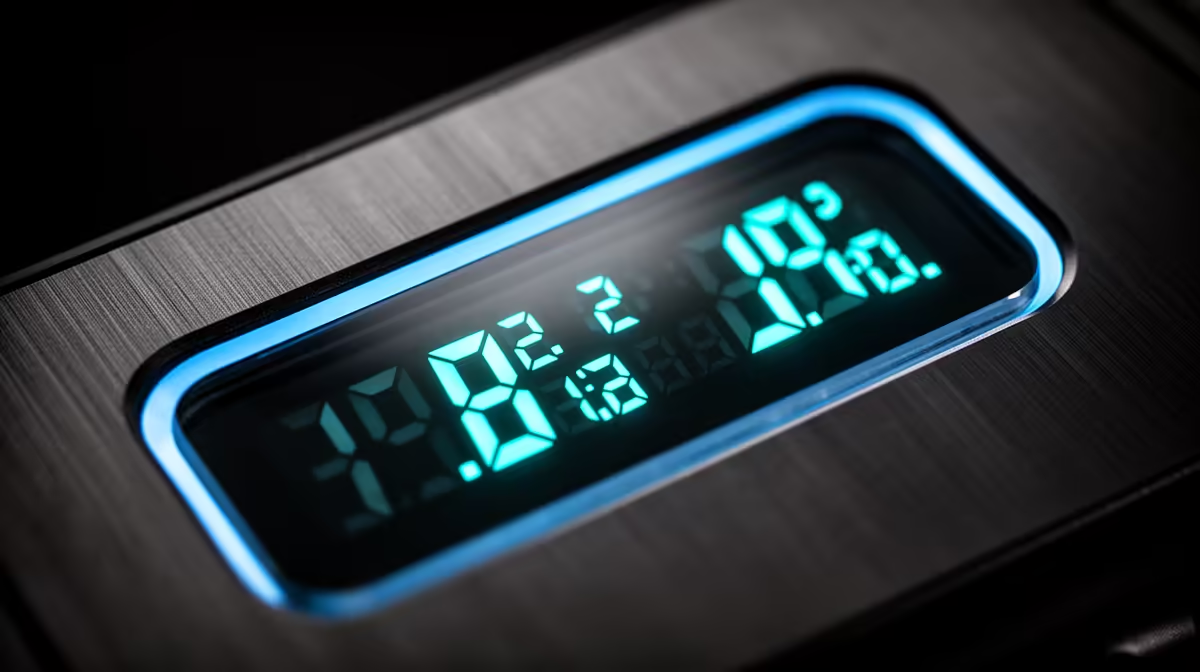
Turning a gain knob and guessing whether the level is right is the kind of inefficiency that belongs to older hardware. A 2-inch HD LCD status display on a mixer replaces that guesswork with a live instrument panel: real numbers, real indicators, updating in real time without needing to open a software meter or pause the session.
Quick Answer
A 2-inch HD LCD on a mixer shows live per-channel input levels, gain values in dB, the active sound mode, and mute status. The screen gives you a hardware readout that stays accurate regardless of what your computer software is doing.
📺 Live Level Metering
The most immediate function of the display is showing input levels as they change. Each channel has a corresponding meter on the screen, updating in real time as the microphone picks up sound. The target for normal speech is peaks landing around -12 dBFS, high enough to sit clearly above the noise floor but with enough headroom for a louder moment.
Without a display, gain-setting relies on a small LED bar graph or listening through headphones. Both work, but they leave room for a channel edging toward clipping to go unnoticed until a recording is ruined. A reading approaching -3 dBFS during a test sentence is a clear prompt to pull the gain back before a live take begins. The LCD makes that call obvious.
🔧 Gain Values and Active Sound Modes
Unlabelled gain knobs are only useful if you can correlate a physical position with a decibel value. The LCD shows the actual gain figure per channel, so matching two hosts to the same 58dB setting is a matter of reading numbers rather than comparing knob positions by eye.
Mixers with multiple voice presets cycle through them with a physical button. Without a screen there is no indication of which preset is currently active. The LCD names the live mode directly, so you confirm with a glance whether the voice preset you selected before the session is still loaded rather than discovering mid-recording that the button was accidentally pressed.
Pro Tip ⚡
During a live stream, keep the OBS audio mixer visible on screen but treat the physical LCD as your primary level reference. If OBS freezes or the software stalls, the mixer's display keeps showing accurate hardware levels. Catching a clipping channel on the physical screen before the software catches it gives you time to pull the gain back while the stream is still running cleanly.
⚡ Mute Status and Missing Channels
A guest or co-host whose channel is accidentally muted goes unheard until someone notices the silence. The display's mute indicators make that error visible before it becomes a problem. Each channel shows a distinct mute icon when inactive, so a quick scan at the start of a recording confirms all channels are live in seconds.
For South African streamers running multi-person setups, whether a Cape Town podcast panel or a commentary booth at a gaming event, checking channel state from a single screen before pressing record is faster and more reliable than asking each person to speak and watching the meters respond.
Frequently Asked Questions
Does the LCD update quickly enough to show transient peaks?
Yes. The metering updates fast enough to catch brief overloads at the top of the scale, which is the primary use case. In some designs meters respond slightly slower than a dedicated VU meter, but quickly enough to serve as a reliable level reference for gain-setting and monitoring.
Can I read the display in a darkened streaming room?
Typically yes. Backlit LCD panels stay legible in low-light conditions, which suits dimmed gaming setups. The contrast between backlit text and the panel background is usually enough to read without adjusting room lighting.
Does the screen show the USB output level or only the channel inputs?
It depends on the unit. Some display the main mix output level alongside individual channel meters so you can confirm the combined signal reaching the computer is healthy. Others show only per-channel inputs. Check the product specifications to confirm which signals are represented.
Will the LCD backlight degrade over years of daily use?
LED backlights can dim slightly over thousands of hours, but for a display operated during recording sessions rather than continuously, the practical lifespan comfortably exceeds normal hardware upgrade cycles.
Is a display useful if I already have a hardware meter bridge?
Yes. A meter bridge showing only levels does not display gain values, mode names, or mute states. The LCD adds that contextual information, making the two complementary rather than redundant in a fuller setup.
Ready to take the guesswork out of your recording and streaming levels? Browse the audio mixer range at Evetech and find a unit with an HD LCD status display that keeps your gain, modes, and mute states visible at a glance.










