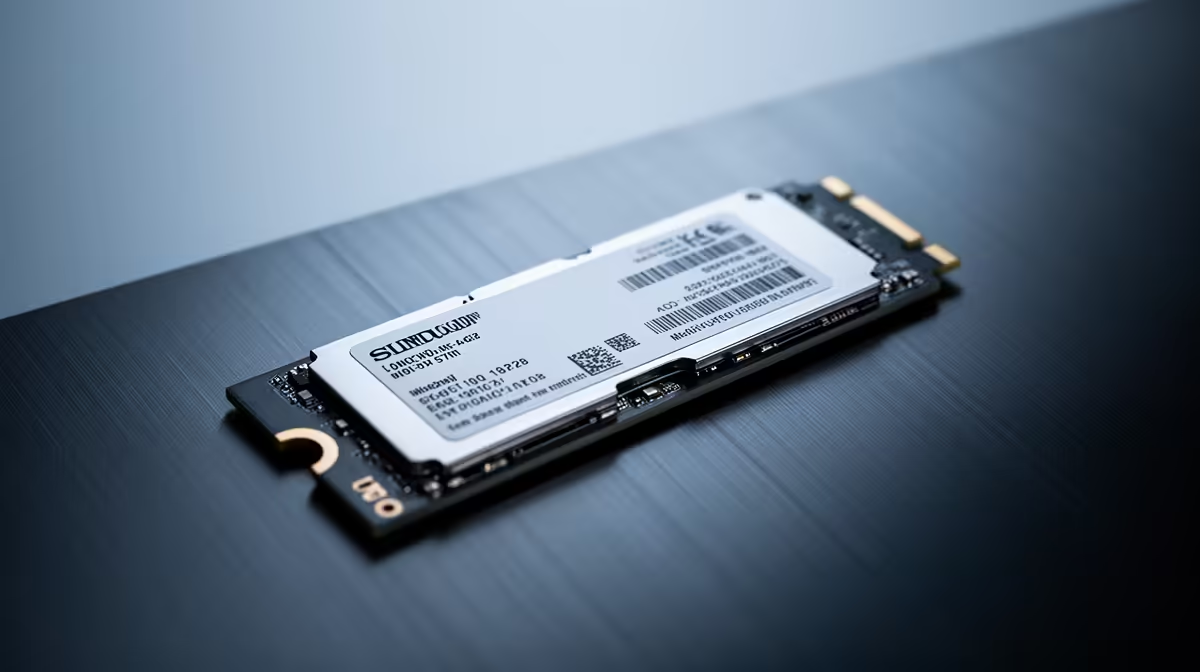
The WD Blue SN5000 NVMe at R998 suits researchers and writers who want a fast nvme ssd for drafts, PDFs, notes, references, and project folders without paying premium workstation money. A 2TB drive can be worth it if your work library keeps growing, but the smarter first move is to match capacity to how much material you actually keep on the machine.
Practical picks for research storage
The WD Blue SN5000 NVMe at R998 is the sensible everyday option because it gives you NVMe storage for opening large document folders, saving long drafts, and keeping reference files close. If your research and writing work is mostly text, PDFs, spreadsheets, screenshots, and browser downloads, this is the kind of drive that usually matters more than chasing the highest-end model.
The ADATA LEGEND 900 1TB NVMe at R948 is useful when you want a defined 1TB working space for active projects. That 1TB capacity suits a clean split: current work on the internal drive, older archives moved elsewhere once a project is submitted, published, or handed off.
SA student desk and home office reality
On a student desk or home office setup, storage decisions are less about one huge number and more about whether your files are easy to find during deadlines. The Samsung 990 PRO at R4,648 is still an NVMe option, but its price makes more sense for heavier multitasking or demanding local workloads than for ordinary writing folders.
The ORICO NVMe M.2 enclosure at R160 is a practical add-on if you already have spare storage or want a separate backup routine. It helps keep the main machine lean while finished notes, source packs, and exported documents stay accessible.
Ready to choose the right SSD?
Use WD Blue SN5000 NVMe at R998 as the nvme ssd shortlist benchmark, then check whether its listed spec matches the space, workload, and upgrade path.