A 4K editing rig can run competitive esports when its graphics card and processor sustain the target frame rate, but editing priorities may waste money on resolution, storage or creator features. Esports needs low input delay, stable frame delivery and a suitable high-refresh display. Test the title and monitor path separately from video exports.
Establish the competitive target
Priced at R1,797, the verified Dell SE2726H is listed as a 27-inch Full HD 144Hz monitor. Confirm current input, response and adaptive-sync details. Run the tournament title at the intended competitive settings and inspect low-frame behaviour, latency and clarity during motion. A 4K editing monitor may provide fewer high-refresh options or place a heavier load on the GPU.
Preserve the editing workload
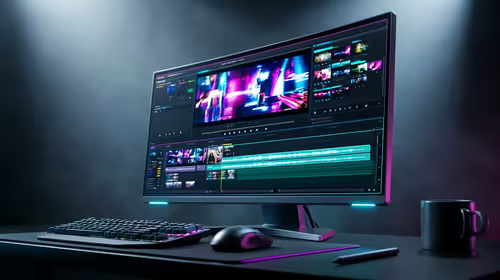
Keep the approved creator driver, application settings and project backups documented before game changes. Export a representative 4K timeline after a full practice session and restart. Check storage headroom for media caches, game updates and captures. Use separate work and play profiles. Choose one rig when the competitive display and creator monitor can coexist without driver or connection conflicts; otherwise, separate systems protect deadline work.
Label each display cable and profile so the gaming monitor never inherits an unsuitable grading or scaling configuration.
Keep the gaming display connected during an editing export to expose bandwidth or profile conflicts.
Combining esports and editing? > Ask Evetech to balance graphics, monitors, storage and drivers around both measured workloads.