


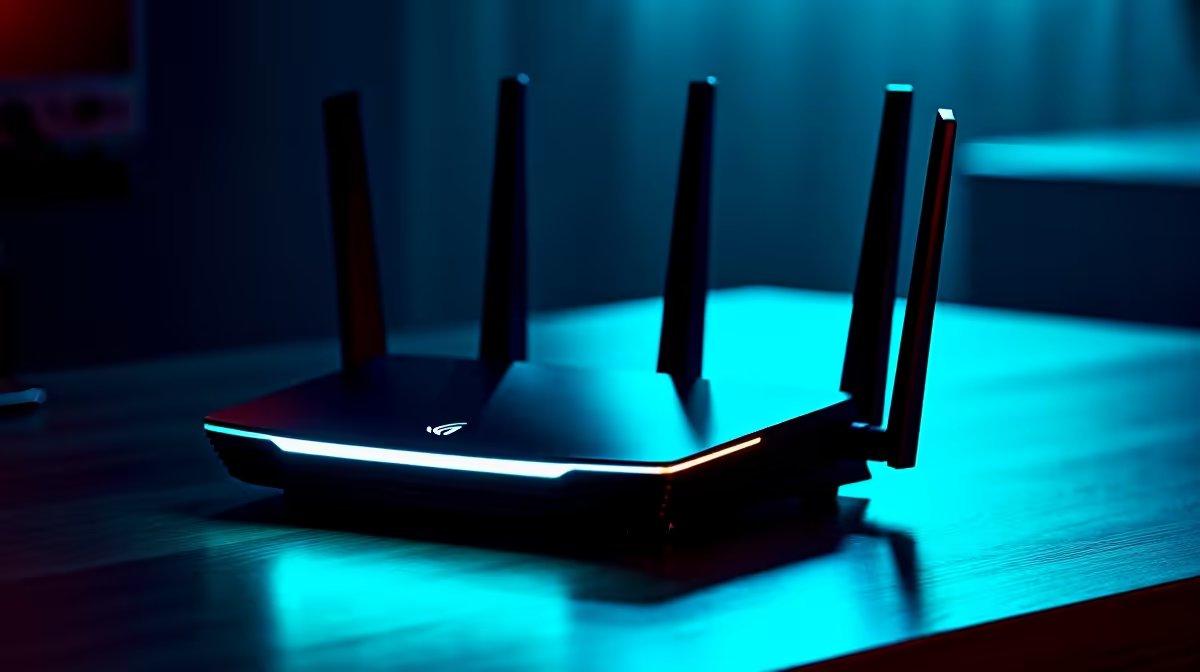
A 5G router that suddenly drops from blazing to crawling, especially on a hot afternoon, is usually not a network fault at all. It is heat. When the modem chipset inside gets too warm, the device throttles itself, deliberately slowing down to cool off, and the speed you paid for evaporates until the temperature comes back down. The good news is that the most common cause is also the easiest to fix: where the router is sitting.
Quick Answer
5G routers thermally throttle when the chipset overheats, most often on a sun-baked windowsill with no airflow. Move it out of direct sun, give every vent open space, and add a small fan if needed. Many units start cutting speed once internal temperatures climb past roughly 35 degrees, which an SA summer window reaches easily.
Why Heat Throttles Your Speed
Inside the router, the processor and 5G modem generate real heat when they are working hard. To protect themselves, these devices monitor their own temperature and respond by slowing the processor and limiting the active bands when things get too hot. That self-protection is exactly what robs you of speed: as the chip throttles, data handling slows, latency rises, and you get packet loss and the occasional random reboot. Some cellular routers will limit their 4G and 5G bands, or shut them down entirely, once they pass their maximum operating temperature, which sits around 35 degrees for many models. On a Cape Town or Joburg summer day, a router on a sunny sill blows past that without trying.
Fix the Placement First
The single biggest win costs nothing. Get the router out of direct sunlight. A windowsill is tempting because 5G signal is often strongest near a window, but a sun-exposed sill in summer is the worst possible spot for heat. Move it to a position that still has good signal but is shaded, and give it breathing room. Vents need open air around them, not a tight shelf, a closed cabinet, or a stack of other gear pressed against the sides. Because these devices vent heat, keep them on a flat, open surface, upright as designed, away from other warm electronics like a decoder or a TV.
Airflow, Dust and a Cheap Fan
Once placement is sorted, help the heat escape. Keep the vents clear and dust them out periodically, because dust is an insulator and a clogged vent traps heat exactly where you do not want it. If your router still runs hot in a warm room, a small USB desk fan aimed at it is a genuinely effective trick. It pushes more air across the vents so the internal heatsinks shed heat faster, and it costs very little. The small accessories that help with this, fans and cable tidies and mounts, often turn up among the best-selling accessories and make a noticeable difference on the hottest days.
Keep the Firmware Current
Do not overlook software. Manufacturers ship firmware updates that frequently include thermal management and performance improvements, so a router left on old firmware may be running hotter than it needs to. Check for an update through the router's app or admin page. If you have done all of this, shaded placement, open vents, a fan, current firmware, and the router still throttles hard, the unit itself may be undersized for sustained SA summer heat, and a better-ventilated model is worth considering. The current options sit in the networking range, where the sturdier units handle heat far better than budget boxes.
Frequently Asked Questions
How do I know overheating is causing my slow speeds?
The tell is timing and touch. Speeds that drop in the heat of the day, or after the router has been running a while, and a casing that is hot to the touch, point to thermal throttling. If moving it somewhere cooler and shaded restores the speed, heat was the culprit.
Is a windowsill really a bad place for a 5G router?
A sun-exposed sill is one of the worst spots in summer, even though signal there is often strong. Direct sun heats the device well past its throttling point. Aim for a shaded position that still gets good signal rather than the sunniest one.
Does a small fan actually help?
Yes. A small USB fan aimed at the router moves more air across its vents, letting the internal heatsinks dissipate heat faster. It is a cheap and effective fix for a unit that runs hot in a warm room.
Could a firmware update fix the throttling?
It can help. Firmware updates often include thermal and performance improvements, so an out-of-date router may run hotter than necessary. Update it through the app or admin page before assuming the hardware is at fault.
Tired of summer speed drops? Explore the networking range at Evetech for a 5G router built to stay cool and hold its speeds through the hottest part of the day.










