A 750W power supply is enough for many Blender desktops, but Blender does not set the wattage. The chosen graphics card, processor, drives, cooling and expansion hardware determine load and connectors. A modest modelling system may need less, while multi-GPU or high-end rendering plans can need more.
Calculate from the complete render build
Select the GPU and CPU, then list every internal component and planned upgrade. Follow hardware-manufacturer power guidance, account for peak draw and leave sensible margin. Verify case format, cable reach, efficiency, acoustic goals, documented protections and warranty rather than buying by wattage alone.
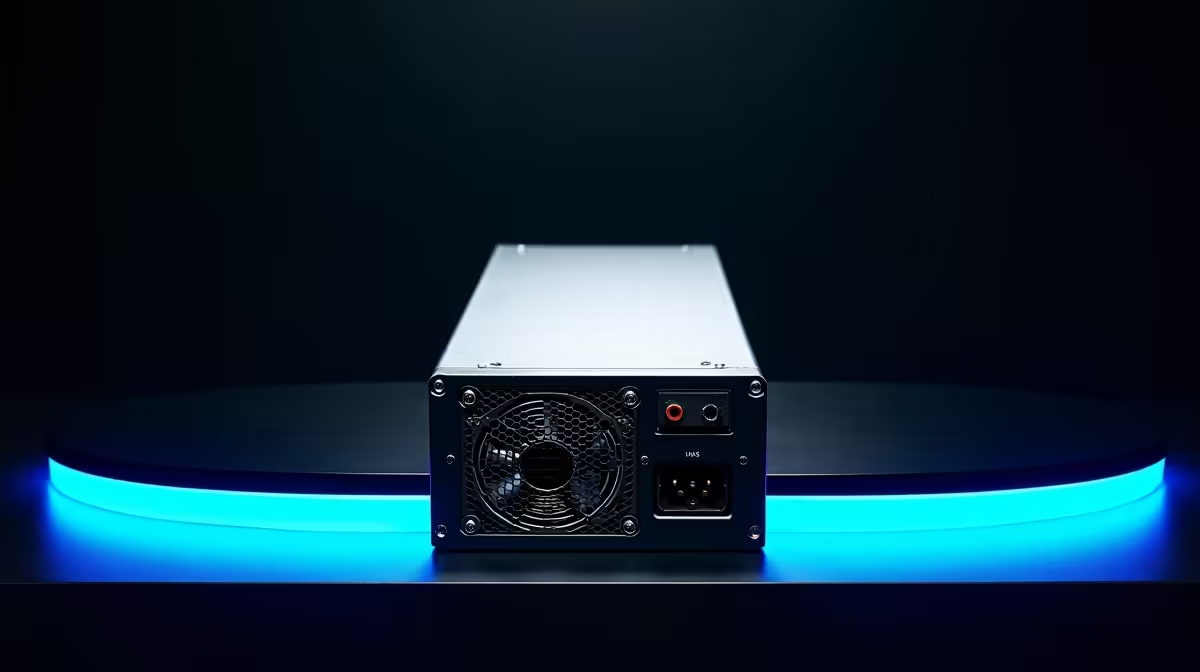
The DeepCool PF750 750W 80 Plus Standard power supply is listed at R550. Confirm live dimensions, connectors, protection details, efficiency certification, cable arrangement and warranty. Match the graphics-card power connection precisely and use only cables supplied or explicitly approved for this PSU.
Run a representative Cycles render and viewport session while monitoring temperatures, stability and noise. If the system resets, investigate memory, drivers, cooling and wall power as well as the PSU. Back up blend files, textures, add-ons and settings before hardware work. Retest after any later GPU change.
Choose the PF750 when the full calculation and connector plan support it. Select another quality unit when the GPU, quieter target or expansion path requires different capacity, format or cabling.
Powering a Blender workstation? > Compare Evetech PSUs against the full parts and cable plan.