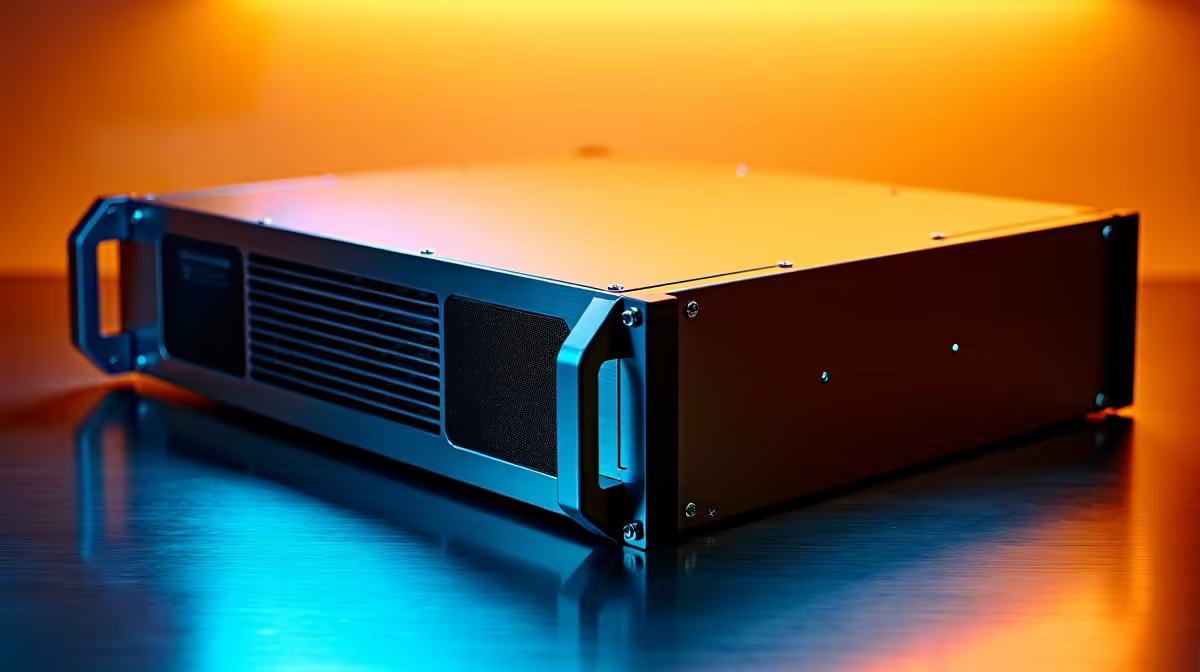
A 750W power supply may suit the computer hardware, but it does not keep the system running through power dips. Capacity comes from the processor, graphics card and drives. Continued runtime needs a suitable UPS or other approved backup design, while surge and voltage protection address different electrical risks.
Size the supply from components
List the motherboard, processor, graphics card, storage and fans. Check native connectors, supply dimensions and the graphics-card guidance. The verified Cooler Master PF750 costs R550 and provides a standard 750W comparison. Confirm current warranty, form factor and cabling before purchase. Compact branded desktops may use proprietary supplies that cannot accept a standard unit.
Plan continuity separately
Measure wall load during the heaviest task, including displays and essential network equipment. Select backup runtime from that total and test controlled shutdown. The power supply continues only while its input remains available; a higher wattage label adds no battery capacity. An 80 PLUS rating concerns efficiency rather than surge protection.
Save work automatically and keep repositories or documents backed up away from the PC. Use a qualified electrician for damaged outlets, heat, arcing or recurring building faults. Buy 750W when the component list requires it, then choose regulation, surge protection and runtime equipment for their documented jobs.
Include the router and network termination in continuity tests if online work must survive the same dip.
Building a resilient desktop setup? > Ask Evetech to size the power supply and backup protection as separate components.