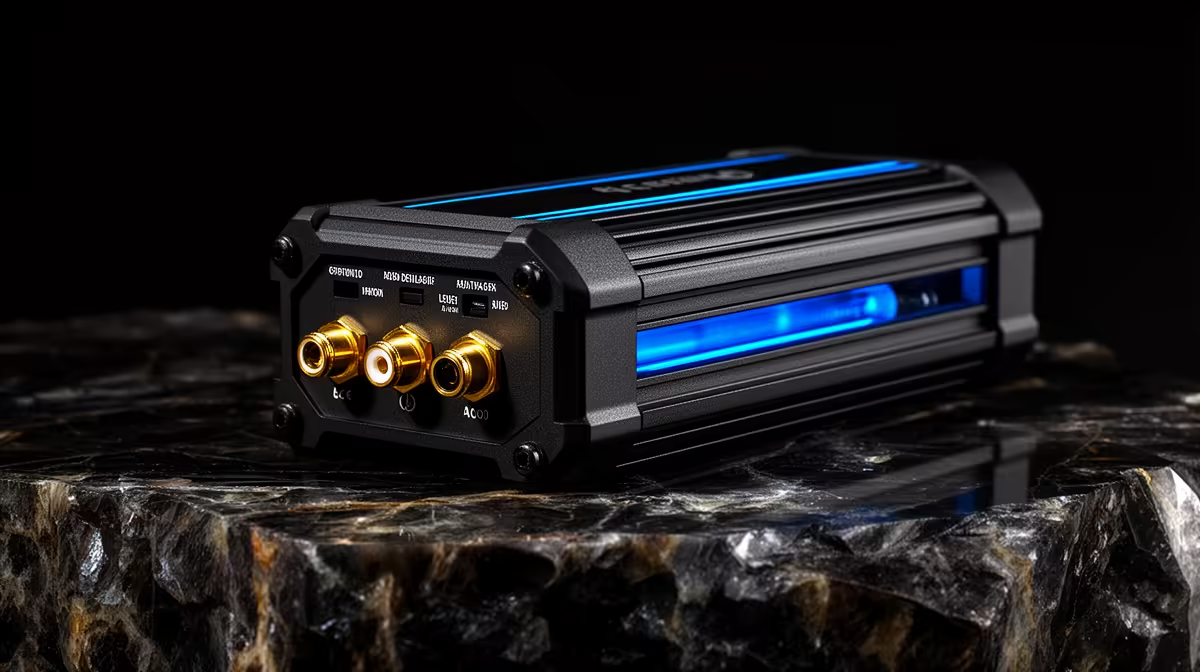
An 850W power supply is more than enough for ordinary distance-learning software, but PSU capacity must follow the desktop’s processor, graphics card and connectors rather than the importance of study. A laptop uses its external adapter and cannot accept an internal desktop PSU.
Build from the course hardware requirement
List applications, video calls and any design or local-compute workload, then select the CPU, GPU, drives and cooling. Use component guidance to calculate load and transient demand. Confirm connector standards, chassis dimensions and realistic upgrade plans before choosing wattage.
The Cooler Master Elite 850W Gold ATX 3.1 PSU is verified at R930 and the Corsair RM850e at R1,900. The DeepCool PF750 750W model at R550 offers a smaller reference. Compare exact revision, protections, efficiency, cable arrangement, connectors, dimensions and warranty.
Never open a PSU or mix modular cables between models. Keep coursework in versioned backups, protect learning accounts and document safe shutdown. A PSU cannot provide battery runtime or repair an unstable internet connection.
Buy 850W only when a documented desktop component requires its capacity or connector standard. A modest office computer or laptop is normally more efficient for remote study. Document every modular cable with the exact PSU model so future repairs never mix visually similar but incompatible leads.
Powering a distance-learning desktop? > Compare Evetech PSUs against the final parts list.