An 850W power supply is worthwhile for virtual machines only when the host computer contains hardware that needs that capacity. Virtualisation depends mainly on CPU cores, system memory, storage performance and platform support. The VM count does not translate directly into a particular PSU wattage.
Size power for physical components
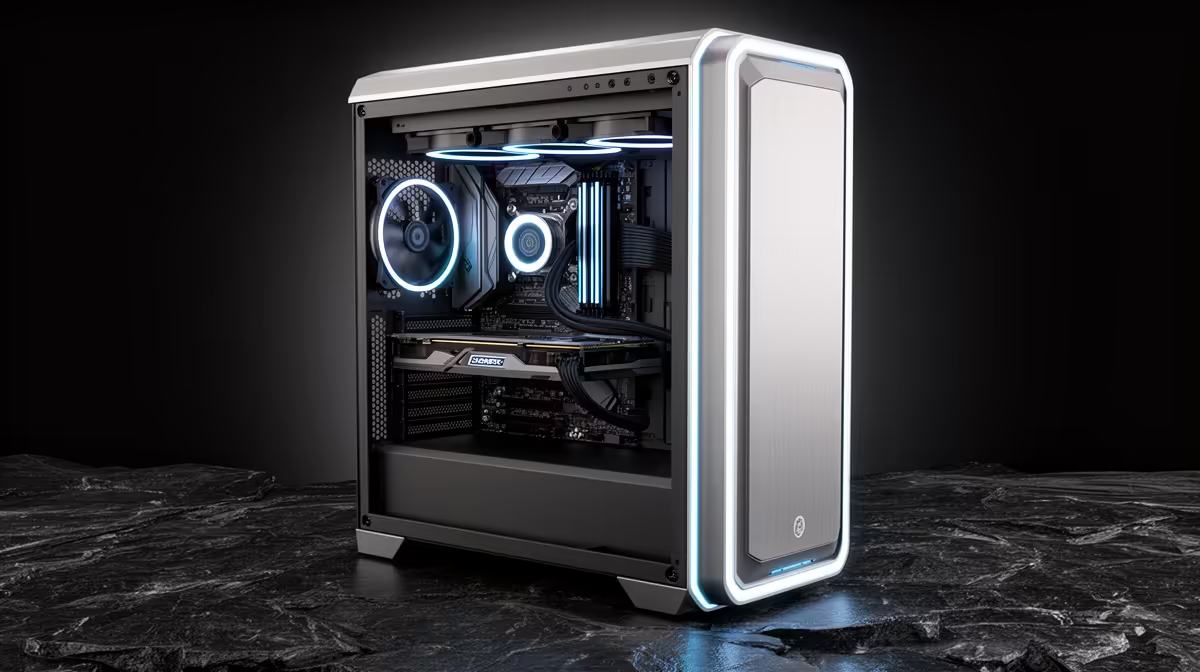
List the processor, graphics card, drives, cooling and expansion cards in the host. Use their actual requirements and planned upgrades to calculate capacity with sensible headroom. A machine running CPU-only lab services may draw far less power than a gaming or AI workstation with a large GPU, even if both host several VMs.
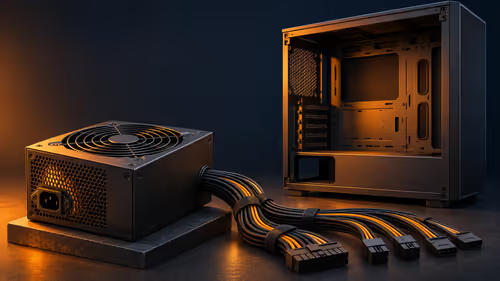
The Corsair RM850e is verified at R1,900 and offers a relevant high-capacity reference. The DeepCool PF750 is listed at R550 for builds whose components, connectors and upgrade plan fit a lower rating. Confirm the exact PSU revision, native cables, protection features, efficiency, case clearance and warranty before choosing.
Do not expect excess capacity to make virtual machines faster. Spend first on the processor resources, memory and SSD performance required by the guest systems. If the host must run continuously, consider noise, electrical use, backups and orderly shutdown as part of the design. Monitor wall draw under a realistic combined workload after assembly. A quality PSU should comfortably support the physical machine; the hypervisor cannot use wattage that the components never request.
Powering a virtualisation host? > Compare Evetech power supplies by capacity, connectors, efficiency and warranty.