


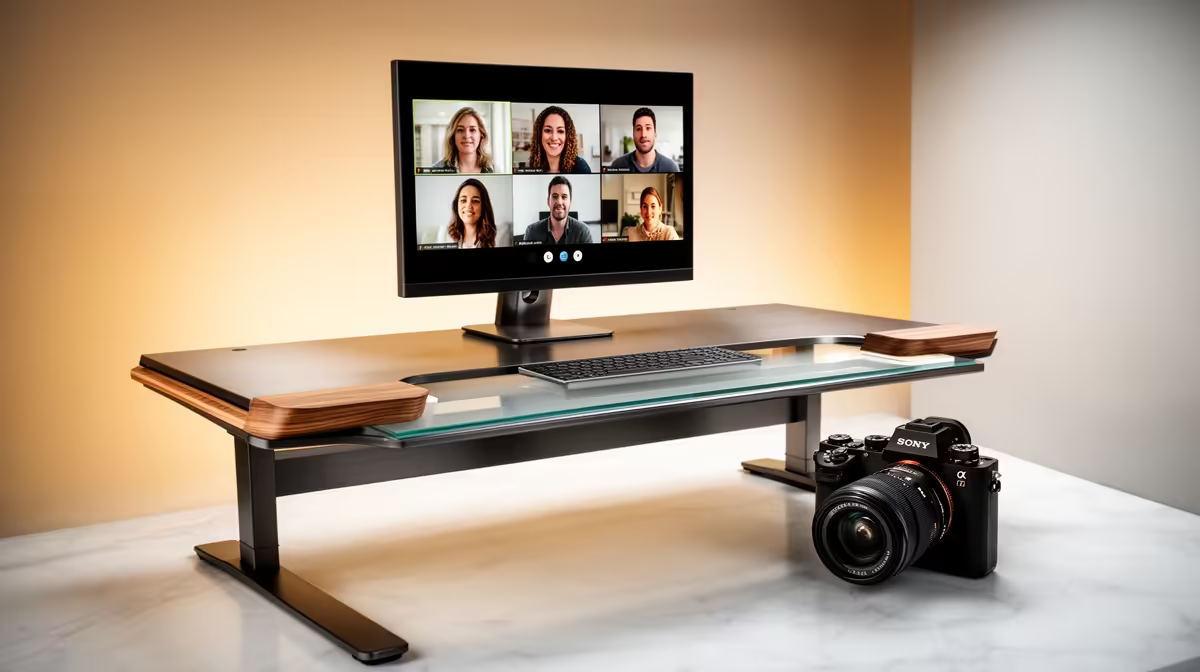
The camera angle on a video call tells the other person more about your setup than your background does. A laptop webcam sitting on the desk points upward at roughly 15 to 20 degrees, putting your chin, nostrils, and ceiling tiles front and centre. Lifting the lens to eye level fixes that immediately, and the question is exactly how much adjustable height you need for video calls at a standard desk to get there without over-engineering the solution.
Quick Answer
At a standard 75cm desk, a camera riser or monitor arm with 15 to 25cm of vertical travel lifts the lens to eye level for most adults. The exact height depends on your seated eye level, chair height, and whether the webcam sits on top of a monitor or directly on the desk.
📐 Why Eye Level Is the Baseline
Eye-level framing mimics natural face-to-face conversation. When the camera is at the same height as your eyes, the viewer sees a neutral, head-on perspective that reads as engaged and direct. A camera placed lower forces a downward-looking composition that exaggerates the underside of the jaw and makes the background ceiling dominant.
A camera placed too high is just as problematic in the opposite direction. An overhead angle hides the eyes, shortens the face disproportionately, and makes sustained eye contact with the lens uncomfortable, which breaks the connection a professional video call depends on.
The target is the lens sitting within 2 to 3cm of your resting eye height when seated upright in your normal chair position. That is the measurement worth taking before choosing a riser.
🔧 Calculating the Height You Actually Need
Start with your desk height. A standard South African office desk sits at 73 to 76cm. Sit in your chair in your usual working posture, eyes forward. Measure from the desk surface to your eye level. For most adults, that figure falls somewhere between 55 and 70cm above the desktop, but chair height and personal stature shift it significantly.
If your webcam normally sits on top of a monitor, the monitor height already accounts for part of that lift. A webcam clipped to the top of a 27-inch monitor at 50cm height may only need an additional 5 to 10cm of riser to reach eye level. If the webcam is sitting flat on the desk, you need the full 15 to 25cm of travel.
An adjustable riser with 20cm of travel covers most people without being wasteful. Fixed-height risers save money but lock you into one position that may not suit your chair or sitting style.
🪑 Standing Desks and Adjustable Setups
A standing desk changes the calculation significantly. At sitting height, you might need 20cm of riser; switch to standing mode and your eye level rises by 30cm or more, pointing a fixed riser at your chest. The cleanest solution is a dedicated webcam arm that you manually reposition when switching modes, decoupling the camera height from the monitor and the desk surface entirely.
Frequently Asked Questions
How high above the desk surface should the webcam lens sit?
For most adults at a 75cm desk, roughly 15 to 25cm above the desktop surface places the lens near eye level. The right answer is specific to your seated eye height, not a universal figure. Measure the distance from your desk to your eyes while seated normally in your usual chair, then work backwards from there.
What goes wrong when the camera is too low on a call?
A camera below eye level frames the angle upward, bringing your chin, jaw, and ceiling into the shot more than your face. It creates an unflattering perspective that reads as inattentive or unprepared in professional contexts. It also makes it harder to maintain a natural gaze toward the lens, since looking at the screen means looking away from the camera.
Does chair height affect how much riser I need?
Significantly. Two people at identical desks with chairs adjusted differently can have seated eye heights 5 to 8cm apart. If you share a desk or regularly adjust your chair, choose a riser with genuine height adjustment rather than a fixed platform, so you can dial it in for your exact sitting position.
Is a stack of books a reasonable temporary solution?
For a quick test, yes. Books help you find the correct height before spending. As a permanent fix they are unreliable: the stack shifts mid-call, offers no fine adjustment, and is not designed to support webcam weight steadily. Once you know the height that works, a proper riser or arm is the reliable long-term answer.
Should the microphone also move up with the camera?
Generally not. The microphone should stay near mouth level, around 15 to 20cm from your face on a boom arm or desk stand, regardless of where the camera sits. Mounting both at camera height places the mic too far from your mouth, picking up more room ambience and reducing vocal clarity. Separate the two placements for the best result from each.
Ready to fix your on-call framing for good? Browse the webcam mounts, monitor arms, and desk risers at Evetech to find the height solution that fits your desk and your seated eye level.










