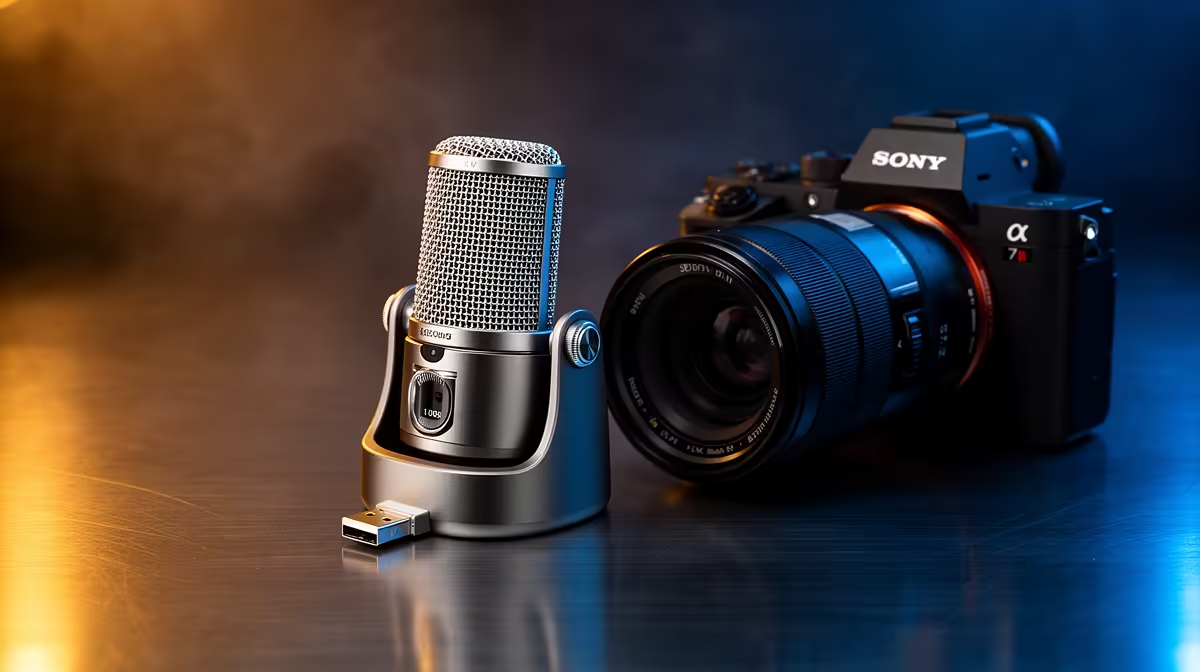
Backup and storage planning and a streaming mic seem unrelated, but for content creators they share one truth: protect what you record before you chase better gear.
Quick Answer
A streaming mic matters once your recordings are valuable enough to back up; until you have a 3-2-1 backup plan, spend on storage before a premium mic. A 2TB NVMe SSD for active projects is stocked locally from around R1,500, with external drives for backups from R900.
Get Storage Right First
Content files grow fast: a one-hour 1080p recording can exceed 10GB. Keep active projects on a fast NVMe SSD and copy finished work to a second drive, plus an offsite or cloud copy. Only then does a higher-quality mic make sense, because better audio is wasted if a drive failure loses the recordings.
When the Mic Upgrade Follows
Once backups are solid, a cardioid USB or dynamic mic noticeably lifts perceived quality over a headset. Match the mic to your room: dynamic for noisy spaces, condenser for treated quiet rooms.
Practical SA Backup Plan
Use one internal fast drive for editing, one external drive for local backups, and a cloud copy for the irreplaceable masters. Capped fibre uploads are common on entry SA plans, so schedule large cloud syncs overnight.
FAQ
Should I buy storage or a microphone first as a creator?
Storage first. A 3-2-1 backup protects your recordings; a better mic only improves new audio. Secure what you make before upgrading how you make it.
How much storage do video recordings need?
Plan for 10GB+ per hour of 1080p footage. A 2TB NVMe SSD from around R1,500 handles active projects, with a separate external drive for backups.
What is a simple backup plan for SA creators?
Keep active files on a fast internal SSD, copy finished work to an external drive, and sync masters to the cloud overnight to suit capped or slower upload plans.
Set up a fast SSD plus external backup before upgrading your mic; secure your recordings first, then improve audio quality.