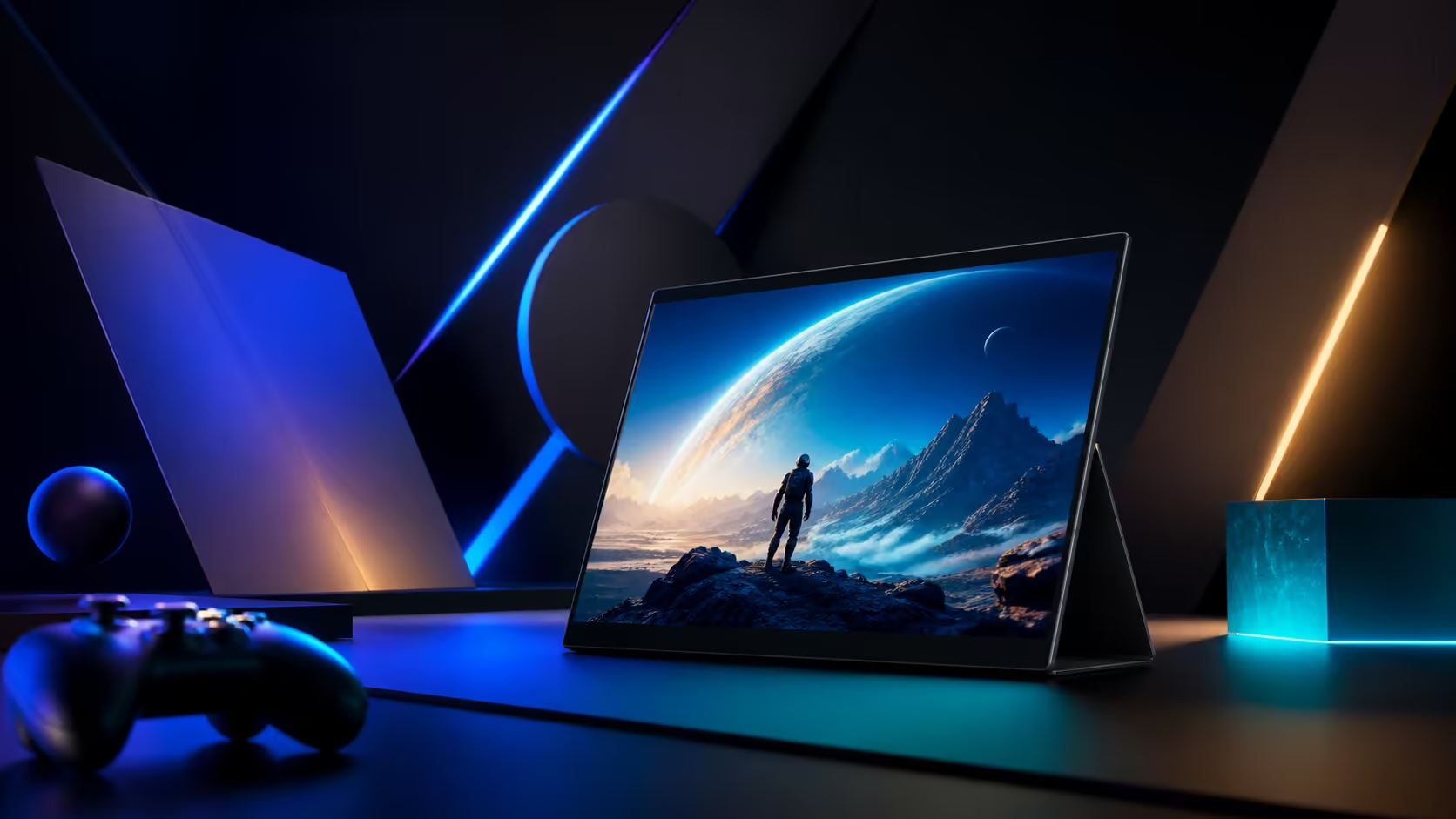
A second gaming screen earns its place when it keeps useful information visible without weakening the primary game path. A 16-inch portable gaming monitor as a second screen should be judged through layout, connection and desk space. Budget R7,199 for the UPERFECT UColor O2.
Quick Answer
Yes. The 16-inch 3K OLED can replace a second gaming screen when 120Hz, 1ms response and the source connection meet the intended setup.
The UColor O2 can replace a fixed secondary display when its 16-inch 2880x1800 workspace, USB-C route and physical placement fit the gaming desk. It costs R7,199 and offers 120Hz OLED, although a secondary chat, map or monitoring role may not need the full refresh. Test the host, cable, application layout and viewing angle before removing the old screen.
🧭 Define the second-screen job
List what stays visible during play: chat, streaming controls, guides, system monitoring or another application. Arrange those windows at readable scaling and check whether the 16-inch area reduces tab switching. A role with tiny text may favour a different scale from the game display.
Compare other portable monitor options at Evetech using the same window plan.
🧭 Protect the primary game route
Connect the portable panel and launch the game on the intended main display. Watch for changed resolution, refresh selection, audio routing or window placement. A single USB-C route can supply the panel while carrying its picture and sound data, but the host still has to sustain the complete multi-display arrangement.
Keep a direct baseline and reconnect after sleep before calling the setup reliable.
🧭 Decide whether 120Hz helps
The secondary role may include moving previews or captured gameplay, where smoother updates could matter. For static chat or controls, 120Hz may add little. Test the real content instead of assigning value from the label.
The 1ms response specification also concerns panel transitions, not total game input latency on the primary screen.
🧭 Rehearse desk and travel use
Place the 6.5mm display where it does not block ventilation, controls or the main view. Pack it in a protected compartment if the setup travels. Thinness alone does not specify stand geometry, weight or durability.
Use the Evetech PC-monitor category to compare a permanent second display when it never leaves the desk.
Run a primary-screen failure test
Close the game, disconnect the portable panel and reopen the required secondary applications on the remaining screen. Then reconnect and restore their positions from the saved layout. This exercise shows whether the setup can recover without lost windows or an unusable audio route.
A second screen should extend the desk, not become a single point of failure for chat, capture or monitoring tools.
Audit attention rather than screen count
Track how often the player looks away from the game and whether the new display reduces or increases distraction. A map or stream control may be useful, while constant chat movement can impair focus. Place each window based on its urgency and remove panels that do not help decisions.
The replacement verdict should include information quality, not merely the ability to fit another screen beside the laptop.
Compare eye movement and ergonomics
Place the secondary screen near the primary display and observe how far the player turns for frequent information. Move chat, maps or controls between positions and repeat the same session. The best 16-inch arrangement should keep useful data visible without forcing constant head movement or blocking the main view.
Record the chosen angle and distance. A portable panel's ability to fit physically does not prove that its placement remains comfortable over hours of play.
Run a full evening with the actual windows, not empty placeholders. Layout value comes from less switching, while distraction or awkward glances count against it.
Its 16:10 shape provides more vertical room than a conventional widescreen panel, and USB-C or Mini HDMI lets it follow a laptop or console. The deep OLED contrast and 100% DCI-P3 support vivid games and media. It cannot replace independent computing, and the source must still drive the desired resolution and frame rate, but it can remove window switching from one mobile system.
Frequently Asked Questions
Is 16 inches enough for a gaming second screen?
It can be when the required windows remain readable at a comfortable viewing distance. Test the actual layout.
Must a secondary display run at 120Hz?
No. Its content decides whether higher refresh adds value. Static information may work well at a lower mode.
Can adding the monitor change audio routing?
Sound data may travel on the USB-C link. Check the intended playback device after connection.
Should the old second screen be removed immediately?
Keep it until the portable setup passes window, reconnection and game-launch tests over several sessions.
Ready to test a portable second screen against your gaming layout?
Compare Evetech portable and fixed monitors with the exact windows and connection path your desk uses.