


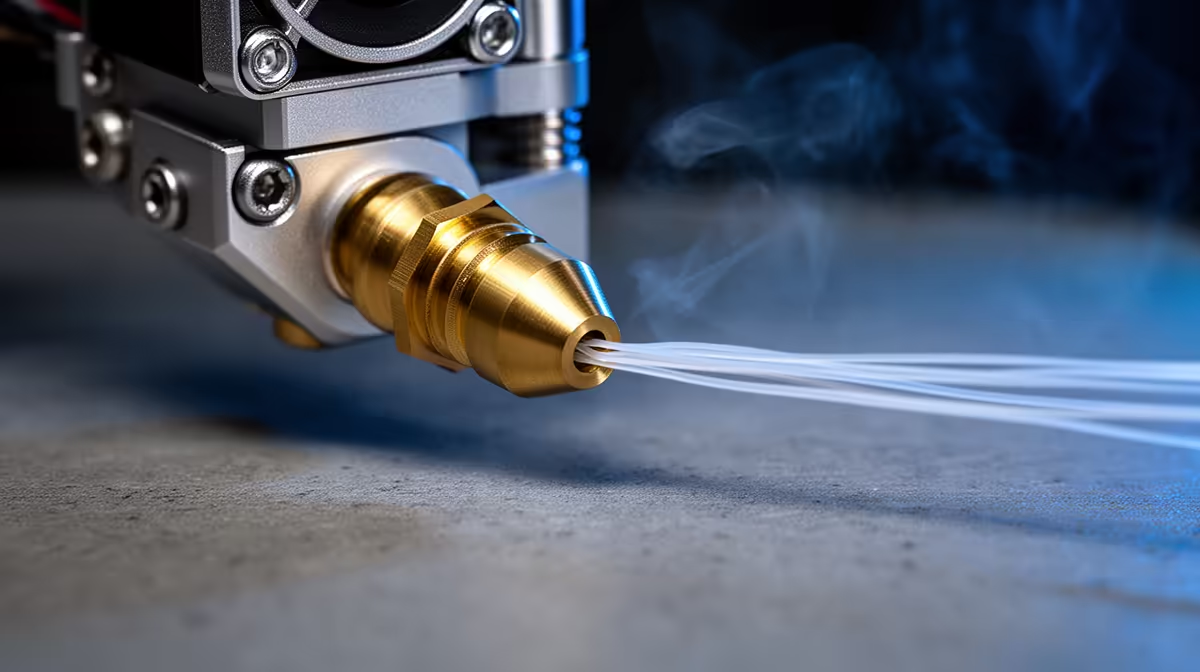
Swap a roll of PLA for PETG, raise the temperature, hit print, and an hour later extrusion dies. The nozzle is not blocked by the new filament. It is blocked by what the old one left behind. Switching from PLA to PETG or ABS raises the hotend past the temperature PLA can survive, and any PLA still lingering in the melt zone chars into a hardened lump that throttles the flow. The fix is to clear that residue before you climb to the higher temperature.
Quick Answer
To avoid clogs when switching from PLA to PETG or ABS, purge the leftover PLA at a transitional temperature first, then raise to the new target. Push 80mm to 100mm of the new filament through slowly at the lower end of the overlap range before going hotter, so the PLA flushes out rather than burning into a hardened plug.
Why the Direction of the Switch Matters
Not every filament change is equally risky, and PLA-to-PETG sits on the dangerous side. PLA prints at roughly 190 to 220 degrees, PETG at around 220 to 250, and ABS higher still at 230 to 250. When you jump from a cool material to a hot one, any PLA left in the nozzle gets cooked well above its limit. Instead of melting cleanly away it carbonises, leaving a charred deposit that narrows the bore and chokes extrusion. Going the other way, hot to cool, has its own trap where leftover PETG firms up, but the PLA-to-hot direction is the one that produces the classic burnt clog.
The Purge Procedure
Clearing the residue is straightforward if you do it before raising the temperature, not after. Heat the nozzle to a transitional temperature, the overlap zone where both materials flow, around 220 to 230 degrees for a PLA-to-PETG change. Unload the PLA, load the PETG, then extrude 80mm to 100mm of it slowly. Going slowly lets the new filament blend with and drag out the old rather than shearing past it. Watch the strand coming out: once it runs a consistent colour with no streaks or specks of the previous filament, the old material is gone. Only then raise to the full PETG or ABS target and start the print.
For ABS, the same principle applies at slightly higher transitional temperatures, since ABS runs hotter than PETG. The maintenance and cleaning extras in the accessories best sellers are worth keeping on the bench for exactly these changeover jobs.
If It Already Clogged: The Cold Pull
When you skipped the purge and the nozzle is already blocked, a cold pull clears the charred residue. Heat the nozzle to PLA range and let the filament soften, then cool it to around 90 to 100 degrees for PLA so the filament is firm but not brittle, grip it, and pull upward in one sharp motion. The plug and any embedded debris come out stuck to the filament tip. Inspect the end: if it is black and gritty, that is the burnt PLA you were after. Repeat until the pulled tip comes out clean. Multi-material machines that handle frequent filament changes more gracefully are grouped in the 3D printers range if changeover clogs are a regular frustration.
Frequently Asked Questions
Why does switching from PLA to PETG clog but not the other way?
PLA chars when heated past its limit, which is exactly what happens when you raise the hotend for PETG or ABS. Hot-to-cool switches have a different issue, where leftover hotter filament solidifies, but the burnt-residue clog is specific to heating leftover PLA too high.
What temperature should I purge at?
Use a transitional temperature in the overlap range of both materials, roughly 220 to 230 degrees for PLA to PETG. That is hot enough to keep the PLA flowing so it flushes out, without yet climbing into the range that bakes it on.
How much filament should I push through to purge?
Around 80mm to 100mm of the new material, extruded slowly. Keep going until the strand runs a clean, consistent colour with no flecks of the old filament, which tells you the residue has cleared.
What if it is already clogged?
Do a cold pull. Soften the filament, cool it to where it is firm but not brittle, around 90 to 100 degrees for PLA, then pull it out sharply so it brings the charred plug with it. Repeat until the tip comes out clean.
Switching filaments often and tired of changeover clogs? Browse the 3D printers at Evetech for machines that handle multi-material printing, and stock up on the cleaning gear to keep your hotend clear.










