


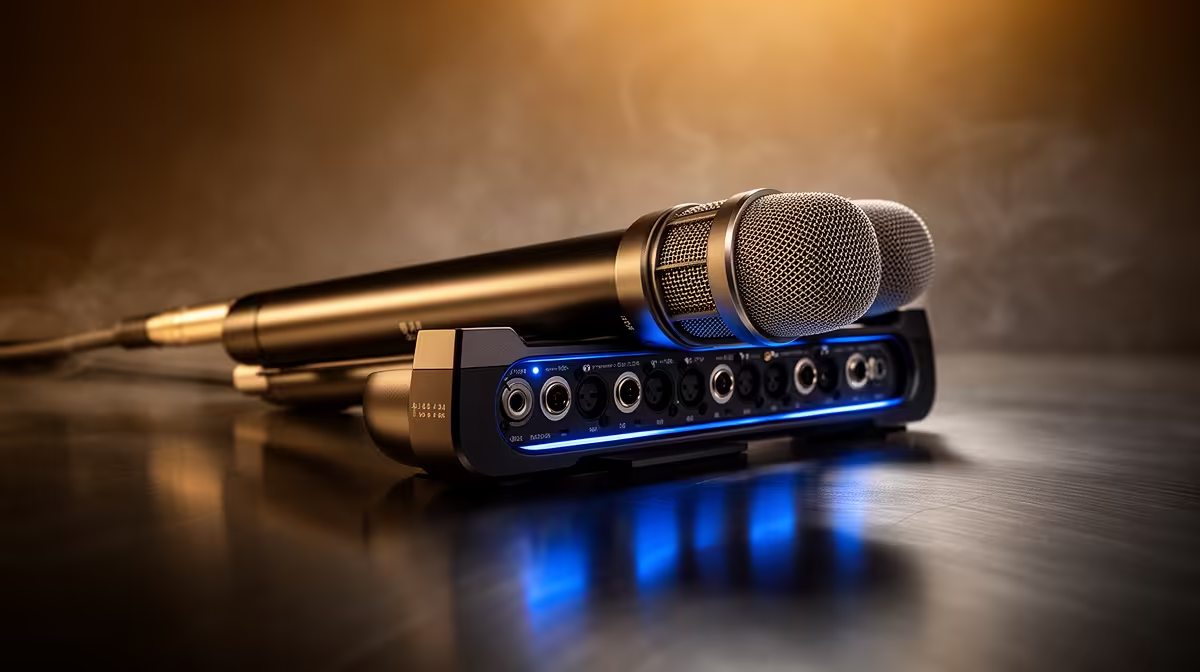
A 360-degree AI noise-canceling microphone sounds impressive on the box, and it can be, but the difference between a clean broadcast and a thin, robotic-sounding one often comes down to a few settings most people leave at defaults. Getting the most from 360-degree AI noise-canceling audio means configuring the suppression level, pickup focus, and gating in the right combination rather than simply switching the feature on.
Quick Answer
Enable AI suppression in the device software, select the focused-pickup mode rather than wide 360, and set suppression strength to medium (50 to 60 percent). Pair it with a noise gate near minus 40dB. That combination clears steady background noise without stripping warmth from your voice.
🧠 How the Room Mapping Actually Works
360-degree AI audio works by sampling the ambient noise profile around you before or as you speak. The system captures from all directions, identifies patterns belonging to steady background sources like fans or distant traffic, and subtracts them from the output in near real time.
The 360-degree label refers to that sampling phase, not the final pickup pattern. Once the ambient profile is established, most systems narrow the effective zone toward your voice. Processing lag is typically under 20 milliseconds on a well-implemented system, below the threshold of audible delay.
⚡ Setting Suppression Level Correctly
The suppression strength control is where most configuration mistakes happen. Maximum suppression sounds like the safest choice, but the AI at that level starts trimming the trailing edges of words, particularly softer consonants and vowel endings. The result is a voice that sounds clipped and slightly robotic, as if words are being cut off a fraction early.
Set suppression at medium strength, around 50 to 60 percent of the available range. At that level the system removes up to 80 to 90 percent of steady-state noise like fans and mechanical hum while leaving the natural texture of speech intact. If you find ambient noise still creeping through at medium, increase gradually rather than jumping to maximum.
Low end, the warmth below roughly 150Hz that makes a voice sound full and present, is the first thing over-aggressive suppression removes. If the voice sounds thin after enabling AI noise canceling, drop suppression to 40 percent and check whether that restores the missing warmth before reaching for an equaliser.
🎙️ Pickup Focus and Noise Gate Pairing
Even with suppression active, gaps in speech let ambient noise through. A noise gate addresses this by muting the output entirely when the input level drops below a set threshold. Set the gate trigger near minus 40dB, which is low enough to catch quiet speech and close quickly during pauses without clipping the natural end of sentences.
The gate and the AI suppression serve different functions: the AI cleans noise that occurs during speech while the gate removes it during silences. Running both together produces broadcast-quiet audio where noise is addressed at every moment of the stream, not just when you are talking.
One adjustment to watch: if the gate threshold is set too high, it cuts the first syllable of sentences that start quietly. Drop the threshold by 5 or 6dB if you notice words being swallowed at the start, and re-test with a full conversational sentence rather than a held tone.
Frequently Asked Questions
Why does AI noise canceling sometimes make voices sound unnatural?
Over-aggressive suppression strips the high-frequency sibilance and the natural decay of vowels that carry the warmth and clarity of speech. The AI is trying to remove anything that is not a voice, and at maximum settings it errs on the side of removing too much. Reducing suppression to the medium range restores naturalness while still clearing steady background noise effectively.
Does 360-degree AI audio handle sudden sharp sounds like a door slam?
Sustained background noise is what this technology is optimised for. Steady-state sources like fans, air-conditioning hum, and distant traffic are profiled accurately and removed well. A sudden transient like a door, a book dropping, or a sharp keyboard hit arrives too quickly for the model to predict and remove cleanly. A correctly configured noise gate handles inter-sentence silences, but sudden loud transients during speech will usually pass through.
Should the pickup be left at the wide 360-degree setting during a broadcast?
Wide pickup suits the room-scanning phase, not the final broadcast. Once the ambient profile is established, switching to a focused or directional mode concentrates the output on your voice and gives the AI a cleaner signal to work with. Broadcasting in wide mode continuously captures more room reflections and makes the suppression work harder than necessary.
What happens if the voice sounds thin after switching AI audio on?
Drop the suppression level. Thin sound is the consistent indicator that the system is removing too much of the lower-frequency content that gives a voice its body. Reducing from maximum to around 40 percent and checking again is the first step. If the warmth does not return at that level, a slight boost around 100Hz in the equaliser section of the device software restores it without fighting the suppression algorithm.
Ready to get broadcast-clean audio without fighting your room? Browse the AI noise-canceling microphones and audio interfaces available for South African streamers and podcasters, and configure your setup for professional sound from the first session.










