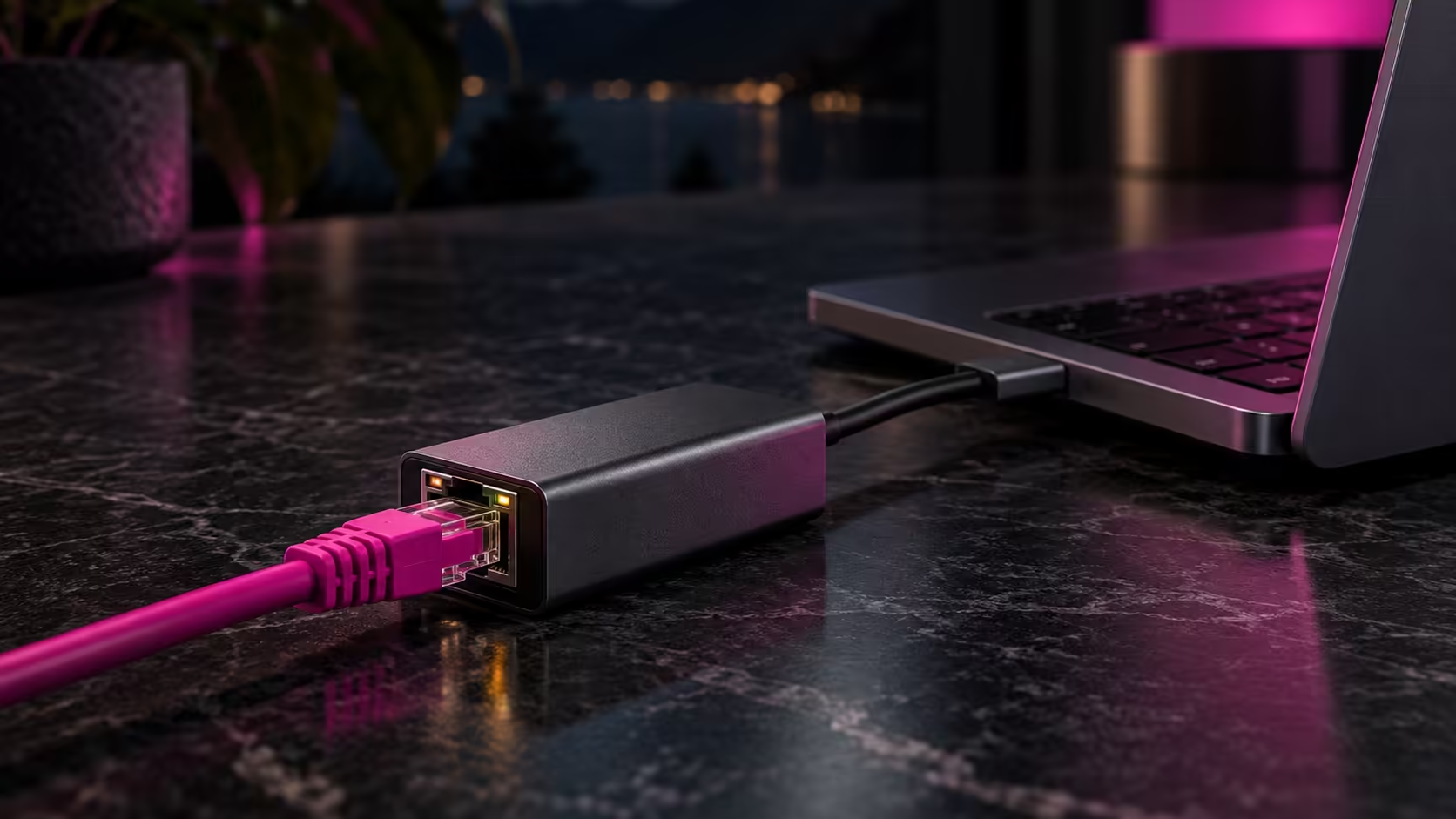
Thin laptops dropped the RJ45 socket years ago, and plenty of small-form-factor PCs never had a spare one. The fix takes about two minutes: a USB adapter turns any free USB port into a wired network port, so your Ethernet cable has somewhere to plug in again. Here is what to buy and how to tell it is working.
Quick Answer
Plug a USB 3.0 gigabit adapter into a USB-A port, push the Ethernet cable into the adapter, and Windows installs the driver by itself within about 30 seconds. The Orico adapter is R299 and is rated for 1000Mbps. Any Cat5e or Cat6 patch cable will carry it, so a cable you already own is fine.
🔌 What the adapter does and which one to pick
The Orico USB to Gigabit Ethernet adapter at R299 uses USB 3.0 to an RJ45 socket with a 1000Mbps transmission speed, and works with multiple systems. USB 3.0 moves 5Gbps, so the port is never the bottleneck for a 1Gbps line.
Check the colour inside your USB socket. Blue (or a small "SS" mark) means USB 3.0. A black socket is USB 2.0, which tops out at 480Mbps, and that will hold a fast fibre line back. If your laptop only has USB-C, a USB-C hub bridges the gap: the GAMDIAS MERCURY M1-500 5-in-1 hub at R299 carries 2x USB-A 3.0 ports alongside 4K 30Hz HDMI and USB-C PD charging, so one of its USB-A sockets can hold the adapter.
🧰 Plugging it in, step by step
- Plug the adapter into the USB port first, then the cable into the adapter.
- Push the other end of the cable into a numbered LAN port on your router, not the port marked WAN or Internet. Most home routers have 4 LAN ports.
- Wait for the status light on the adapter or the router port. A steady or blinking green or amber light means the link is up.
- Open Settings > Network & internet > Ethernet. It should read "Connected" and show a speed of 1.0 Gbps.
If Windows does not install the driver on its own, right-click Start, open Device Manager, right-click the item with a yellow triangle and choose Update driver > Search automatically for drivers. On a Mac, a new USB Ethernet entry appears under System Settings > Network.
Cat5e and Cat6 both carry gigabit for up to 100m, so a 10m lead from router to desk is no stress. Browse Ethernet and other cables if you need a longer or flatter one.
🏠 Why wired is worth it in a South African home
Fibre in a Pretoria townhouse or a Johannesburg flat usually ends at a box on the wall, with the router in the lounge. Wi-Fi from there has to push through brick and a few walls to a home office, and video calls start dropping frames. A cable avoids that entirely.
If the router is too far from your desk to run a lead neatly, a mesh or access-point setup from our networking page can carry the signal part of the way, and the adapter still handles the last metre.
🔍 Checking that it works and fixing the usual snags
Open Command Prompt and type ipconfig. Under "Ethernet adapter" you should see an IPv4 address that starts with 192.168. If it shows 169.254, the adapter is not getting an address from the router: swap the cable, try another LAN port, and restart the router.
If the link speed line under Settings > Network & internet > Ethernet says 100 Mbps instead of 1.0 Gbps, the usual cause is a damaged cable or a USB 2.0 port, so move the adapter to a blue port.
Frequently Asked Questions
Can I connect an Ethernet cable to a laptop with no LAN port?
Yes. A USB gigabit adapter such as the Orico model at R299 adds a working RJ45 port, and Windows detects it on its own once it is plugged in.
Will a USB adapter be slower than a built-in port?
On USB 3.0 it should run at the full 1000Mbps the adapter is rated for. A USB 2.0 port caps at 480Mbps, so use a blue port when you can.
Why does Windows say "unidentified network" after I plug in?
The router has not handed the adapter an address yet. Check that the cable is in a LAN port, restart the router and wait a minute for the link light to settle.
Ready to get your laptop wired?
Browse our network adapters and cables to match a USB adapter and a lead to your setup, then plug in and enjoy a steadier connection.