

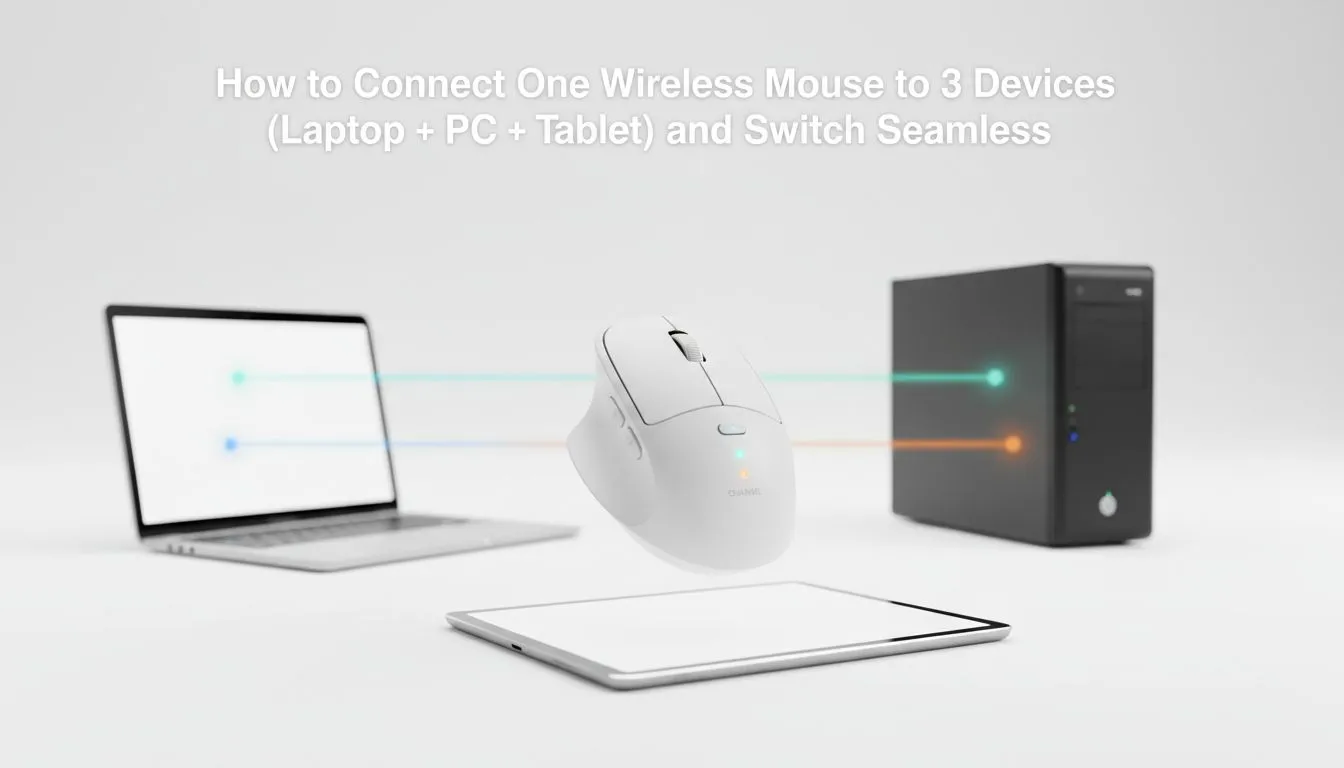
Does your desk look like a graveyard for peripherals? Between the work laptop, the gaming rig, and that tablet... things get messy fast. Learning how to connect one wireless mouse to 3 devices and switch seamlessly is the ultimate desk decluttering hack. It is about more than just aesthetics... it is about reclaiming your workflow and saving those precious Rands on multiple setups. ✨
Master Multi-Device Control with Ease 🔧
Most modern high-end options in our extensive gaming mouse range feature dual-mode connectivity. This usually involves a 2.4GHz USB dongle for low-latency gaming and Bluetooth for everything else. You can pair your main PC via the dongle and link your laptop or tablet via Bluetooth channels. If you are looking for value, keep an eye on the best gaming mouse deals to find a model that supports multi-pairing without breaking the bank.
Productivity Pro Tip ⚡
When setting up your multi-device mouse, label your Bluetooth channels in your mind. Channel 1 for the work laptop, Channel 2 for the tablet, and the USB dongle for your primary gaming rig. This mental map ensures you never skip a beat when jumping between a Zoom call and a quick session of Apex Legends during your lunch break.
Why Switching Seamlessly Between 3 Devices Boosts Your Workflow ⚡
When you decide to buy wireless mouse hardware with multi-connect features, look for a dedicated switch button. Some mice hide this underneath... others place it conveniently near the scroll wheel. This allows you to toggle between your MacBook, your Windows PC, and even your phone in seconds. It is a lifesaver for South African professionals who often juggle multiple machines during a single workday. Why settle for one connection when you can rule three?
Choosing the Right Hardware for Your Workspace 🚀
While some still prefer the zero-latency peace of mind that comes when you buy wired mouse tech, the freedom of wireless is hard to ignore. Just remember to keep your gear in top shape by browsing our mouse accessories for quality pads and replacement feet. A smooth glide makes switching between devices feel even more effortless. Whether you are editing video or grinding ranks, having one reliable tool for every screen is the ultimate power move.
Ready to Find Your Perfect Match? Managing multiple devices shouldn't be a headache. For maximum power, choice, and value in South Africa, a multi-device wireless setup is hard to beat. Explore our massive range of gaming mouse deals and find the perfect companion to conquer your digital world.











