


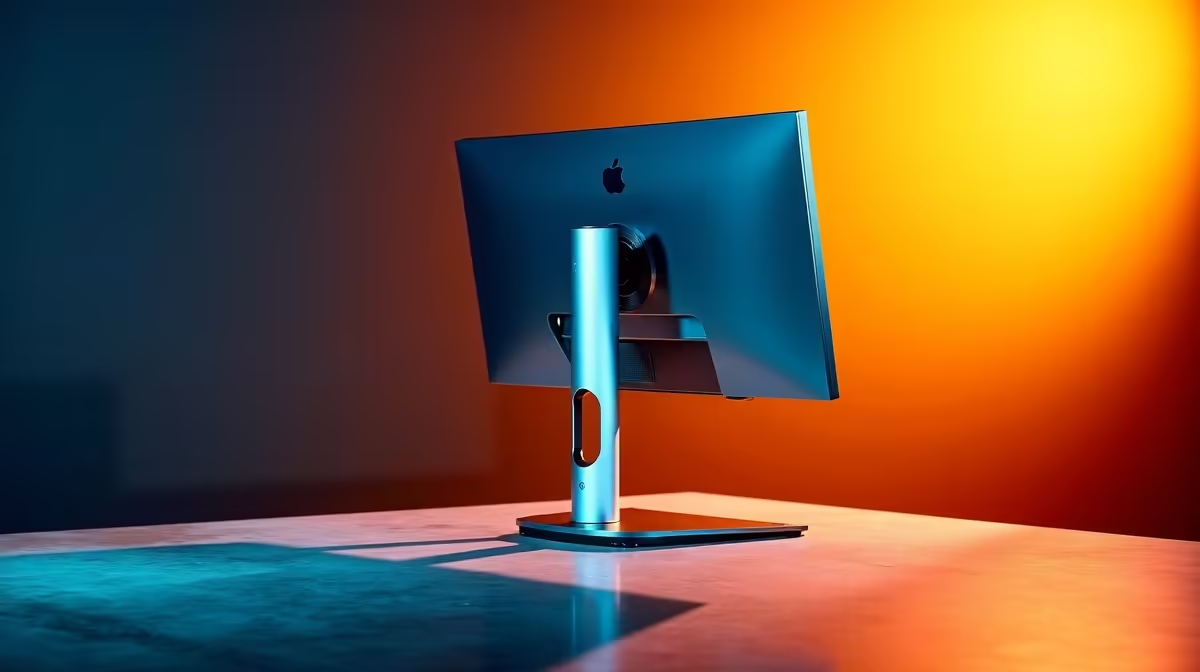
A camera angle problem is almost always a height problem in disguise. The face distortions that appear on video calls and streams, the exaggerated chin, the up-the-nose perspective, the compressed forehead, trace back to a lens sitting somewhere other than eye level. A height-adjustable mount corrects this without any editing or software processing, and the fix requires two adjustments: raise the column, then add a slight downward tilt to complete the angle.
Quick Answer
Raise the mount column until the lens sits at seated eye level, typically 100 to 150mm above where the camera currently sits for most desk setups. Then apply a 5 to 10 degree downward tilt. Together these remove the distortion a low angle creates and produce flattering, natural-looking framing.
🔧 Why Low Camera Angles Look Wrong
A lens below eye level shoots upward at the face. Wide-angle optics, common in webcams, exaggerate this further: the chin and jaw appear wider than they are, the nostrils move to the centre of the frame, and the forehead compresses. The angle reads as informal in professional settings.
The effect is worst on laptop cameras and webcams clipped to short monitors, where the lens often sits 150 to 200mm below seated eye level. On a large monitor, the clip can sit too high instead, compressing the face differently. Either way, the fix starts with reaching the correct height.
⚡ The Height Correction
Seated eye level sits 300 to 400mm above a standard desk. A column spanning 200 to 450mm of travel reaches this range from a desktop base without risers. Extend the column until the lens aligns with your pupils, not your forehead, not your mouth.
For a monitor-clipped webcam, unclip it, mount it on the adjustable stand, and lower the column to eye level. The stand will typically be 100 to 200mm shorter than the monitor top.
For a laptop, a riser of 100 to 150mm brings the built-in lens closer to eye level, or use an external webcam on a stand positioned correctly.
Height is the larger part of the fix. Distortion from a misplaced lens is structural and cannot be addressed by tilting alone.
✨ The Tilt Refinement
Once at eye level, a small additional downward tilt of 5 to 10 degrees from just above the eye line can improve the framing further. This angle subtly slims the jaw relative to dead-level framing and avoids the nostrils-forward look of an upward shot. It is a finishing adjustment, not the main correction.
The tilt should come from a lockable tilt joint on the mount head, not from tilting the entire stand or the monitor. A joint that locks with a knob holds this position without drift. A joint that relies on friction alone will slowly return toward level over the course of a week.
The same mount adjustment adapts to multiple users with different heights. A twist of the column height lock, a re-extend, and a lock again resets the camera for a taller or shorter person in under ten seconds.
Frequently Asked Questions
How does a height-adjustable mount correct an unflattering camera angle?
By lifting or lowering the lens to the user's seated eye level. Most framing distortions come from a vertical mismatch between lens and face. Raising the column until the lens sits at eye level removes the distortion, and a 5 to 10 degree downward tilt from there refines the frame.
How far should the webcam be raised for a typical desk setup?
Most desk webcams sit 100 to 150mm below seated eye level on a monitor clip or low stand. Measure the distance from the current lens position to your eye line and use that as the column adjustment target rather than guessing. Fine-tune to exact eye level once close.
Does a slight downward tilt actually flatter more than positioning level?
Marginally, yes. A 5 to 10 degree downward tilt from just above eye line reduces the prominence of the jawline without introducing the steep look-down distortion of a high camera angle. It is a refinement rather than a primary fix; the height correction must come first, because tilting a camera that is still below eye line simply produces a different bad angle.
Can one height-adjustable mount work for users of very different heights?
Yes, provided the column travel range is sufficient. A column spanning 200 to 450mm covers the seated eye-level range of most adults. Multiple users reset the height by loosening the column lock, repositioning, and re-locking, a three-second operation on a quality twist-lock design.
Why does height matter more than tilt when correcting camera angle?
The distortion comes from the vertical distance between lens and face, not the angle alone. A low camera tilted upward to compensate is still a low camera; the optics still foreshorten from below. Reaching the correct height removes the structural cause. Tilt then refines the already-correct position rather than trying to compensate for a wrong one.
Ready to correct your camera angle properly and look better on every call? Browse the height-adjustable webcam stands and desktop mounts at Evetech to find the column range and locking mechanism your desk setup needs.










