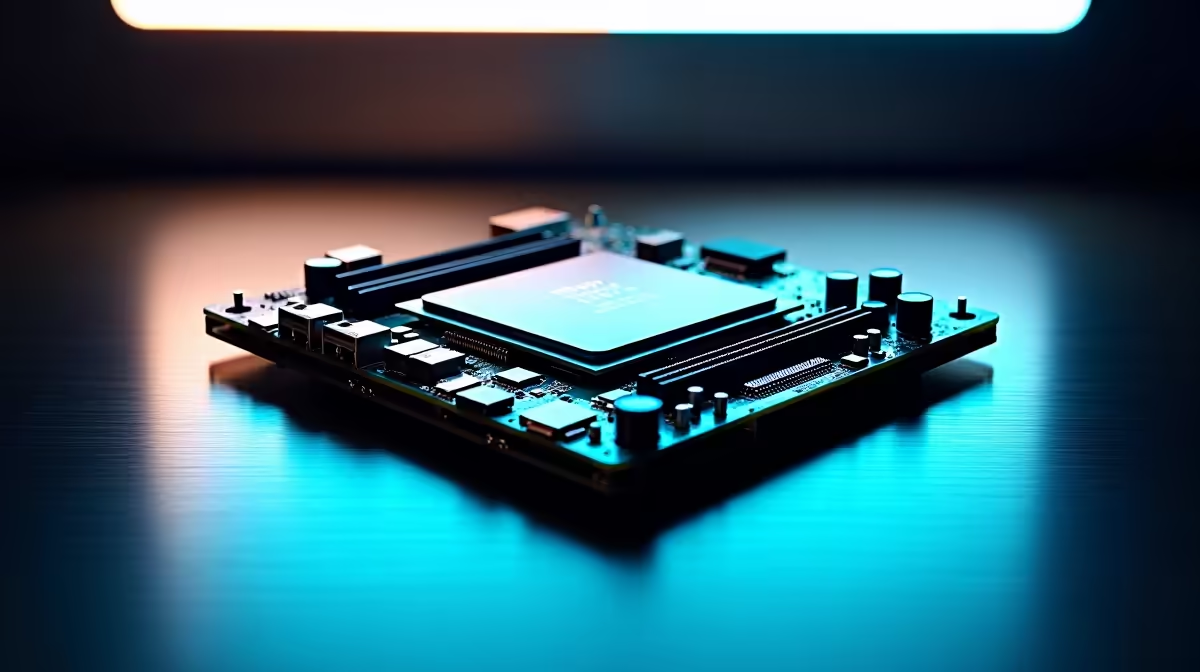
Yes, the MSI A520M-A PRO at R700 suits a first entry-level streaming build where the priority is getting a dependable motherboard without pushing too much of the budget into the board.
Best starting point
For a low-cost stream setup, the MSI A520M-A PRO at R700 makes sense when the CPU bundle is priced well and the build only needs a straightforward A520M base. It keeps more money available for the parts that shape the stream experience, while still giving the PC a clear platform to start from.
The ASUS Prime B850M-F WiFi at R2,300 is the better step-up when wireless networking matters at the desk. Its WiFi spec is useful for a creator desk where the router is not nearby, although wired internet is still the cleaner choice for a stable live stream.
The ASROCK B850 Pro RS at R2,850 and MSI B850 Gaming Plus at R2,900 sit close together, so the decision is less about raw price and more about whether you want the Pro RS direction or the Gaming Plus board style. Both carry the B850 spec from the list, which makes them more forward-looking than the R700 A520M option.
Creator desk streaming in South Africa
At a small creator desk, a CPU bundle is worth considering only when the board is not the weak link. The MSI A520M-A PRO at R700 is fine for a careful starter build, while the ASUS Prime B850M-F WiFi at R2,300 is the cleaner pick if the desk depends on wireless placement.
The ASUS TUF Z890-Pro at R5,000 is the premium outlier here. Its Z890 spec is overkill for a basic starter stream, but it makes sense when the board budget is intentionally higher than the entry tier.
Ready to choose the right motherboard?
Use MSI A520M-A PRO at R700 as the motherboard shortlist benchmark, then check whether its listed spec matches the space, workload, and upgrade path.