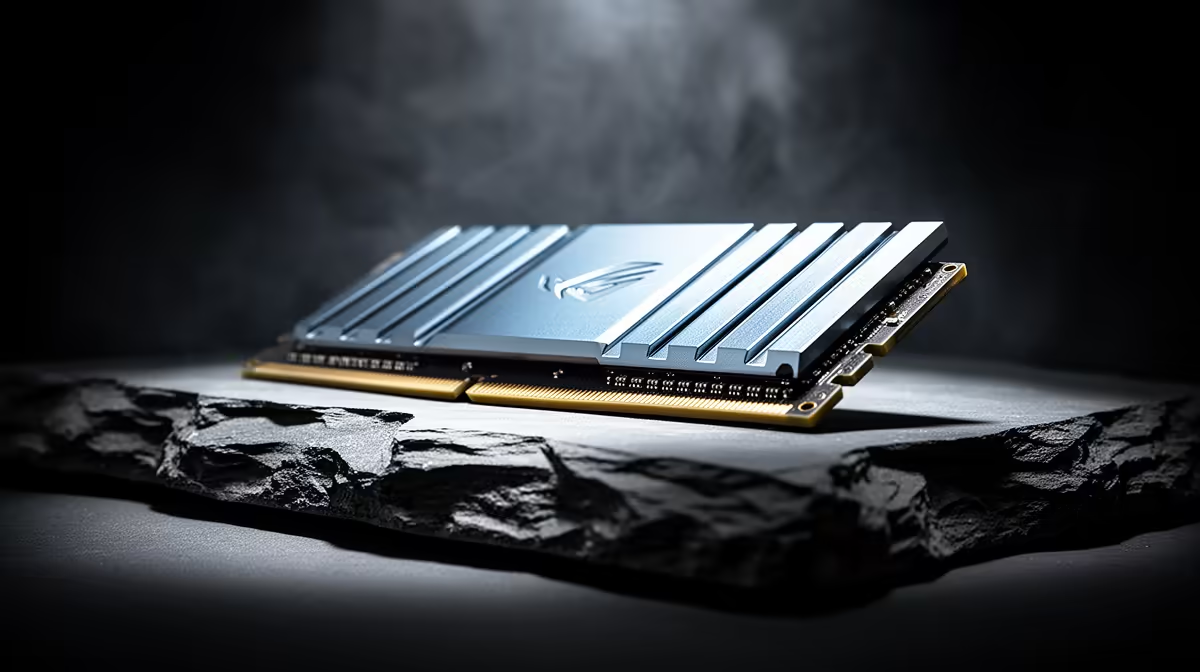
DDR5 moved voltage regulation from the motherboard onto each memory module, changing where some heat and electrical work happens. That does not make every DDR5 kit cooler or lower-power than every DDR4 kit. Capacity, speed, voltage, memory chips and workload decide the finished result.
Quick Answer
Treat DDR5 efficiency as part of a platform comparison, not a reason to replace DDR4 by itself. Standard-speed kits can be efficient, while high-voltage overclocked memory creates more heat. Use a stable profile, keep normal case airflow across the DIMM area and measure total system power when efficiency matters.
The PMIC now sits on the module
DDR5 DIMMs include a power-management integrated circuit that converts and regulates supply for the memory chips. This can improve control and supports the generation's electrical design. The small component also adds a heat source to the module.
Heat spreaders help distribute that heat on faster kits, but size and RGB do not prove electrical efficiency. A tall cover can even complicate CPU-cooler clearance.
Use the DDR5 kit selection beside the RAM best sellers page, comparing capacity, voltage, timings and platform support.
Overclocking changes the power story
XMP and EXPO profiles raise speed and can alter voltage and timings. They are convenient saved overclocks, so the CPU memory controller and motherboard still need to remain stable.
Start at default settings, enable the profile and run a long memory test. Watch module temperature where sensors are available. A small performance gain does not justify errors or excessive voltage.
Airflow does not need to be dramatic
Normal front-to-back case airflow is enough for many standard kits. Keep the intake filter clean and avoid trapping the DIMMs behind a solid cable bundle. A dedicated memory fan belongs to high-voltage tuning or unusual restricted builds, not every gaming PC.
Measure in the actual game or production load. A synthetic memory test can heat modules more than normal play, which is useful for stability but should not define the everyday fan curve.
Measure the complete PC
Module power is a small part of a gaming system beside the processor and graphics card. Use a wall meter when the electricity difference matters, keeping the same CPU limits, game and display. A memory change that saves little at the wall can still be worthwhile for capacity or performance, but it should not be sold as a major power upgrade.
Check idle and a sustained memory workload. RGB lighting and the controller software also draw some power, so include them in the configuration you plan to keep.
Frequently Asked Questions
Does DDR5 use less power than DDR4?
It can be efficient at standard settings, but capacity, speed, voltage and the whole platform determine measured power.
Does the DDR5 PMIC need a fan?
Normal case airflow is enough for many kits. High-voltage overclocks and restricted cases may need more attention.
Is XMP or EXPO safe to enable?
It applies an overclock profile. Use supported settings and test the complete system for stability.
Compare DDR5 kits by capacity, stable voltage and platform fit, then give the modules clean case airflow instead of assuming the generation runs cool.