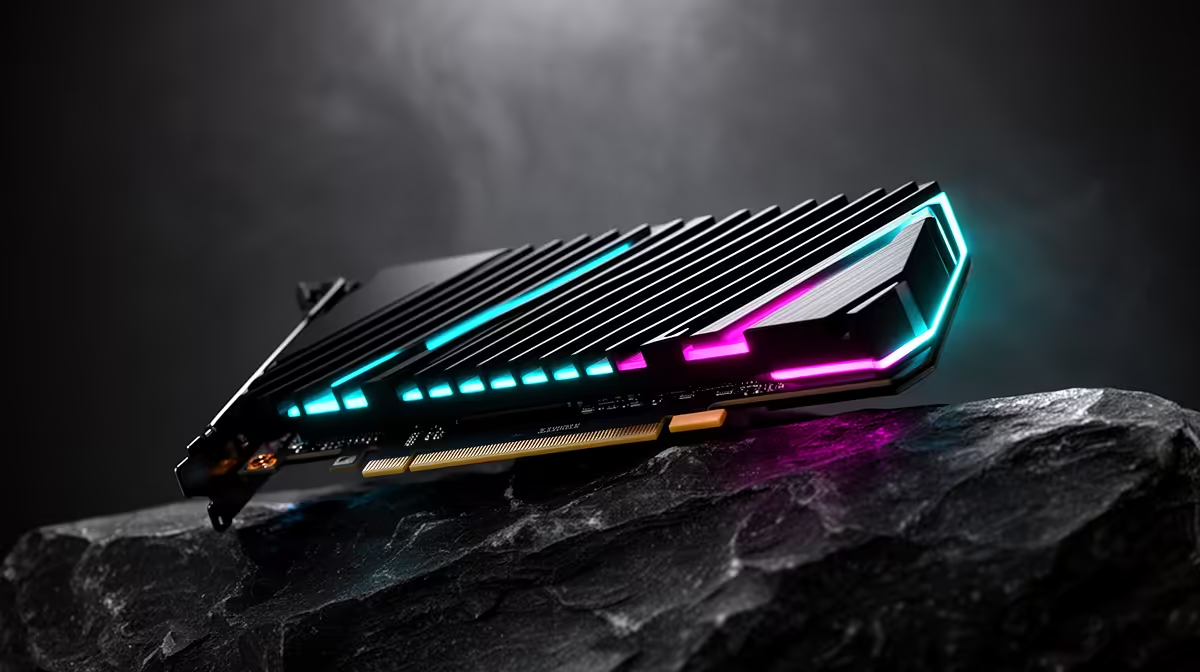
A common worry before installing Cursor, Claude Code or a similar agent is whether the laptop has enough graphics muscle to run it. For the cloud versions, that worry is misplaced. Cloud agentic coding tools run their model inference on remote GPU clusters, not on your machine, so a dedicated graphics card sits idle while the real work happens on someone else's H100s. Your job is to send a prompt and receive code, which is a network task, not a compute task.
Quick Answer
No, you do not need a GPU for cloud agentic coding tools. They run inference on remote servers and stream the results back, so a stable internet connection, comfortable RAM and a decent CPU matter far more than local graphics. A GPU only becomes relevant if you later run a coding model locally.
Where the heavy lifting actually happens
When you ask Claude Code to refactor a module or Cursor's cloud agent to fix a failing test, the model generating that code lives in a data centre. Token generation runs on clusters of high-end accelerators handling the forward passes that produce completions. Tools that read a large slice of your repository before responding lean on long-context inference that simply will not fit on a consumer card, so even an expensive desktop GPU could not host them if it wanted to. The terminal or editor on your machine is a thin client that packages your request, ships it off, and renders the answer.
That changes what counts as a good machine for this work. The bottleneck is round-trip latency and your connection, not floating-point throughput.
What hardware does matter
For a smooth experience with cloud coding agents, prioritise in this order:
- A reliable connection. Fibre with steady latency keeps the agent responsive, since every action is a request and a reply.
- RAM. 16GB is a sensible floor and 32GB is comfortable once you have an editor, multiple browser tabs, containers and a dev server all open at once.
- A modern multi-core CPU. Builds, test runs and local tooling all run on your side, so the processor earns its keep even when the model does not.
- Fast NVMe storage. Repositories, dependencies and build caches read and write constantly.
A well-specified machine without a discrete GPU handles cloud agentic coding comfortably. If you are spec-shopping, the AI PC range shows where current builds put their money, and you will notice the emphasis is on memory and CPU for this kind of workload.
When a GPU genuinely earns its place
A graphics card stops being optional the moment you want to run a model locally rather than calling the cloud. Running an offline coding model needs serious VRAM, in the region of 24GB, to load capable weights and still keep a usable context window. That is a deliberate choice usually driven by privacy, working without internet, or avoiding per-request costs, and it is a different project from using a hosted agent. You might also want a GPU for unrelated reasons, gaming, video editing, or training your own models, in which case buy it for those, not for cloud coding. The best-selling PCs cover both camps, from lean developer boxes to GPU-heavy workstations.
Frequently Asked Questions
Does Claude Code or Cursor use my graphics card?
The cloud versions do not. They send your request to remote servers that run the model, then stream code back to your editor or terminal. Your graphics card stays idle during that exchange.
What is the minimum laptop I need for cloud AI coding?
Aim for 16GB of RAM, a modern multi-core CPU, fast NVMe storage and a stable connection. No discrete GPU is required for the cloud tools themselves.
When would I actually need a GPU for AI coding?
Only when you choose to run a coding model locally instead of in the cloud. That typically calls for a card with around 24GB of VRAM to load the model and hold enough context to be useful.
Will a more powerful GPU make cloud agents faster?
No. Response speed depends on the remote servers and your internet connection, not your local graphics hardware. Spending on a faster connection or more RAM helps far more.
Building a machine for cloud coding rather than gaming? Skip the oversized GPU and put the budget into RAM and CPU. Browse the AI PC range at Evetech to spec a build that fits how these tools actually work.