


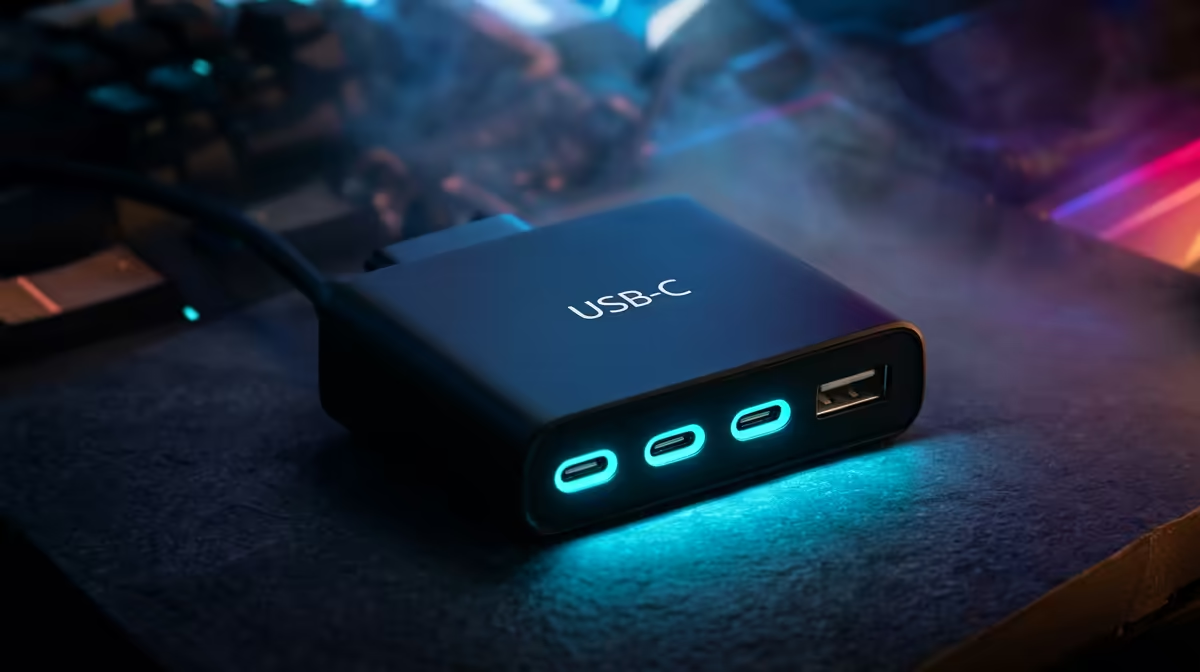
Coming from a console with a couple of USB ports, PC players often underestimate how many peripherals a desk gathers. A dock's USB ports decide how much you can run cleanly.
Quick Answer
A dock's USB ports matter when you connect several peripherals to a laptop-based PC setup, such as a keyboard, mouse, controller, mic and headset; they matter less on a desktop with many rear ports. Multi-port USB-C docks are stocked locally from around R1,500.
Why USB Ports Add Up
A PC gaming setup quickly needs a keyboard, mouse, controller, headset or DAC, mic, and a storage drive. A laptop's two or three ports run out fast. A dock with four to six USB ports keeps everything connected through one cable, far cleaner than a tangle of separate hubs.
When You Don't Need Many
A desktop motherboard usually has six or more rear USB ports plus front-panel ones, so a dock adds little there. Count what you actually plug in before assuming you need a high-port dock.
Choosing the Right Port Mix
Look for a mix of USB-A for older peripherals and USB-C for newer ones, plus at least one high-speed port for external storage. Confirm the dock's bandwidth handles all ports at once without slowing transfers.
FAQ
How many USB ports do I need for PC gaming?
Count your peripherals: keyboard, mouse, controller, mic, headset or DAC, and a drive add up fast. On a laptop, a dock with four to six USB ports keeps them all connected through one cable.
Do I need a USB dock for a desktop?
Usually not. Desktop motherboards offer six or more rear USB ports plus front-panel ones, so a dock adds little. Docks mainly help laptop-based setups short on ports.
What USB types should a gaming dock have?
A mix of USB-A for older peripherals and USB-C for newer ones, plus a high-speed port for external storage. Check the dock's bandwidth supports all ports working at once.
peripherals before buying; on a laptop choose a dock with four to six mixed USB-A and USB-C ports so one cable runs your whole desk.










