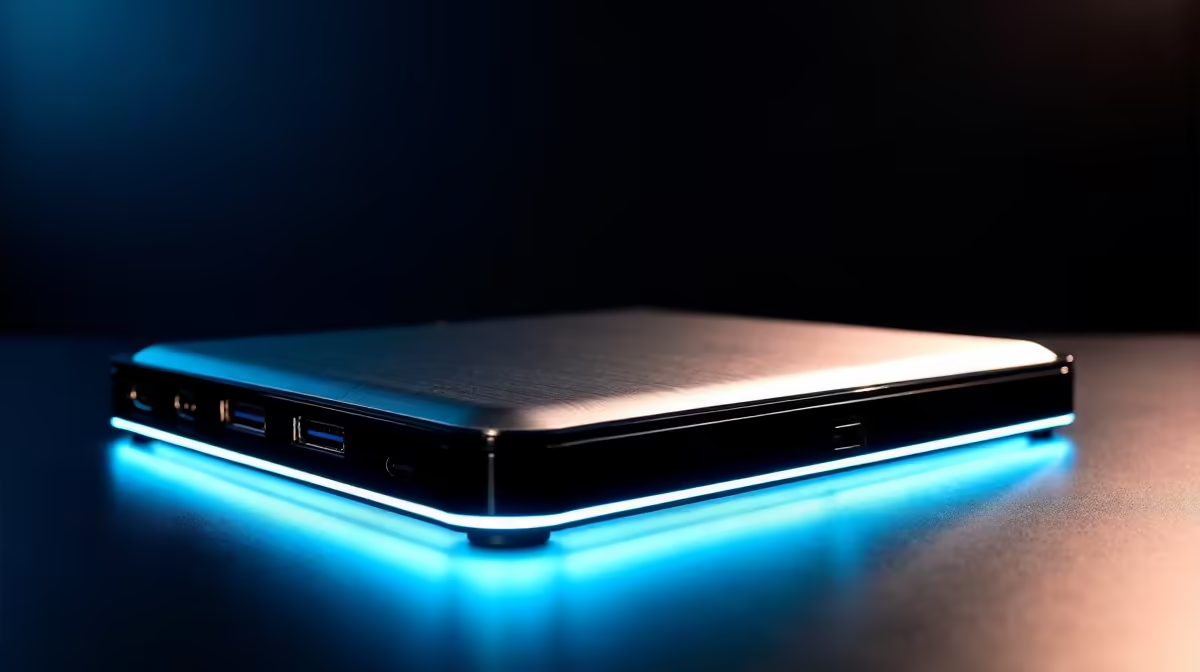
New builders adding a laptop to the mix want a dock that works with their gear and is covered locally. Compatibility and warranty matter as much as port count.
Quick Answer
A dock helps new builders who also run a laptop, but compatibility decides everything: match the USB-C or Thunderbolt standard, confirm display resolution support, and check the local warranty. Capable docks are stocked locally from around R1,500 to R6,000.
Compatibility First
A Thunderbolt dock needs a Thunderbolt or USB4 laptop port to deliver dual 4K and full speed; on a plain USB-C laptop it underperforms. Confirm the dock supports your monitor's resolution and refresh rate, and that it supplies enough power delivery (65-100W) to charge your laptop.
Warranty and Support
Buy a dock with a clear local warranty, typically one to two years, so a faulty unit is replaced without import hassle. A detachable host cable means a frayed cable is a cheap fix rather than a warranty claim.
Upgrade Path
If you start with a basic single-display dock and later add a second monitor, you may need to upgrade. Buying slightly above your current needs, with dual-display support, can save replacing the dock soon after.
FAQ
How do I check a dock is compatible with my laptop?
Match the standard: a Thunderbolt dock needs a Thunderbolt or USB4 port for full performance. Confirm it supports your monitor's resolution and supplies enough power to charge your laptop.
Do docking stations have a local warranty?
Quality docks carry a local warranty, usually one to two years. Buying with clear local support means faults are handled without import delays, which matters for daily-use hardware.
Should I buy a dock with room to grow?
If a second monitor is likely soon, a dual-display dock saves replacing it later. Otherwise a single-display dock is cheaper and fine for one external screen.
Match the dock standard to your laptop port, confirm it drives your monitor's resolution, and check the local warranty before buying.