Quick Answer
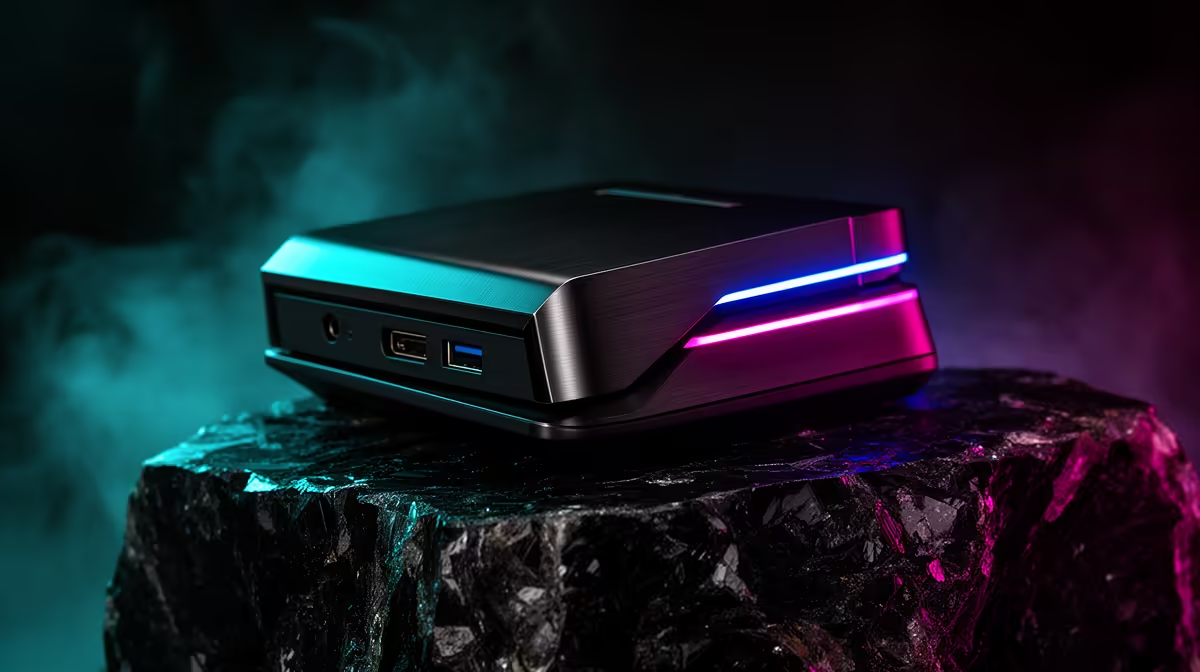
For console gamers moving to PC, docking-station cable length matters mainly if you game on a laptop, not a tower - a desktop PC plugs straight into peripherals and rarely needs a dock at all. If you do dock a laptop, keep the USB-C cable under 1m for full refresh; past that, passive cables can drop a 144Hz monitor to 60Hz. Quality short cables cost R200 to R400 at Evetech.
Do You Even Need A Dock Moving To PC?
Here is the honest answer: a desktop tower does not need a docking station - it has its own rear ports for the monitor, keyboard and Ethernet. Docks are for laptops that swap between desk and portable use. If your move to PC means a tower, skip the dock and cable length question entirely.
If you game on a laptop that you dock at a desk, then cable length matters. USB-C is distance-sensitive: the bundled short cable carries full 144Hz, but a long passive run can silently drop the refresh rate.
Getting Length Right For A Laptop Dock
Keep the dock-to-laptop USB-C cable under about 1m and certified to your dock's standard. If you need more reach, an active or optical cable holds full speed but costs more. Avoid cheap unbranded extensions - they are the usual cause of a monitor stuck at 60Hz.
Place the dock close to where the laptop sits so the certified cable reaches without strain, and route the dock's own monitor and peripheral cables cleanly.
Spend Bands
A laptop dock runs R1,200 to R2,500. The bundled cable is usually fine; a certified replacement is R200 to R400, and an active 2m cable for more reach is R500 to R900.
FAQ
Does a desktop PC need a docking station?
No. A tower has rear ports for the monitor, keyboard and Ethernet, so it connects directly. Docks are for laptops that move between a desk and portable use.
How long can a dock cable be before quality drops?
Keep passive USB-C cables under about 1m for full 144Hz. Past that they can drop to 60Hz or lose data speed. Use an active or optical cable if you need more reach.
What causes my docked monitor to drop to 60Hz?
Usually a long or low-quality USB-C cable losing bandwidth. Swap to the bundled short certified cable, or an active cable rated for the distance, to restore full refresh.
moved to a desktop tower, skip the dock entirely - it plugs straight into your monitor and peripherals. Only laptop gamers need a dock and short certified cable.