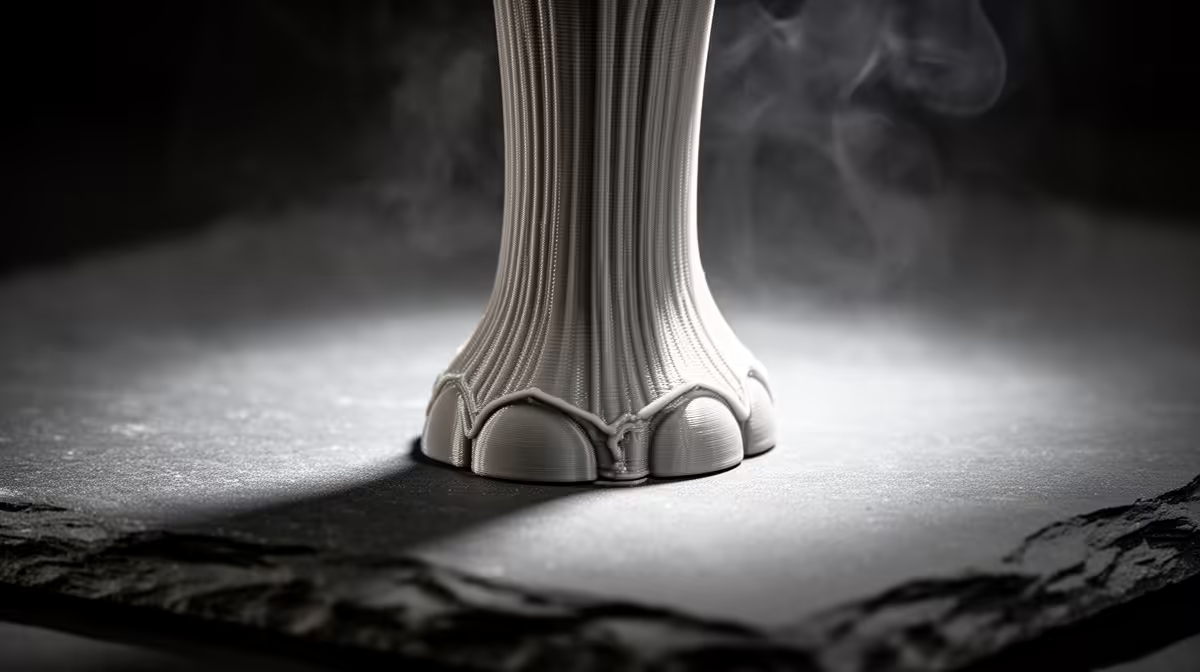
That flared, slightly mushroomed bottom edge on your print has a name, and elephant's foot is one of the easiest first-layer faults to diagnose because it only ever appears at the base. The plastic touching the bed stays soft for longer than the layers above it, so the weight of the print squashes that warm base outward until the first millimetre or two bulges past the intended outline. Two settings cause it, and both are quick to adjust.
Quick Answer
Reduce first-layer squish by raising your Z-offset roughly 0.02mm to 0.04mm, and drop the bed temperature by 5C to 10C once the first layer has bonded. For most PLA, moving from a 65C bed to around 55C to 60C and trimming an over-aggressive offset removes the flare without hurting adhesion.
Why the base flares while the rest of the print stays sharp
Elephant's foot is a heat-and-pressure problem, not a slicer bug. Your bed holds the first few layers near the filament's softening point so they bond properly, but that same warmth keeps the base pliable. As the nozzle stacks more layers on top, their combined weight presses down on a base that has not fully set, and the soft plastic spreads sideways. If your nozzle is also sitting too close to the bed, you are forcing extra material into that first layer, which gives the squashed base even more plastic to bulge with.
The tell is consistency: the flare runs evenly around the whole footprint and never appears higher up the model. Warping curls upward at corners, and a skewed first layer looks patchy rather than uniformly fat. A clean, even bulge points straight at squish and bed heat.
The two-step fix, in order
Start with Z-offset because it costs nothing and is reversible. Nudge the nozzle away from the bed in small steps, around 0.02mm at a time, and reprint a small calibration cube. You want the first layer to still look fully bonded with no gaps between lines, just slightly less smeared. Over-correcting brings back poor adhesion, so move gently.
If a small offset change does not clear it, bring the bed temperature down. A bed running hotter than the filament needs keeps the base molten well into the print. For PLA, many printers default to 60C to 70C when 55C to 60C is plenty once adhesion is established. PETG and ABS behave the same way at their own higher bands, so apply the same logic rather than copying PLA numbers.
Most modern slicers also have an elephant's foot compensation setting, sometimes called first-layer horizontal expansion, which trims the outer wall of the bottom layer inward by a set amount. Treat it as a cosmetic finisher after you have fixed the real cause, not as a substitute for correct offset and temperature. If you lean on compensation alone, the base is still over-squished, you are just hiding it.
A glass or smooth PEI surface tends to show the bulge more clearly than a textured sheet, simply because the flat base reflects the flaw. Keeping your bed clean and level also matters, since a low spot in one corner mimics over-squish in just that area. When you are upgrading consumables, the 3D printing accessories among Evetech's top sellers cover the nozzles, surfaces, and tools that keep first layers predictable.
Frequently Asked Questions
How do I know it is elephant's foot and not warping?
Elephant's foot bulges outward at the very bottom and stays uniform around the footprint. Warping lifts the corners or edges upward off the bed. If the base is wider than the model should be but flat, it is elephant's foot.
Will raising the Z-offset hurt bed adhesion?
Only if you raise it too far. Move in 0.02mm steps and check that the first layer lines still touch with no visible gaps. A correct offset keeps adhesion while removing the excess squish that causes the flare.
What bed temperature should I use for PLA?
Many printers run hotter than needed. After the first layer bonds, 55C to 60C is usually enough for PLA. Lowering the bed once adhesion is set stops the base staying soft long enough to spread.
Does slicer elephant's foot compensation fix the real problem?
No. Compensation trims the bottom outline inward so the flare is less visible, but the base is still over-squished. Fix offset and temperature first, then use compensation only as a final cosmetic touch.
Why does it only happen at the base and not higher up?
The bed heats the first few layers near the filament's softening point so they bond. That warmth keeps the base pliable while the weight of later layers presses down, spreading the still-soft plastic outward only at the bottom.
Dialling in clean first layers is far easier on a well-built, properly calibrated machine. Browse the current range of 3D printers stocked at Evetech to find a printer that holds its bed temperature and Z-offset accurately out of the box.