


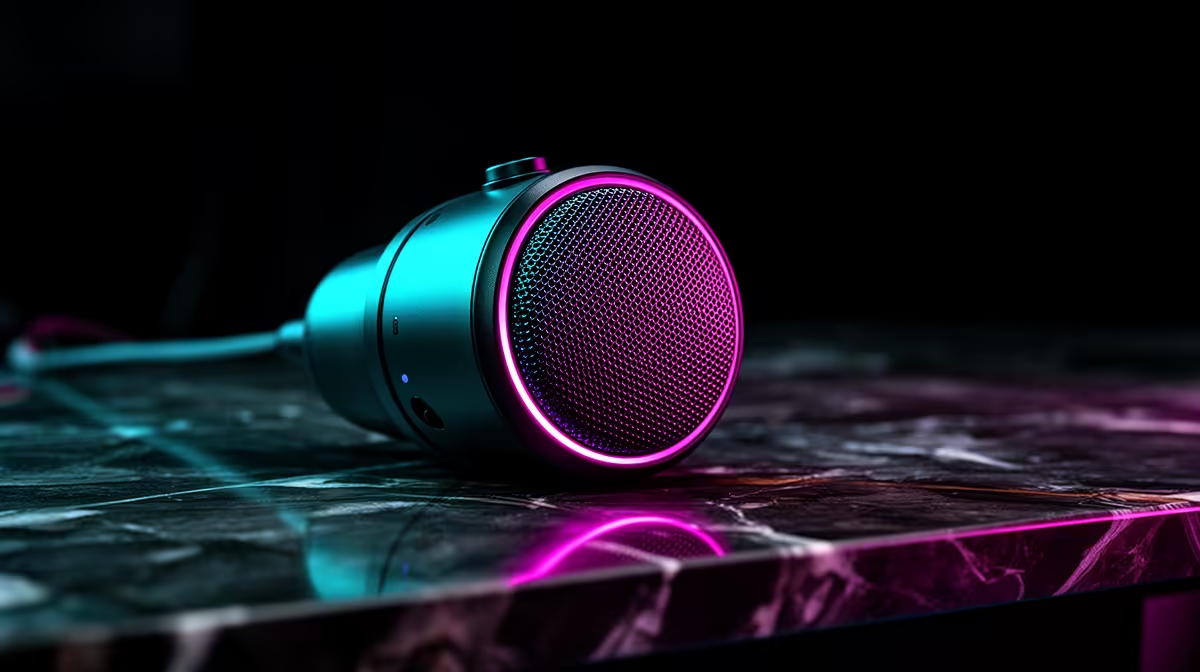
Configuring a noise suppression plugin every time you switch apps is the kind of friction that adds up across a long streaming day. A built-in AI noise cancelling microphone removes that step entirely: audio is filtered at source by a dedicated DSP embedded in the microphone itself, before anything travels down the USB cable. Every application receives the cleaned feed automatically, from Discord to OBS to your browser-based video call, with nothing to configure.
Quick Answer
A built-in AI noise cancelling mic filters background noise on a chip inside the microphone before the audio reaches your PC. The result is cleaned audio in every application simultaneously, with no software plugin required and no CPU load added to your system.
🔧 Where the Processing Actually Happens
The chip inside the mic is a digital signal processor designed specifically for audio tasks. When sound enters the capsule, the DSP analyses the waveform and applies the noise model in dedicated silicon before anything is passed along the USB cable. The output is already filtered.
This is meaningfully different from a plugin that sits in the software chain. A software filter intercepts audio after it has arrived on the PC, processes it using CPU cycles, and passes the cleaned version on to the application that called for it. A hardware chip removes the CPU from the equation and processes the signal at the source.
The practical difference shows in two situations: a busy system where a game, capture session, and call are running simultaneously, and switching between apps. On a loaded CPU, a software filter occasionally causes brief artefacts. The onboard chip is unaffected. And where a software filter needs to be enabled per app, the hardware chip processes everything before any app sees it.
⚡ Consistent Results Across Every App
Discord, OBS, Zoom, a game with built-in voice chat, a browser call, and a local recording session all receive the same filtered audio from a mic with a built-in AI chip. You set the cancellation level once, using either a physical button on the mic body or a companion app if the manufacturer provides one, and every application benefits without individual configuration.
This suits creators who shift between use cases -- recording a voiceover in the morning, streaming in the afternoon, joining a game lobby in the evening. Each app handles audio differently. A hardware-processed mic sidesteps all of that variability.
The adjustability on most built-in AI mics runs from low through to high cancellation. Low preserves more of the natural room ambience and is suitable for a quiet home office. Medium is the reliable default that handles fan noise, distant traffic, and the ambient hum of most SA home environments. High is available for busy shared spaces, though aggressive settings on some models can slightly thin out vocal texture.
🎯 How Much CPU Does It Actually Save?
A typical software filter consumes 3 to 6 percent of CPU during a stream. On a mid-range laptop juggling a game, a browser, and a call simultaneously, that load can be the difference between a stable frame rate and stutters. The hardware chip consumes none of it -- the DSP runs independently of the CPU.
Latency on the onboard chip is around 8 to 12 milliseconds, well below the threshold where audio drifts out of sync with a webcam feed on a live call.
Frequently Asked Questions
Where does a built-in AI chip do its work?
All filtering happens at the microphone itself, before any audio travels the USB cable. Sound enters the capsule, the onboard DSP analyses and cleans the waveform, and only the processed output reaches the PC. This is the key difference from software cancellation, which processes the audio after it arrives on the computer.
Does onboard cancellation work in every program?
Yes. Filtering happens before the signal leaves the mic, so every application gets the same cleaned feed. Discord, OBS, Zoom, and in-game voice chat all benefit without individual configuration and with no plugin to install.
How much CPU does an onboard chip save?
A software noise filter typically consumes 3 to 6 percent of CPU during processing. A hardware chip on the mic handles the same job independently of the system processor, removing that load entirely. On a laptop under a streaming or gaming workload, those freed processor cycles contribute to frame-time stability and reduce the risk of brief audio artefacts when the system is under peak load.
Can I adjust the cancellation strength on a hardware mic?
Most built-in AI mics offer at least two or three strength levels, accessible via a physical button on the mic body or a companion application. Low is suitable for a quiet room where preserving some natural ambience matters. Medium handles everyday home background noise reliably. High suits a noisy shared space but can occasionally reduce vocal fullness if the suppression is applied too aggressively.
Is there any noticeable delay from onboard processing?
Around 8 to 12 milliseconds -- below the threshold for audio drift on a live call. Software filters under CPU load can introduce more variable latency, making the hardware chip's consistent timing a practical advantage on busy systems.
Ready to drop the noise without touching your settings between apps? Browse the USB microphone range with built-in AI noise cancellation and find the hardware-processed option that cleans your audio at the source.









