


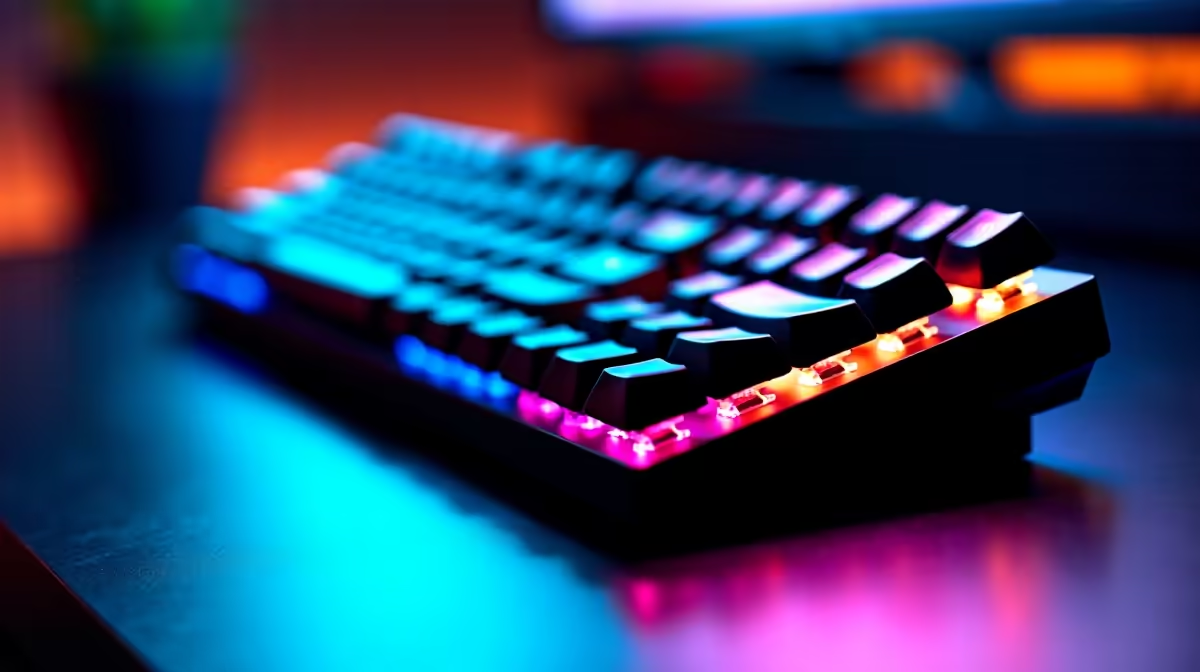
Mechanical keyboards produce sound by design. The sharp crack of a switch bottoming out carries a distinct acoustic signature, a brief high-energy transient that sits well outside the frequency range of normal speech. That gap is exactly what AI noise reduction for keyboard clicks exploits, and it exploits it well enough that callers on the other end often hear nothing but your voice.
Quick Answer
AI noise reduction removes keyboard clicks by learning the short transient signature each switch produces and subtracting it from the outgoing audio in real time. The process adds under 10ms of latency and runs on the GPU, so your voice stays in sync and the click is gone from what listeners hear.
🎙️ How the AI Learns to Recognise a Keystroke
The filter starts with a trained model exposed to thousands of keyboard sounds across different switch types and room acoustics. That training teaches the model what the sharp 5 to 15 millisecond peak of a keypress looks like as audio data, distinct from the longer, steadier waveform of a human voice.
When you type during a call, the model spots each transient event, compares its shape to the learned pattern, and removes it before the signal leaves the system. The voice passes through because it occupies a different temporal and spectral space.
What separates this from a basic noise gate is precision. A gate cuts all audio below a volume threshold, which can clip the tail of a word. The AI targets the shape of the event rather than its volume alone, so quiet speech is never swallowed by the filter.
⚡ Latency and Why It Matters
Audio synchronisation becomes noticeable at around 100ms of delay, the point where speech drifts from lip movement in a video call. GPU-based engines keep the filtering pipeline under 10ms on modern hardware, well inside real-time.
On laptops with a dedicated NPU the workload shifts there instead, leaving CPU and GPU untouched. This matters for South African remote workers running video calls, audio processing, and browser tabs simultaneously on mid-range machines.
🔧 Managing Suppression Strength
AI noise reduction ships with an adjustable suppression level. At maximum, clicks disappear almost entirely, but aggressive settings can thin the lower edge of vocal warmth. Setting suppression between 50 and 70 percent is a practical middle ground: clicks drop substantially, voice retains its character above 200Hz.
Cherry MX Blue clicks measure around 60 decibels at the desk. Linear switches at roughly 45 decibels give the model an easier task and work well at lighter suppression settings.
Pro Tip ⚡
Record a thirty-second clip of yourself typing and talking, then listen back. If your voice sounds hollow in the lower mids, pull suppression down by 10 to 15 percent. Click reduction stays substantial and the voice feels more natural.
Frequently Asked Questions
How does the AI filter distinguish a keystroke from speech?
Each key strike produces a very short burst of energy, typically 5 to 15ms, with a sharp peak. Speech waveforms are much longer with a fundamentally different envelope. The model was trained on both and flags transient events while preserving the sustained vocal signal. The separation works reliably across switch types because the temporal shape is consistent.
Does this processing add noticeable delay to a call?
No. GPU-based engines operate under 10ms, far below the 100ms threshold where lip-sync drift becomes visible. Even on a laptop using the CPU path, modern implementations stay well below perceptible latency for both parties.
Can the filter handle loud clicky switches?
Yes. Louder switches at around 60 decibels require a slightly more aggressive setting to cut fully. Quieter linear switches at 45 decibels respond to lighter settings and leave more room to preserve vocal warmth. In both cases the filter substantially reduces what listeners hear.
Will my voice sound affected?
At moderate settings, very little. The model targets transient keystroke patterns rather than broad frequency bands. Setting suppression above 80 percent can thin the lower vocal range, so staying in the 50 to 70 percent range keeps the voice full while still removing most key noise.
Do I need NVIDIA hardware for AI keyboard noise removal?
Not necessarily. NVIDIA Broadcast requires an RTX 20-series GPU or newer. Krisp and Discord's built-in processing work on a broader range including systems without a dedicated GPU, using the CPU instead with comparable noise reduction results for most setups.
Ready to drop keyboard noise from your calls entirely? Browse the gaming headset and microphone range to find hardware that pairs cleanly with AI noise reduction software for your streaming or remote work setup.










