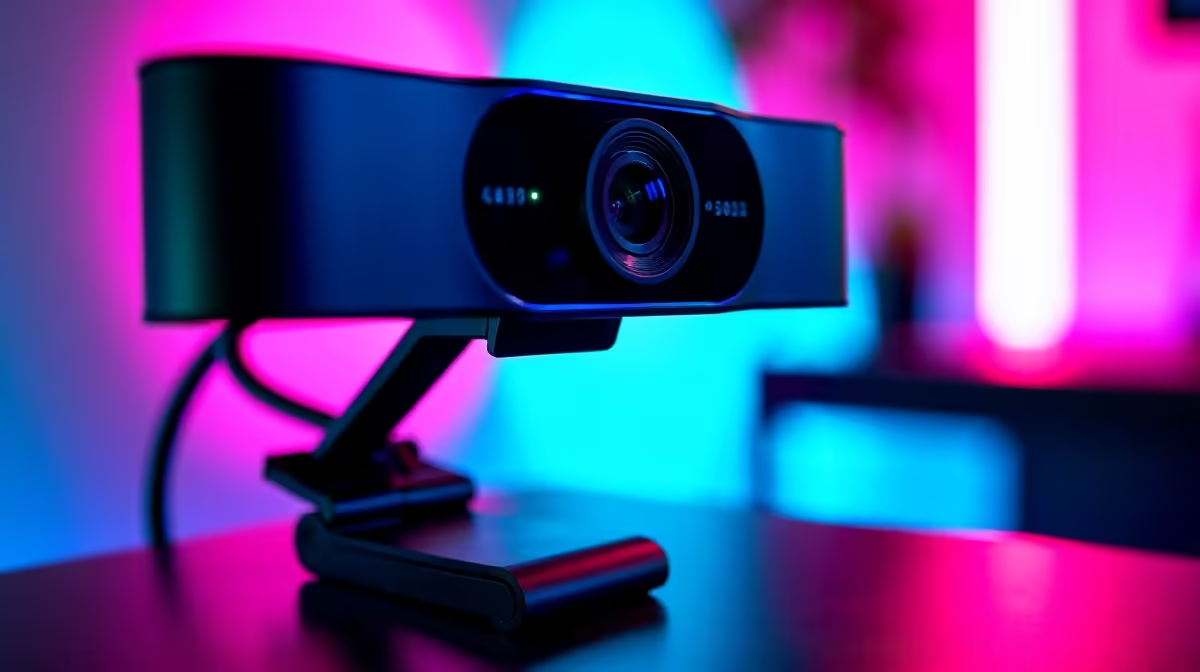
High-energy gaming introduces a vibration problem that most camera guides ignore entirely. When a session gets intense, keyboard strikes become forceful, mouse clicks turn into slaps, and every physical impact sends a shock wave across the desk surface. A webcam shake problem on a gaming stream is almost never a camera setting issue; it is a mechanical one. The mount absorbs or transmits that energy, and most inexpensive stands choose the wrong option.
Quick Answer
Gaming desk vibration comes from heavy keyboard and mouse impacts that travel through the desk surface and up a light stand. Fix it with a weighted metal-base stand of at least 600g, a damping pad under the foot, or a clamp arm positioned away from the keyboard zone.
🔧 Where the Shake Actually Comes From
A hard keyboard strike sends a pressure wave through the desk surface. That wave reaches the camera stand's base and climbs the column to the camera head, where the energy becomes fractional movement. On video, that reads as jitter that degrades the feed quality.
The severity depends on desk rigidity and the stand's base mass. A hollow particle-board desk amplifies the wave; a solid timber or steel desk absorbs some of it. A 200g hollow plastic base transmits almost all it receives; a 600 to 800g metal base absorbs a meaningful fraction.
The keyboard zone, roughly 30 to 40cm directly in front of the player, is the worst spot. Stands placed toward the monitor or to one side intercept noticeably less vibration before the question of base weight even comes into play.
⚡ Stand Base Weight and Material
Metal base stands in the 600 to 800g range absorb mid and high-frequency vibration before it climbs the column. Metal construction also resists the micro-flex that plastic bases show under impact, which converts compression into lateral movement at the column root.
A wide, low base geometry adds to the benefit. A foot spanning 150mm or more lowers the centre of gravity and resists tipping under repeated directional hits.
If a heavy-base stand is not available, a 5mm rubber or foam pad under the foot dissipates shock before it enters the column. Self-adhesive furniture pads from any hardware store achieve this for under R30.
🎯 Clamp Arms as an Isolation Strategy
A clamp arm grips the side of the desk panel instead of occupying any surface area, which alters the vibration path entirely. The clamp still receives vibration through the desk structure, but the route from keyboard to clamp point is longer and passes through more material than the short direct path to a standing base.
The strongest isolation comes from clamping on the opposite edge of the desk from the keyboard zone, or on a side return desk surface that is structurally separate from the main panel. In a corner desk setup common in Cape Town gaming rooms, the camera arm on the side return experiences almost none of the main panel's keyboard vibration.
Clamp arm installation requires a desk edge between 10 and 60mm thick for most standard clamp designs, and the edge must be accessible without drawers or trim blocking the clamp jaw. Check both conditions before buying.
Frequently Asked Questions
What causes the webcam to shake during gaming streams?
Forceful keyboard and mouse impacts send vibration across the desk surface, up the stand column, and into the camera head, producing small rapid movements that appear as jitter on the feed. The lighter and less rigid the base, the more of that energy reaches the lens.
How much does base weight matter for camera stability during gaming?
It matters considerably. A metal base weighing 600 to 800g absorbs a substantial fraction of desk vibration before it reaches the column, while a hollow 200g plastic base transmits almost all of it. The shake difference at the lens is noticeable at normal gaming intensity without any other changes to the setup.
Does positioning the camera stand away from the keyboard help?
Yes, meaningfully. The keyboard zone, roughly 30 to 40cm directly in front of the player, generates the most vibration. Moving the stand base 25 to 30cm away from that zone, toward the monitor or to a desk side, reduces the vibration amplitude the stand receives before the question of absorption even arises. Position is the easiest free adjustment.
Will a rubber pad under the stand base make a difference?
Yes. A 5mm rubber or dense foam pad absorbs high-frequency shock before it enters the stand column, and the improvement is noticeable on hard or hollow-core desks. Self-adhesive furniture pads from a hardware store achieve this for under R30 with no modification to the stand.
Which mount type holds most steadily during intense play?
A heavy metal-base stand or a clamp arm positioned away from the keyboard zone. Both outperform light tripod stands under gaming conditions. The clamp arm has the additional advantage of separating the camera from the desk surface vibration path entirely, which suits desks where the surface is particularly resonant.
Ready to get a steady camera feed through even your most intense gaming sessions?
Browse the desktop camera mounts and clamp arms at Evetech for weighted stands built to hold their position under real desk conditions.