Quick Answer
For a first-year student setup, a docking station matters once you have a laptop and a separate monitor and want a one-cable desk. It is a second-phase purchase: sort the R8,000-plus laptop and a screen first, then add a R1,200 to R2,000 USB-C dock so the same laptop becomes a tidy home workstation and stays portable for lectures.
When A Dock Earns Its Place For First-Years
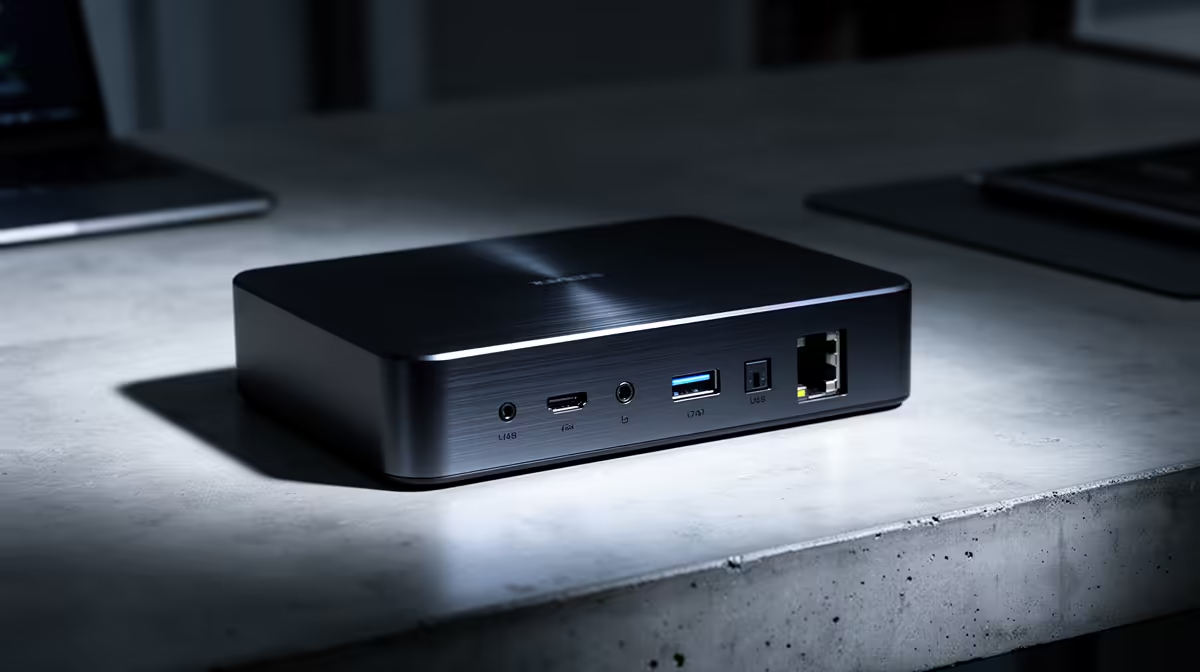
A dock is worth it the moment you run an external monitor at your res desk. One USB-C cable then connects the screen, a full keyboard, wired Ethernet and charging - so the laptop docks and undocks in seconds between desk study and class.
If you are still working on the laptop screen alone, hold off. The dock adds value only when you have peripherals to consolidate. Spend the early budget on RAM and storage in the laptop instead.
What To Check Before Buying
Confirm the laptop's USB-C port supports DisplayPort Alt Mode, or the dock cannot output video. A single 1080p or 1440p monitor at 60Hz suits essays, slides and research; you do not need high refresh.
Most study laptops charge fine off a 65W to 100W dock, so one cable handles power too. Keep it simple: Gigabit Ethernet for stable res internet, a couple of USB-A ports, and one display output.
Spend Bands
A R1,200 dock covers one monitor, Gigabit Ethernet and USB ports. Around R1,800 to R2,000 adds dual display and full 100W charging if you expect a second screen later.
FAQ
Do I need a dock in my first year?
Only once you add an external monitor. Until then the laptop alone is enough. A dock's value is consolidating a screen, keyboard, Ethernet and charging into one cable.
Will the NSFAS allowance cover a laptop and dock?
The NSFAS R5,200 device allowance does not even cover the cheapest R8,000 laptop. Treat the dock as a later, separate purchase after the laptop is funded.
What dock features matter for studying?
Gigabit Ethernet for a stable wired link, one 1080p or 1440p display output at 60Hz, a couple of USB ports and 65W to 100W charging. Skip high-refresh and dual-4K features.
Sort the laptop and one monitor first, then add a USB-C dock with Gigabit Ethernet and 100W charging to turn your res desk into a one-cable workstation.