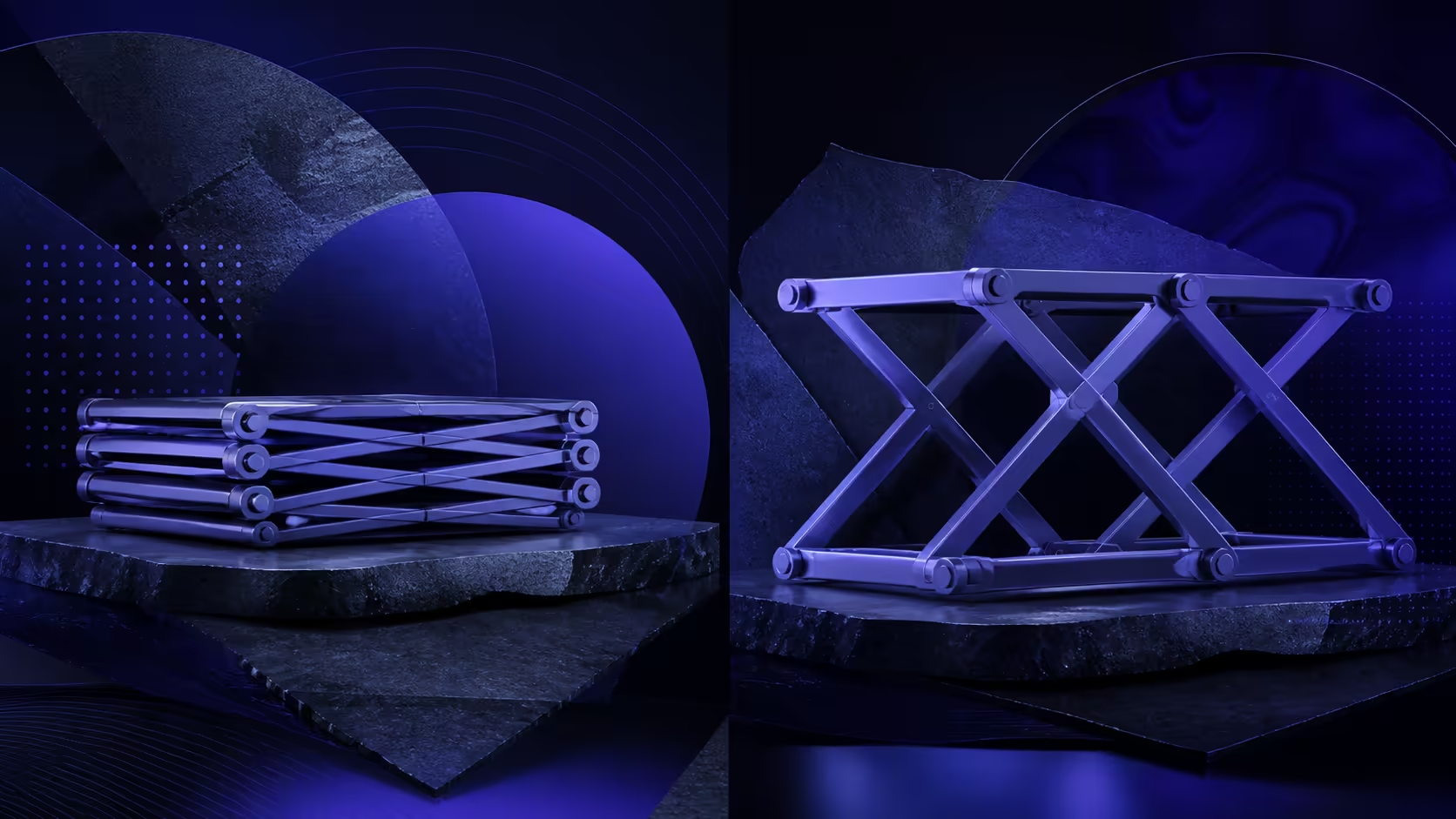
A foldable vs non-foldable monitor stand comparison begins with what happens before and after the screen is used. Folding changes the storage form, while a non-folding model keeps more of its working shape. The practical value depends on transport, setup frequency and available space.
Quick Answer
The UStand folds fully flat to slide into a laptop sleeve, giving travel and storage advantages that a rigid non-folding stand cannot match.
At R399, the aluminium UPERFECT UStand folds flat for travel and reopens with a 135-degree arm and 360-degree rotation. Select a folding design when compact storage and repeated setup matter; evaluate a non-folding alternative by its own fit, working form and storage demands.
🧳 Compare the Packed Form
Start with the actual bag, drawer or shelf. Measure the free space and note what else will sit beside the stand. Foldable describes a change in shape, not an exact packed size, weight or level of travel protection.
The UStand closes flat after the device is removed. Place it where keys, chargers or other hard objects cannot press into the moving parts. A non-folding stand may need a different storage plan because its active form remains, though the exact result varies by model.
Think about frequency too. A stand packed twice a day creates a different routine from one moved once a month. Repeated convenience comes from a clear open-mount-remove-close sequence rather than folding alone.
🖥️ Check the Reopened Setup
After travel, unfold the empty UStand and inspect its contact with the new surface. Then confirm the display is within its 7-15.6-inch range and seat it against the anti-slip rubber. Do not assume yesterday's position transfers perfectly to a different desk.
Use the folding arm's 135-degree travel to establish the supported position. The screen can then rotate through 360 degrees when orientation must change. Recheck seating and cable clearance after both movements.
Explore portable monitors at Evetech when selecting a screen whose size and connector arrangement suit a mobile setup.
🔄 Count Useful Functions
Folding does not remove the UStand's conversion options. The same aluminium structure can become a tripod or selfie stick. Decide whether those formats replace separate items in the travel kit or simply add complexity you will not use.
A non-folding design may focus on a single desk role. Compare its identified features rather than assuming it is automatically stronger, steadier or more durable. Those outcomes require evidence from the particular product and setup.
Mounted charging is another workflow consideration. Leave a clear connection path after reopening the UStand, and avoid routing the lead through a moving joint or under a contact pad.
📋 Run a Travel Rehearsal
Perform the complete sequence at home: remove the device, disconnect power, fold the stand, pack it, unpack it and rebuild the screen arrangement. Time the routine and note any cable or fitting confusion.
Review Evetech monitor accessories for the rest of the kit, checking each product's own compatibility. The stand's fit span cannot confirm cables, sleeves or other accessories.
Choose the format whose full routine fits the way you move. Flat folding has clear storage relevance, but the display fit and working position after reopening remain equally important.
Flat storage does not remove its deployed range: the aluminium unit opens into a 135-degree arm and 360-degree rotating head for devices from 7 to 15.6 inches. Anti-slip rubber and an anti-tip base restore desk stability after travel. Keep the supplied hex key with the stand, and check the joints after unpacking before placing a valuable screen on the extended arm.
Count bag space with the stand closed and compare desk stability with it open. A travel mechanism succeeds only when both states serve their separate jobs.

Frequently Asked Questions
How does the UStand pack after use?
It folds into a flat form once the display and charging lead are removed, reducing the shape that needs to be stored.
What is the main trade-off with a non-folding stand?
It generally keeps its working form rather than closing flat, but exact storage space and benefits depend on the specific design.
Does folding remove the adjustment features?
No. When reopened, the UStand retains its 135-degree arm travel and complete rotational movement for the screen.
Can the folded stand change into other formats?
The aluminium unit converts into tripod and selfie-stick arrangements. Exact device fit should be verified again for each format.
Which displays fall within its compatibility range?
Portable displays measuring from 7 through 15.6 inches are covered, subject to proper body and connector clearance.
What protects contact areas during normal use?
Rubber around the touch zones contributes grip when the stand is clean, correctly opened and properly seated.
Need a stand that leaves the desk with you?
Explore foldable monitor stands at Evetech after testing your full pack, unpack and cable-routing routine.