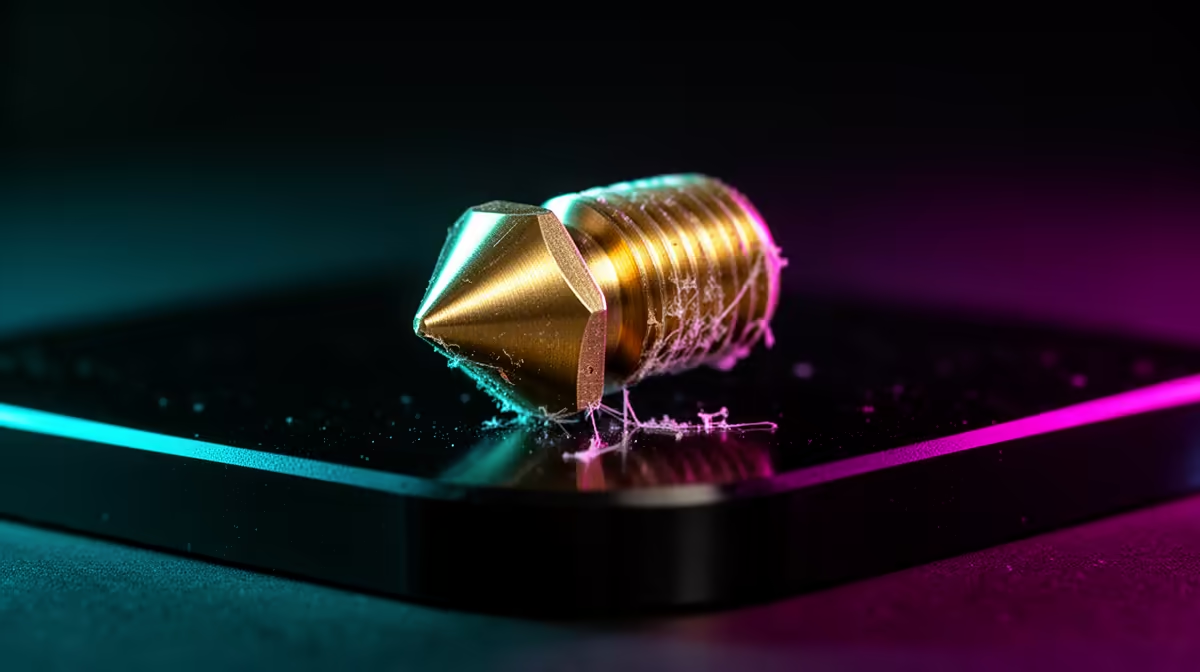
A filament feed that grinds, clicks, then stops dead usually means the molten plastic has nowhere left to go. A fully clogged 3D printer nozzle is the most frustrating failure on any FDM machine because the blockage sits where you cannot see it, baked into a 0.4mm bore. The fastest reliable fix is not a fresh nozzle or a teardown. It is a cold pull, where you let the hotend cool with filament still loaded, then yank the whole debris plug out in one piece.
Quick Answer
Heat the hotend to around 220 C so the blockage fully softens, let it cool to roughly 90 C for PLA (closer to 110 C for PETG), then pull the filament straight up firmly by hand. The cooled tip drags the carbon, dust and burnt plastic out with it. A clean cone shape on the pulled end means the bore is clear.
Why a cold pull beats a needle on a full clog
A cleaning needle only reaches the bottom few millimetres of the nozzle tip. A full clog often packs the entire melt zone and the throat above it, well past where any needle can travel. The cold pull works differently. The filament bonds to every bit of debris while hot, then stiffens as it cools, so when you pull it out the whole contaminated column comes with it instead of being pushed deeper.
Transparent PETG is the favourite material for this job because it grips residue strongly and resists snapping under load. PLA works too and is more forgiving on temperature. Whatever you load, the principle is the same: get it tacky, let it set, pull it free.
Step-by-step cold pull
Start by removing any Bowden tube or unclipping the extruder arm so the filament can move freely by hand. Heat the nozzle to about 220 C and push 30 to 40mm of fresh filament through until it extrudes, even if it oozes weakly. That fresh plastic fuses to the clog.
Now drop the temperature. Let the hotend fall to around 90 C for PLA. You want it firm but still slightly pliable, not rock hard. When it reaches that window, grip the filament close to the entry point and pull straight up with steady, confident force. It should release with a small pop, bringing a moulded plug of debris on the tip.
Inspect the pulled end. A clean, glossy cone means success. Black flecks or a ragged shape mean you removed grime, so repeat the cycle two or three times until the tip comes out clean. If you have quality maintenance tools to hand, the spare nozzles and cleaning kits in the 3D printing accessories and spares range make repeat pulls quicker and safer than improvising.
When the cold pull will not work
If three or four pulls still leave thin, gappy lines, the clog may be metallic or the nozzle bore may be scored from an old jam. At that point a fresh nozzle is cheaper than your time. Persistent clogs also point to upstream causes: filament left exposed to humidity, printing too cold, or grinding heat creep from a fan that has failed. Fixing the cause stops the next jam before it starts.
Frequently Asked Questions
What temperature should the nozzle be when I pull?
Aim for around 90 C with PLA loaded and roughly 110 C with PETG. The filament needs to be set firm enough to hold its shape but soft enough to deform and release rather than snap off inside the throat.
Can I use any filament for a cold pull?
You can, but transparent PETG and standard PLA work best. PETG adheres aggressively to debris and is mechanically strong, while PLA is easier to judge by temperature. Avoid flexible filaments, which stretch instead of pulling the plug free.
How do I know the pull actually cleared the clog?
Look at the tip of the removed filament. A clean nozzle leaves a smooth cone with no dark specks. If it comes out ragged or carrying grit, that grit was your blockage, so run another cycle until the cone is clean.
Why does my nozzle keep clogging after I clear it?
Repeat clogs usually trace back to damp filament, a printing temperature set too low for the material, or heat creep from a weak hotend fan. Dry your filament, raise the temperature slightly, and confirm the part cooling and heatsink fans both spin freely.
A clogged nozzle does not have to mean a ruined weekend. Master the cold pull, keep a few spare nozzles on hand, and you will be printing again in minutes. Browse the full 3D printer range at Evetech when you are ready to upgrade your machine or stock up on consumables.