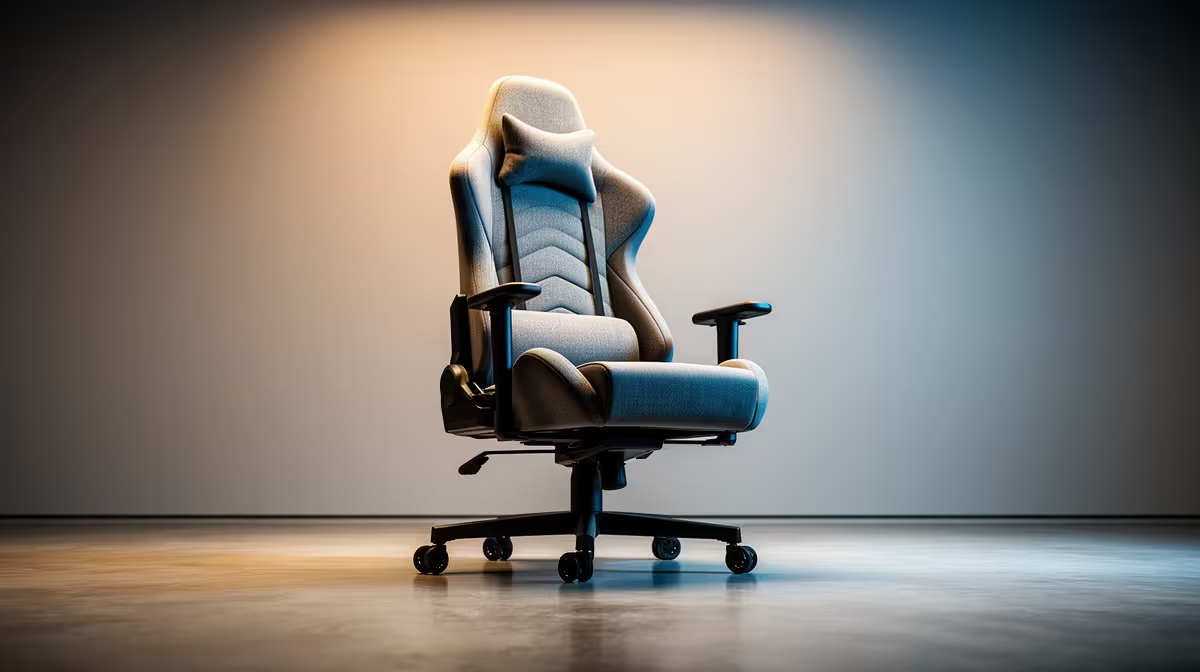
A gaming chair can improve comfort during long family video calls, but it does not sharpen the camera, fix echo or stabilise the internet connection. Choose the seat for body fit and desk height. Handle picture, audio and networking as separate parts of the call setup.
Fit the chair to the calling desk
The GAMDIAS ZELUS E5 gaming chair costs R1,540 in the verified facts. Confirm current stock, dimensions, weight rating, adjustment range, material, assembly requirements and warranty. Compare seat depth and armrest positions with the user rather than assuming that gaming styling suits every body.
Set the seat so both feet rest securely and the front edge does not press behind the knees. Keep elbows relaxed, then check whether armrests clear the desk. The camera should sit near eye level without forcing the caller to lean forward or recline. Test the framing with the chair in its normal position.
Use headphones if speaker echo reaches relatives, and run a wired-network test when calls freeze. Place light in front of the caller rather than behind. Stand between long conversations and keep cables away from the chair wheels. Buy the chair when its fit improves the whole desk routine, with camera, microphone and network problems solved by the equipment responsible for them.
Improving a family video-call desk? > Ask Evetech to compare chairs, webcams and headsets.