Quick Answer
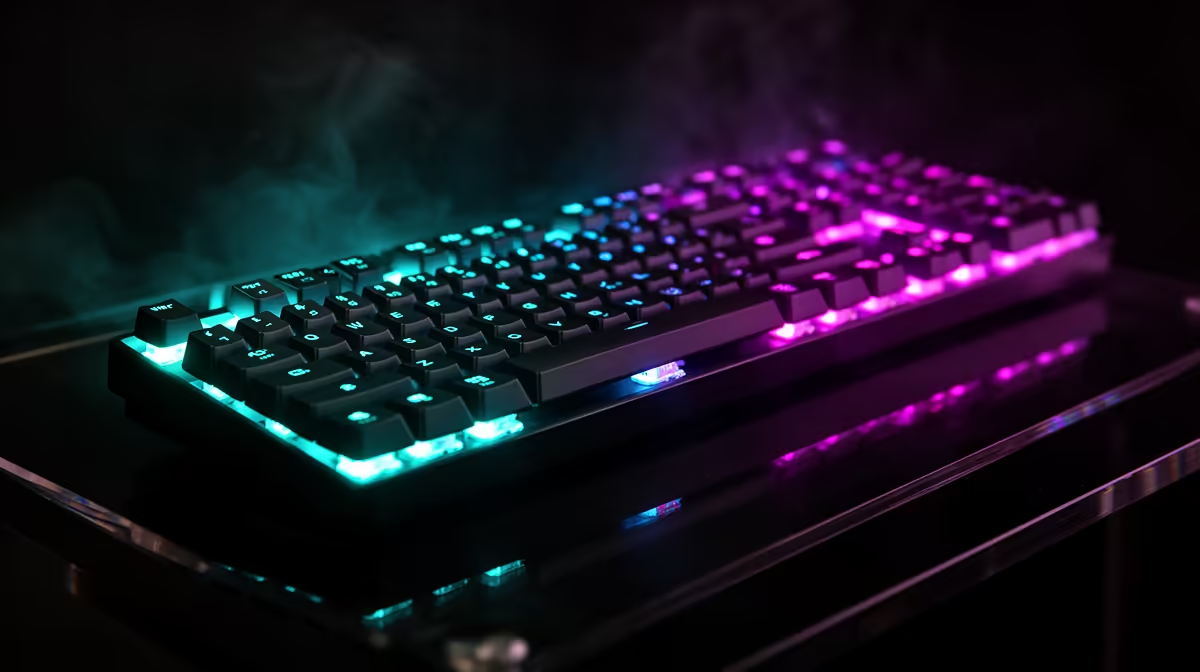
For space-limited buyers, paying for low wireless latency on a gaming keyboard is worth it when you play fast competitive games - a 2.4GHz receiver delivers near-wired response (often 1ms polling) while clearing the desk of cable clutter. A solid compact wireless gaming keyboard runs R900 to R2,500 at Evetech. For casual typing and slower games, Bluetooth is fine; for competitive play on a small desk, the low-latency receiver earns its cost.
Why The Connection Type Matters
Not all wireless is equal. A dedicated 2.4GHz receiver is built for low-latency input and feels essentially wired - many gaming keyboards hit a 1ms polling rate over it, fine for competitive shooters and rhythm games. Bluetooth, by contrast, is convenient for switching between a tablet, laptop and keyboard but adds latency that can feel less direct in fast games.
For a space-limited buyer, the win is dual purpose: a compact wireless keyboard clears the desk of a cable while a 2.4GHz receiver keeps gaming response sharp. That combination is what justifies paying for low latency.
When To Pay And When To Save
Pay for a low-latency 2.4GHz keyboard if you play fast competitive games and want a clutter-free compact desk. A tenkeyless (TKL) or 60% layout saves the most space while leaving room for low-sensitivity mouse swipes. Look for one with both a 2.4GHz receiver and Bluetooth so you get gaming response and device-switching flexibility.
If you mainly type or play slower games, save the money - a good Bluetooth compact keyboard feels excellent for that and costs less.
Spend Bands
A compact wireless gaming keyboard with a 2.4GHz receiver runs R900 to R1,800. Premium low-latency mechanical models with hot-swap switches and dual connectivity sit at R2,000 to R3,500.
FAQ
Is wireless latency worth paying for on a keyboard?
For fast competitive games, yes. A 2.4GHz receiver gives near-wired response, often a 1ms polling rate, while clearing the desk. For casual typing and slower games, Bluetooth is fine and cheaper.
What layout saves the most desk space?
A tenkeyless (TKL) drops the number pad, and a 60% layout is smaller still - both free desk space for low-sensitivity mouse swipes, ideal on a small desk while keeping the keys you game with.
Is 2.4GHz better than Bluetooth for gaming?
Yes. A dedicated 2.4GHz receiver is built for low latency and feels essentially wired. Bluetooth adds latency that suits device-switching and typing more than fast competitive gaming.
play on a small desk, choose a TKL or 60% keyboard with a 2.4GHz receiver, not Bluetooth - it gives near-wired response while clearing the desk of cable clutter.