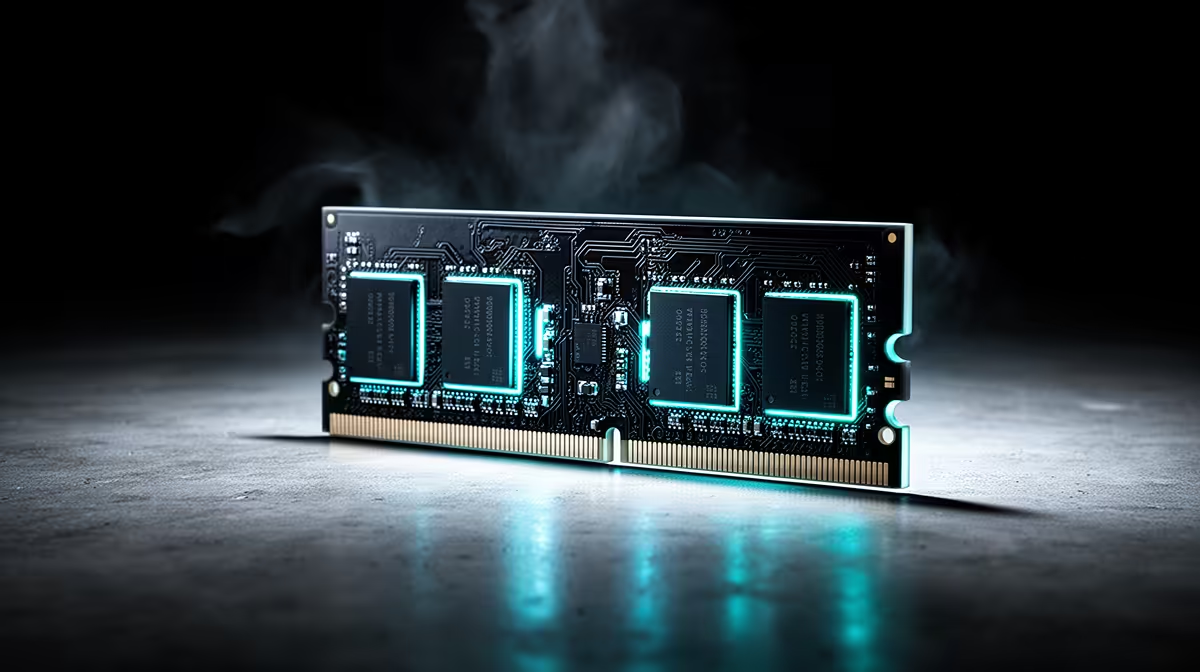
Graphics memory often runs hotter than the GPU reading most overlays put first. Safe GDDR6 and GDDR7 temperatures come from the exact memory specification, sensor type and card design rather than a CPU-style rule.
Quick Answer
GDDR6 and GDDR7 memory temperatures must be judged against the exact graphics card, memory type, sensor and maker guidance. A junction reading near 100 degrees Celsius can sit within a component's operating design on one card and signal a cooling problem on another. Compare the value with the card's documented limit, watch whether performance throttles and look for a change from the card's own clean baseline.
Sensor names matter
Monitoring software may show GPU core temperature, hotspot, memory junction, memory case or no memory sensor at all. These readings come from different places and cannot share one universal safe target.
Update the monitoring tool and identify the sensor source. If several tools disagree, compare versions and the card support list. A blank or fixed value may mean the sensor is unsupported rather than cool.
GDDR generation does not settle temperature. Voltage, data rate, package placement, cooler contact, case airflow and workload all affect the reading.
Build a repeatable baseline
Record ambient room temperature, fan speed, power setting and case configuration. Run the same game or memory-heavy benchmark for twenty minutes, then note core, hotspot, memory and clock behaviour.
Repeat after cleaning filters or changing fan curves. A one-degree shift is noise in many home tests. A large sustained rise under the same conditions deserves investigation. Save the first clean run for future seasonal comparisons.
Look at clocks and power beside temperature. Thermal protection can reduce performance near a limit, but do not rely on throttling as a maintenance plan.
Airflow and contact solve different faults
If memory temperature falls with the side panel removed and a room fan pointed towards the case, intake or exhaust flow may be weak. Clean filters, confirm fan direction and leave space around the GPU.
If the core stays controlled while memory runs far hotter than its historical baseline, cooler contact or pad condition may be involved. Opening a graphics card risks damage and can affect support. Use the warranty or qualified service route before replacing thermal pads on a covered product.
Blower and open-air coolers move heat differently. The case and card design decide the result, so neither style gets a blanket temperature verdict.
Check evidence before buying another card
Compare reviews of the exact board revision and memory configuration under controlled load. Use the graphics-card range for exact model details and the GPU best-seller page for current alternatives.
FAQ
Does 100 degrees mean the memory is failing?
It depends on the exact sensor and component specification. Check the card maker's limit, throttling and change from baseline.
Can high temperature shorten memory life?
Heat can add stress over time. Keep the card within documented operation and fix abnormal cooling behaviour.
Can I trust monitoring software?
Use a current version that supports the card and confirm the sensor label. Compare more than one tool when a reading looks wrong.
Record your card's memory sensor, clocks and fan speed under one repeatable load, then compare the result with exact-model guidance.