


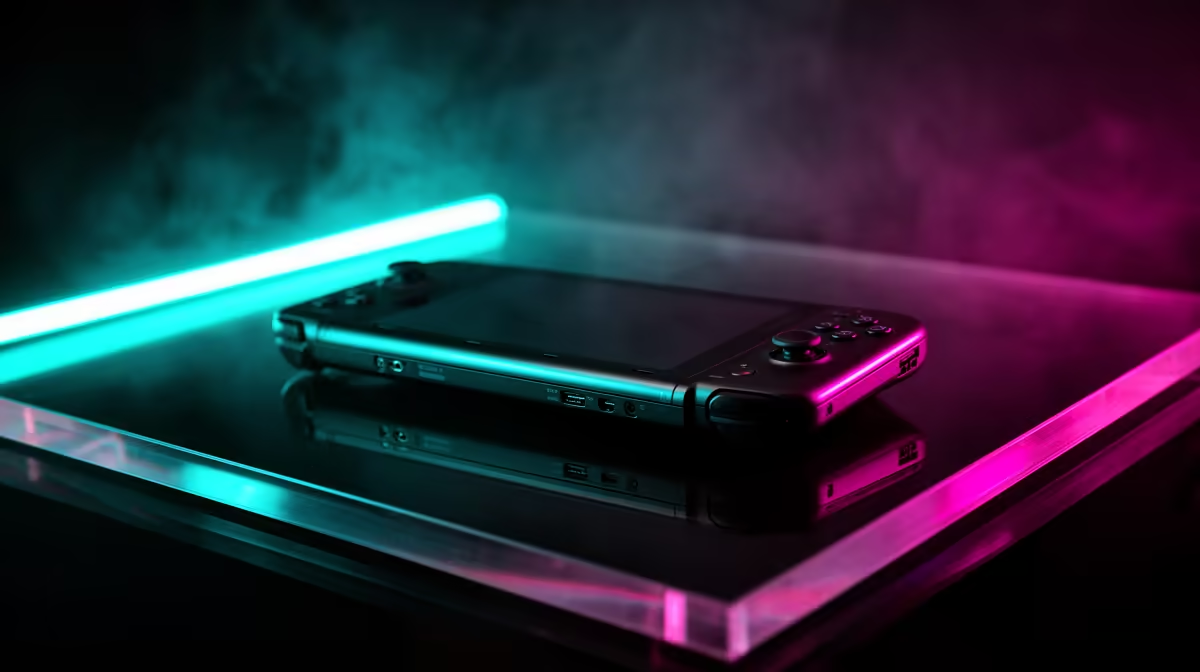
Late-night gaming in a shared home means fan noise becomes the real spec to chase. A handheld can be near-silent if you set it up for it.
Quick Answer
Handhelds are excellent for quiet late-night play because you can cap wattage and frame rate to keep fans low, and headphones remove speaker noise entirely. A capped Z1 Extreme handheld can hold 30-40 fps at well under full fan speed. Quiet-capable handhelds are stocked locally from around R10,000.
Starter Setup for Silence
Start by capping the TDP to 10-12W and locking frame rate to 30 or 40 fps in less demanding titles. This drops fan RPM sharply while keeping gameplay smooth. Use a good closed-back headset or wired in-ears so nothing leaks to the room.
Upgrade Path When You Want More
If you later want louder performance for AAA games, raise the wattage cap on mains power and accept more fan noise, or dock to a monitor with a separate cooling pad. A cooling stand (around R300-R600) lets the unit run cooler and quieter at the same wattage.
What Not to Spend On
You do not need a high-wattage charger upgrade or aftermarket fans for quiet play; the wins come from software caps, not hardware. Save that budget for storage and a comfortable headset.
FAQ
How do I make a handheld quieter at night?
Cap the TDP to 10-12W and limit frame rate to 30-40 fps. Lower power means lower fan speed, and a headset removes speaker noise so you stay quiet in a shared space.
Does capping frame rate hurt the experience?
For late-night, slower-paced play it rarely does. A locked 40 fps feels smooth and runs far quieter than chasing maximum frames, while extending battery life noticeably.
What accessories help with quiet handheld gaming?
A cooling stand around R300-R600 lowers fan RPM at a given wattage, and a quality closed-back headset keeps audio off the room. Neither is essential but both help.
late-night sessions, cap TDP to 10-12W, lock frame rate to 40 fps, and use a wired headset; software limits cut fan noise more than any hardware.










