


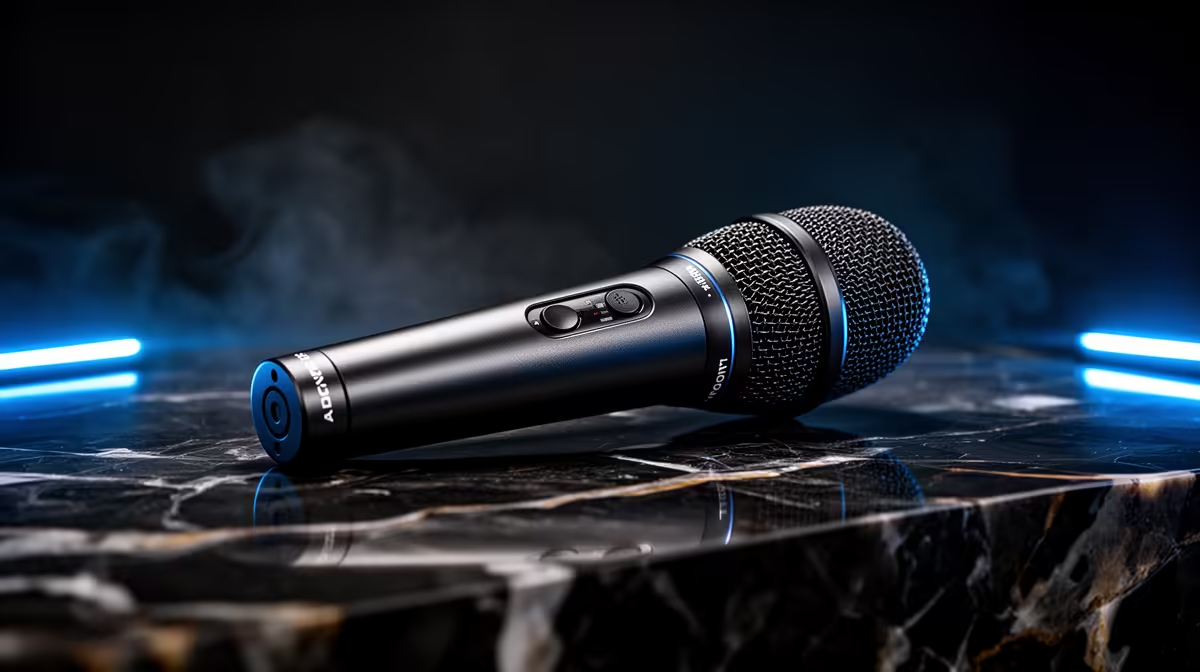
Software noise filters come and go with app updates, and on a busy PC they compete for the same CPU cycles your game or capture session needs. A microphone with a dedicated hardware-based background distraction reduction chip skips that trade-off entirely. The DSP runs in the mic body, processes the signal before it leaves the device, and delivers cleaned audio to every application without touching the processor.
Quick Answer
Hardware-based background distraction reduction uses a DSP chip inside the microphone to filter noise before the audio reaches your PC. It works in every app automatically, saves the CPU load a software filter would consume, and stays consistent across reinstalls and driver updates.
🔌 What a DSP Chip Does That Software Cannot
A digital signal processor built into a microphone is purpose-designed for one job. It handles real-time audio analysis and filtering in dedicated silicon, without any dependency on the host computer's processor, memory, or operating system.
Software noise reduction runs as a process on the CPU. It intercepts audio after it has arrived on the PC, applies the noise model, and passes the result to whichever app is listening. This works reliably on a machine with plenty of headroom. Under streaming or gaming loads, the CPU is juggling multiple demanding tasks simultaneously, and the noise filter adds to that competition.
The hardware chip has no such competition. It processes the signal independently on its own silicon, at consistent speed, regardless of whether the CPU is at 20 percent load or 95 percent. The result is that a content creator on a mid-tier PC gets the same filtering quality during a heavy stream session as they get during an idle test recording.
Another distinction is scope. A software filter in Discord cleans audio for Discord. A software filter in OBS cleans audio for OBS. Enabling both requires configuring both. A hardware chip processes audio at the source, so Discord, OBS, Zoom, and any game receiving voice input all get the cleaned signal from a single setting on the mic.
⚡ Consistency Across Reinstalls and Updates
A software filter changes every time the application that hosts it updates. A new version of a noise suppression plugin can shift its threshold settings, alter how aggressively it processes certain frequency ranges, or change its latency profile. For a creator who has found settings that work, an app update is a potential disruption.
The DSP chip in a hardware mic applies the same algorithm in the same silicon every session. Installing a fresh copy of Windows, swapping motherboards, or upgrading to a new PC does not change how the mic sounds. The filtering logic lives in the device, not in any software stack on the computer.
This portability has practical value for creators who work across multiple machines or who rebuild their setup periodically. Plug the mic into any USB port on any PC, and the noise reduction works identically without any reconfiguration.
🎯 Raw Signal Bypass for Editors
Most DSP microphones include a bypass option, either a physical switch on the mic body or a setting in a companion app, that outputs the unprocessed audio signal. A content editor who wants full control over noise processing in a DAW, or who uses hardware outboard tools, can work with the raw waveform and apply their own noise chain in post-production.
This makes a hardware-processed mic more flexible than it might initially appear. The on-chip processing is the default for live use, streaming, and calls. The bypass is available for any workflow where post-production noise handling is preferred. Having both options on one device means the mic serves a creator at every stage of their workflow.
Frequently Asked Questions
What is a DSP chip in a microphone?
A DSP, or digital signal processor, is dedicated audio-processing silicon built into the mic body. It analyses and filters the audio signal in real time, on the device itself, before the output is sent to the PC via USB. This dedicated processing handles noise reduction without using any CPU, GPU, or system memory on the host computer.
Does hardware noise reduction survive a PC upgrade?
Yes. Because the filtering logic runs entirely on the chip inside the mic, it is independent of the PC's hardware and software environment. Swapping to a new motherboard, reinstalling the operating system, or moving the mic to a different machine all produce exactly the same filtered audio. No drivers or software need to be reconfigured; the mic processes the signal the same way regardless of what it is plugged into.
How consistent is hardware reduction compared to software?
Hardware applies the same algorithm every session without variation. Software filters can shift with app updates, system load changes, or driver version differences. For a creator who has dialled in a sound profile that works, hardware consistency means that profile holds from session to session without requiring periodic rechecks. Software options are capable but introduce more variables over time.
Can a DSP mic output the raw unprocessed signal?
Usually yes. Most hardware-processed mics include a bypass mode activated by a switch or a companion app setting. In bypass, the mic outputs the unprocessed waveform, which is useful for editors applying their own noise tools in post-production or for situations where the content creator wants full manual control over the processing chain. The default live mode uses the on-chip filtering; bypass is available for workflows where that is not preferred.
Which type of creator benefits most from a DSP microphone?
Creators running modest or mid-tier PCs get the most noticeable benefit, because freeing 3 to 6 percent CPU from a software filter is meaningful under a combined game capture and streaming load. Multi-app creators who switch between game capture, video calls, and recording sessions also benefit from not having to configure per-app noise suppression each time. The single hardware setting cleans audio for every application automatically.
Ready for noise reduction that works the same on every stream, every session, every app? Browse the USB microphone range with built-in DSP processing and find the hardware-processed mic that keeps your audio clean without touching your CPU.










