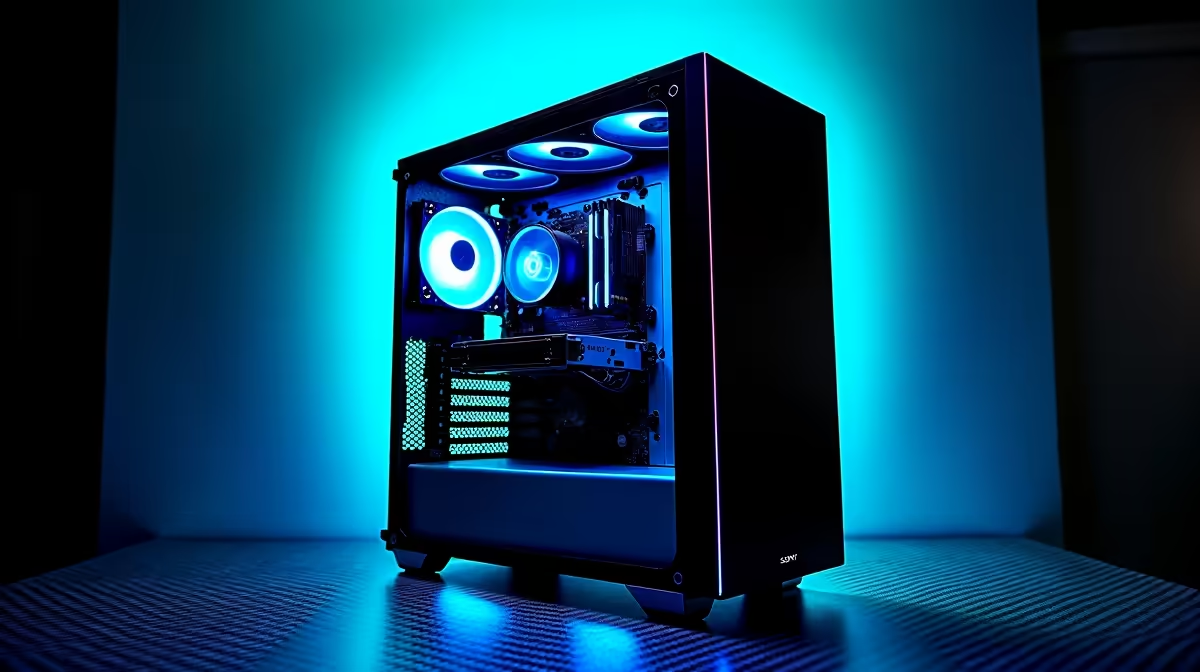
A high-airflow case is worth buying for a coding PC only when sustained builds, containers or local services reveal a measured cooling or noise problem. Learning syntax and debugging do not require a special enclosure, and memory or storage may be more important.
Profile the busiest developer workload and inspect current cooling
Run the normal editor, browser, tests, database, containers and compilation together long enough to reach stable temperatures. Record processor use, memory pressure, storage activity, fan noise and throttling. Inspect dust, intake blockage, fan direction and cable routing, then repeat after safe cleaning.
A specific high-airflow case and its selling price are not confirmed in the provided evidence. The TEAMGROUP VULCAN 32GB DDR5-6000 at R1,460 is a verified memory reference, not a case or proof of compatibility. Confirm live motherboard, cooler, graphics, fan and filter support independently.
Keep cables clear of fans, preserve project files in version control and tested backups, and avoid adding loud airflow without a measured temperature improvement. Check case dimensions before moving components and arrange competent help if wiring is unfamiliar.
Buy a new case when thermal or fit testing proves the need. Upgrade memory, storage or processor when developer tools identify those as the actual limits.
Cable routing and unobstructed intake matter as much as vent area, so sketch the completed component layout before choosing a chassis.
Improving a coding PC? > Compare Evetech systems against the real editor, tests and local services.