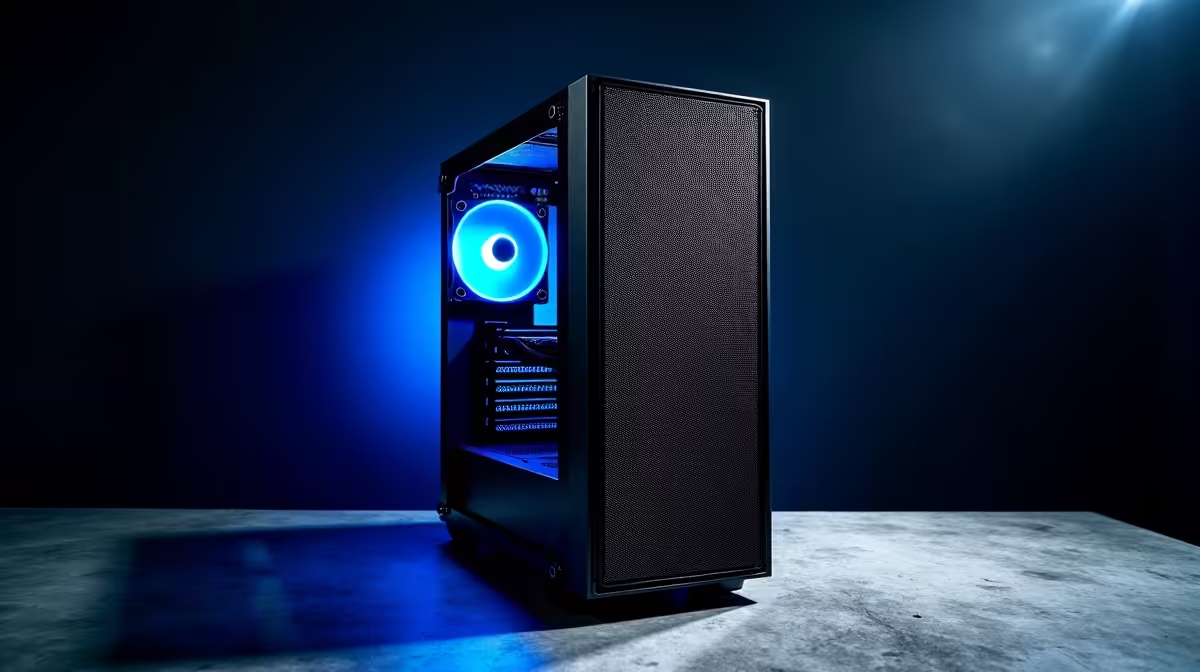
A high-airflow case can help a gameplay recording PC maintain stable temperatures during long gaming and encoding sessions. The verified facts contain no case model, so source one elsewhere after checking component dimensions, fan positions, filters and microphone placement. Airflow matters when current temperatures or fan noise show a problem; mesh styling alone is not proof.
Measure heat and sound together
The Palit RTX 5060 at R4,800 supplies verified graphics for a compatible tower and supported recording tools. The Cooler Master Elite Gold 850W ATX 3.1 PSU at R930 offers confirmed power capacity for a build whose parts require it.
The HyperX SoloCast 2 microphone at R690 provides verified USB voice capture for a compatible computer.
Record the busiest game sequence
Log CPU and GPU temperatures, clock behaviour and fan noise while playing and encoding the normal resolution. Move the microphone to its usual position and listen for low-frequency airflow in a silent section. Clean dust filters, correct fan direction and clear blocked vents before replacing the case. When sourcing a chassis elsewhere, confirm GPU length, cooler height, radiator clearance, front I/O and cable space. More fans can create turbulence or noise if the path is poorly planned. Back up recordings before hardware work and photograph every internal connection.
Improving a capture PC enclosure? > Send Evetech the components, temperatures and microphone position.