



550W PSU Planning for RTX 5080 Super Builds in SA
550W for RTX 5080 Super needs a full-build check, not a simple yes. Review GPU guidance, CPU draw, transient load, connectors, PSU quality, and upgrade plans before deciding.
Read moreA GPU running 75-83C under full gaming load is normal, and most current cards throttle safely around 90-95C rather than fail. Evetech lists each card's rated thermal limits on its product page for buyers checking specs.
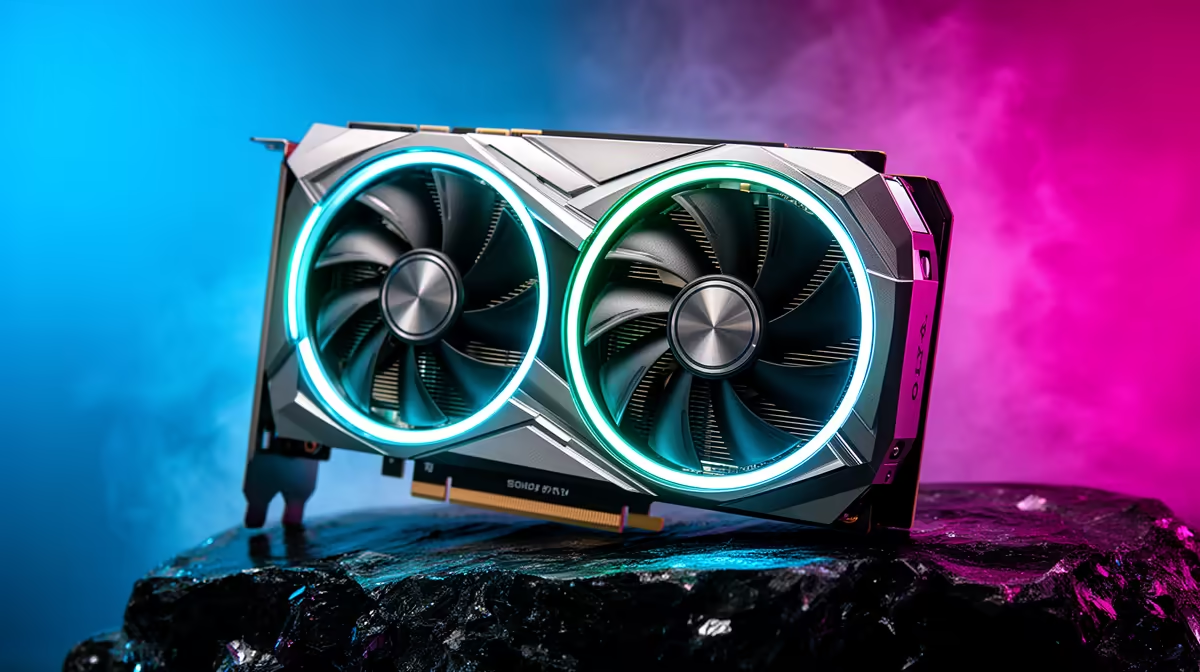
Your game has been running for twenty minutes, the fans have found their loudest setting and the overlay says 82C. That number can look alarming if you have never watched a GPU temperature graph before. The useful question is whether the card stays stable at a steady temperature, or keeps climbing while clocks fall and the case fills with hot air.
A GPU core sitting around 65C to 85C during gaming is common. Sustained readings near 90C deserve a check of dust, fans and case airflow, while a hotspot will read higher than the core. If you are protecting a new card such as the Palit RTX 5060 Infinity 2 OC, listed at R6,999 at Evetech in July 2026, judge the temperature during a real game instead of at the Windows desktop.
The core temperature is an average-style reading for the GPU die. Hotspot reports the hottest sensor on that die, so a gap between the two is expected. Memory junction, where available, measures another part of the card and follows its own limit.
Start with the core and hotspot during the same ten-minute run. A stable 78C core with consistent clocks tells a calmer story than a card that rises through the 80s, drops frequency and still cannot settle. Keep room temperature in mind too. A Johannesburg room at 28C gives the cooler less headroom than a cold winter office.
You can browse the current NVIDIA card selection to compare two-fan and three-fan designs, but chassis airflow still decides how much fresh air reaches either cooler.
Remove the side panel for one test and repeat the same scene. A large temperature drop points at the case: clean the front filter, confirm intake fans face the right way and move loose cables away from the GPU fans.
A tiny change suggests the cooler or fan curve needs attention. Check that every GPU fan spins under load. Listen for a failed bearing, and use the driver software to confirm the fan speed responds when you raise it. Do not replace thermal paste on a new card as a first step; opening the cooler can complicate warranty support.
Stop the test if you smell hot plastic, see smoke or hear a fan scraping. For a high but stable reading, return any overclock to factory settings and retest. A lower power limit can also show whether the cooler is struggling with the card's full wattage.
Save a screenshot showing temperature, fan speed, clock and power after ten minutes. That record helps if you compare your result with the graphics cards SA gamers are buying or need a support technician to assess the card.
Many cards settle between 65C and 85C, depending on cooler size, case airflow, room temperature and power draw.
It is high enough to investigate. Modern cards protect themselves by reducing speed, but you should check cooling before continuing long sessions.
Core shows a broader die reading. Hotspot reports the warmest sensor and should sit above it.
Modern protection can throttle or shut the card down. Treat that behaviour as a fault signal, not a cooling strategy.
Use the driver's metric overlay or a trusted monitoring tool, then log the same demanding scene for ten to fifteen minutes.
Planning a cooler-running GPU upgrade? Use Evetech's graphics-card listings to check card dimensions and cooler layout against your case before choosing the model that will sit under your desk.
Many cards settle between 65C and 85C, depending on cooler size, case airflow, room temperature and power draw.
It is high enough to investigate. Modern cards protect themselves by reducing speed, but you should check cooling before continuing long sessions.
Core shows a broader die reading. Hotspot reports the warmest sensor and should sit above it.
Modern protection can throttle or shut the card down. Treat that behaviour as a fault signal, not a cooling strategy.
Use the driver's metric overlay or a trusted monitoring tool, then log the same demanding scene for ten to fifteen minutes.
550W for RTX 5080 Super needs a full-build check, not a simple yes. Review GPU guidance, CPU draw, transient load, connectors, PSU quality, and upgrade plans before deciding.
Read more
8000Hz polling is overrated for most SA gamers because gains can be tiny next to battery drain and monitor limits. Mbombela players should weigh mouse feel, game support, and system stability before chasing the number.
Read more
Magnetic switches are taking over SA gaming keyboards because actuation can be tuned. For Sandton gamers, rapid trigger, reset control, and profile depth can help, but layout, key feel, and software quality still matter.
Read more
Polokwane oled monitor value questions need cautious SA context because pricing can move with availability, exchange rates, specs, and warranty support. Treat the trend as a planning signal, not a fixed price promise.
Read more
Arc B580 budget builds for Midrand gamers can shift with exchange rates, supply, specs, and model tier. Treat the title as a buying prompt, then compare SA warranty, timing, and build priorities.
Read more
ROG Ally X may beat the LCD Steam Deck for SA gamers who value stronger handheld performance, more memory, and Windows flexibility. Compare battery life, controls, game libraries, and Polokwane support needs before deciding.
Read more
Minisforum's M2 Pro pairs Core Ultra X7, Arc B390 graphics and 32GB onboard memory in 1.8 litres. SA buyers should weigh its fixed memory and $1,439 launch offer against local mini PCs.

Lenovo says Legion Go failures linked to BIOS N3CN42WW are not user error. Affected SA owners should stop retrying the update, preserve proof and open a support case.

Smart monitors can add apps and convenience, but they also add privacy settings and unwanted-software risk. SA buyers should audit the operating system before paying for extras.

A fake 113GB GTA VI ISO reportedly used empty padding around a small malware payload. SA gamers should delete unofficial builds, keep Windows security active and wait for official channels.

ASUS calls the ROG GT-BN98 the first Wi-Fi 8 gaming router. SA buyers should fix coverage and client limits before paying for a future wireless standard.

Apple's M6 Mac mini adds faster AI, graphics and networking in the same compact format. SA buyers should wait for a rand listing before comparing value.

The Vulcan II XP adds hot-swappable switches, sound damping and gaming controls to a full-size wired board. SA buyers should compare feel before features.

Microsoft says Windows on Arm now has over 7,000 verified apps and games. SA buyers should still check each driver, game and work tool before switching.
550W for RTX 5080 Super needs a full-build check, not a simple yes. Review GPU guidance, CPU draw, transient load, connectors, PSU quality, and upgrade plans before deciding.

Skyrim HD texture packs that actually run on RX 9070 helps SA readers plan hardware, settings, compatibility, and upgrade trade-offs. Check GPU, CPU, RAM, storage, monitor, and stability needs without risky performance claims.
8000Hz polling is overrated for most SA gamers because gains can be tiny next to battery drain and monitor limits. Mbombela players should weigh mouse feel, game support, and system stability before chasing the number.

Wi-Fi 7 or Wi-Fi 6e for streaming on twitch and youtube should be judged by fit, not a single winner. Compare compatibility, latency, capacity, upgrade path, cost planning, and South African setup needs.