Quick Answer
For online gaming in SA, 50-100Mbps fibre is enough for one player if latency and packet loss are clean. On a R12,000 setup, spend on a stable router, Ethernet cable and clean Wi-Fi layout before chasing a 500Mbps line that will not lower ping by itself.
Speed Versus Latency
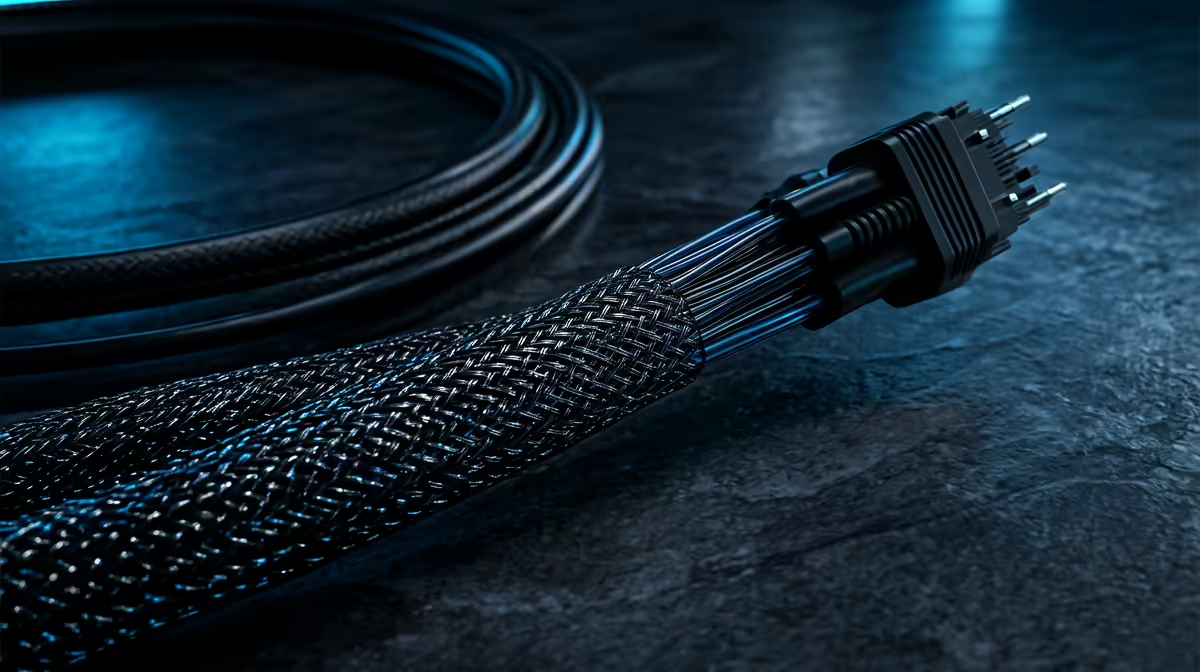
Game traffic is small; a match often uses under 5Mbps. Ping, jitter and packet loss decide how the game feels, so a 50Mbps or 100Mbps fibre line can play better than a faster line with weak routing or bad Wi-Fi. Use Ethernet for the main PC or console whenever the desk allows it.
If the house shares streaming, calls and downloads, add headroom. A family home may want 100-200Mbps so updates and video do not crowd the line during ranked games.
Router And Setup Checks
Use TP-Link Archer AX55, ASUS RT-AX58U, Wi-Fi 6 router as reference points and plan around R900-R4,500 for a router upgrade when the ISP unit is weak. Place the router away from metal, thick walls and the TV cabinet. For bedrooms far from the ONT, a wired run or mesh node with Ethernet backhaul is better than guessing with signal bars.
Packet Loss Fix Order
Test with Ethernet first, then compare Wi-Fi. If Ethernet is clean and Wi-Fi is not, the issue is local. If both show packet loss, record the time, server, ISP and traceroute notes before logging a fault. Vodacom Fibre, Openserve and Vumatel areas can behave differently by suburb, so evidence matters.
FAQ
Is 25Mbps enough for gaming?
It can work for one player, but 50-100Mbps gives safer headroom for updates, voice chat and other people online. Latency still matters more than headline speed.
Does faster fibre reduce ping?
Not automatically. Ping depends on routing, distance to the server, packet loss and home-network quality.
Should SA gamers use Wi-Fi or Ethernet?
Use Ethernet for competitive play when possible. If Wi-Fi is unavoidable, use 5GHz or 6GHz, keep the router close and avoid crowded channels.
Ethernet test before buying anything; it separates ISP faults from local Wi-Fi problems.