


For video editing on a generous R40,000 SA budget, storage stops being a compromise: you can run a high-throughput multi-drive system that keeps even 6K and 8K timelines fluid. The target is a fast OS drive, a large high-speed project drive, and bulk archive, all chosen for editing throughput.
Quick Answer
For video editing on R40,000, build a high-throughput storage tier: a 1TB Gen4 NVMe for the OS, a 2TB Gen5 or fast Gen4 NVMe (7,000 to 12,000 MB/s) for active 4K and 6K projects and cache, and a 4TB-plus archive drive. This handles Premiere Pro, DaVinci Resolve and After Effects smoothly, with drives stocked at Evetech.
Where The R40,000 Storage Budget Goes
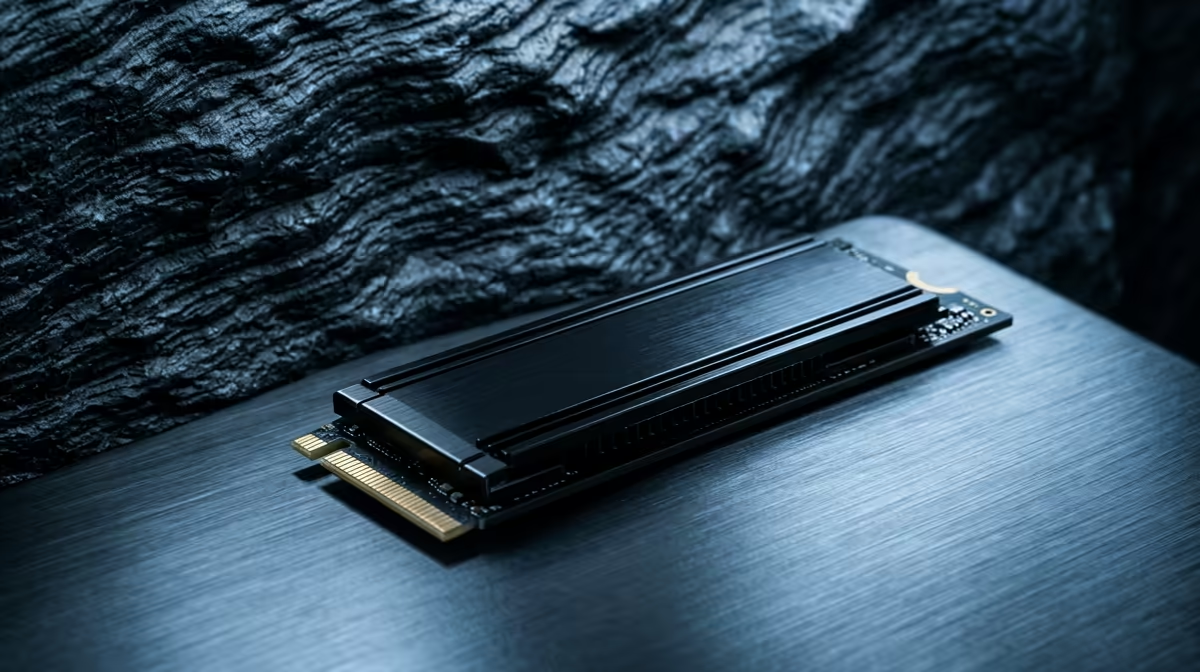
The active-project drive is the priority: a 2TB fast Gen4 NVMe (around R2,000) or a Gen5 NVMe (12,000 MB/s-plus, higher cost) for editors moving large 6K and 8K media. Keep the OS and editing apps on a separate 1TB NVMe so project reads and writes never compete with system I/O. A 4TB or larger archive drive stores finished projects and raw footage. This separation mirrors how professional editors structure scratch, project and archive storage.
SA Buyer Guidance
R40,000 supports this storage plus a strong editing rig: a Ryzen 7 9800X3D or 9900X, 32 to 64GB DDR5, and an RTX 5070 Ti or 5080 for GPU-accelerated Resolve exports. Gen5 NVMe genuinely helps only with very large media; for most 4K work, a fast Gen4 drive is the sweet spot and runs cooler. Keep drives 15 to 20 percent free for sustained speed. Evetech stocks Gen4 and Gen5 NVMe drives and archive storage for demanding editors.
FAQ
Is Gen5 NVMe worth it for video editing on R40,000?
Only for very large 6K and 8K media, where the extra throughput shows. For most 4K editing, a fast Gen4 NVMe is the cooler, more cost-effective sweet spot within the budget.
How should I structure editing storage on a R40,000 build?
Separate the OS drive, a large fast project and cache drive, and a bulk archive drive. This keeps system, active-project and storage I/O from competing, which keeps timelines fluid.
How much storage capacity do I need for editing?
A 2TB active-project NVMe plus a 4TB-plus archive drive suits most editors. 4K and higher footage consumes space rapidly, so capacity behind a fast scratch drive matters as much as speed.
R40,000 editing build, choose a fast Gen4 NVMe for projects unless you routinely cut 8K; Gen5's extra speed rarely shows in 4K work and the drive runs hotter for little real-world gain.










